 logo
logo



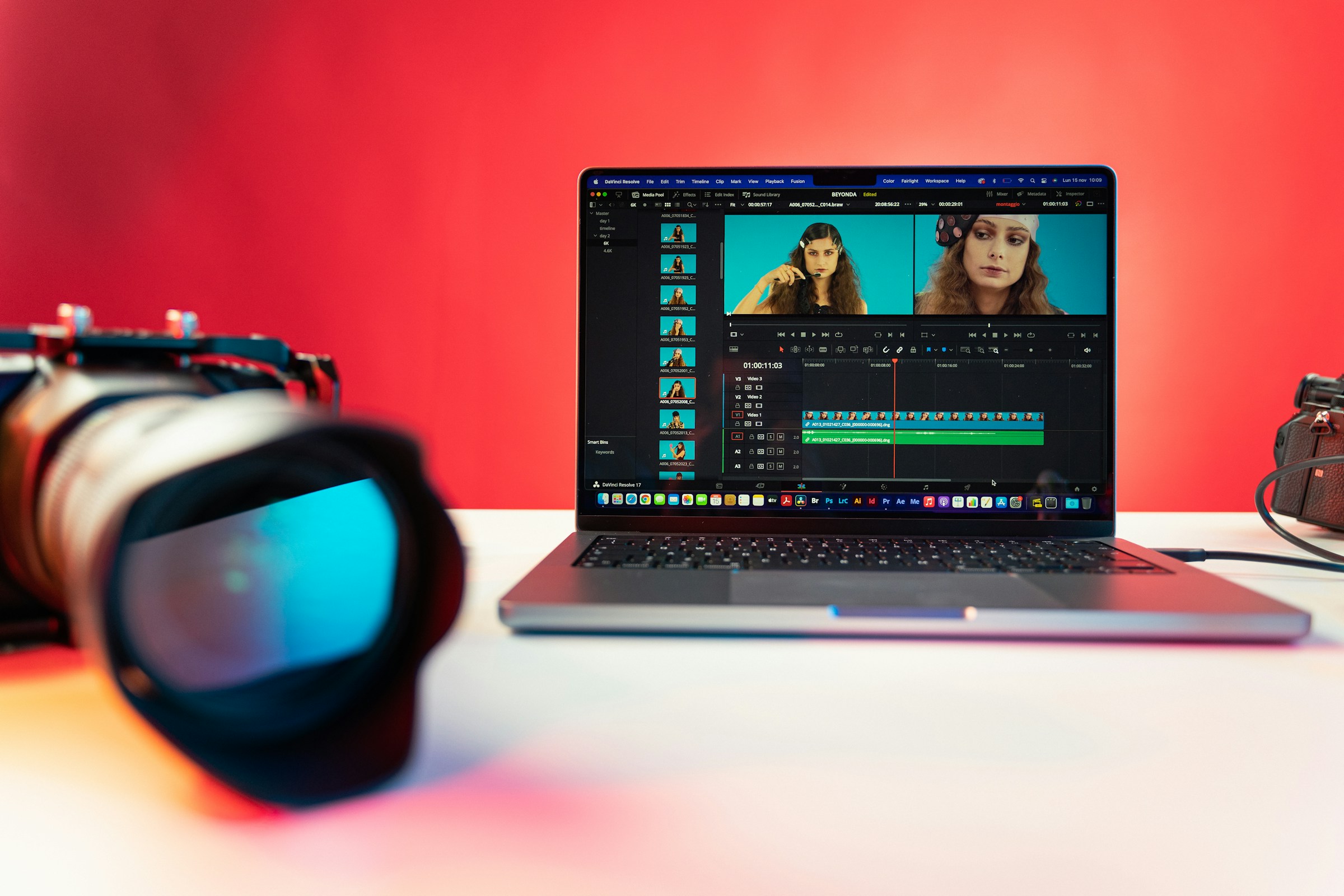
Video dominates social media. From short-form clips on TikTok to polished brand stories on Instagram and YouTube, audiences expect dynamic, eye-catching content. The good news? You no longer need a professional studio or advanced editing skills to create scroll-stopping videos. Online video makers have transformed the process, offering intuitive tools, templates, stock libraries, and even AI-powered features that make video creation faster and smarter.
TLDR: Online video makers make it easy for anyone to create engaging social media content without advanced skills. From beginner-friendly tools like Canva and Animoto to feature-rich platforms like Adobe Express and Kapwing, there’s a solution for every creator and brand. Many tools now offer AI-powered editing, templates, and auto-captioning to streamline production. The best platform depends on your experience level, content goals, and budget.
Below, we explore the Top Online Video Makers for Social Media Content, highlighting what makes each one stand out and who they’re best suited for.
What Makes a Great Online Video Maker?
Before diving into the list, it’s important to understand what separates a good online video tool from a great one. Look for platforms that offer:
- Ease of use: Drag-and-drop editing and intuitive dashboards.
- Templates: Pre-built formats optimized for Instagram, TikTok, YouTube, and Facebook.
- Stock assets: Built-in libraries of music, videos, and images.
- Customization: Branding options like logos, fonts, and color palettes.
- AI features: Auto-captions, background removal, and smart resizing.

Top Online Video Makers for Social Media Managers
1. Canva Video
Best for: Beginners and marketers
Canva’s video editor is part of its larger design ecosystem, making it a favorite for social media managers. It offers thousands of customizable templates and an extremely intuitive interface. With drag-and-drop functionality and built-in animations, you can produce polished videos in minutes.
2. Adobe Express
Best for: Brand-focused creators
Adobe Express combines simplicity with the power of Adobe’s creative tools. It’s ideal for branded content, offering professional typography, transitions, and seamless integration with Adobe Creative Cloud.
3. Animoto
Best for: Slideshow-style promotions
Animoto excels at turning photos and clips into engaging promotional videos. Businesses love it for product highlights and testimonial reels.
4. InVideo
Best for: Template variety
With thousands of ready-made templates, InVideo helps you create content for nearly every industry. It also includes text-to-video features that simplify script-based production.
5. Kapwing
Best for: Collaboration
Kapwing stands out with its collaborative editing tools. Teams can work together in real time, add subtitles automatically, and repurpose long videos into short clips.
6. Clipchamp
Best for: Windows users
Now integrated with Microsoft, Clipchamp offers screen recording, webcam capture, and easy timeline editing right from your browser.
7. WeVideo
Best for: Education and small businesses
WeVideo provides cloud-based editing with green screen capabilities and branding tools. It’s popular in schools but equally effective for business content.
8. Biteable
Best for: Animated marketing videos
Biteable makes animated explainer videos simple. Its templates are designed to maximize engagement on social platforms.
9. Wave.video
Best for: Multi-platform publishing
Wave.video combines editing, hosting, and live streaming. It allows you to resize videos instantly for different platforms.
10. FlexClip
Best for: Quick edits
FlexClip is known for its straightforward interface. It’s ideal for short promotional clips and quick social posts.
11. Renderforest
Best for: Logo animations and intros
Renderforest shines when it comes to branding. You can create professional intros, outros, and logo animations with ease.

12. Lumen5
Best for: Blog-to-video conversion
Lumen5 uses AI to turn blog posts into engaging social videos. It’s perfect for content marketers looking to repurpose written content.
13. Promo.com
Best for: E-commerce ads
Promo offers high-quality stock footage and marketing templates tailored for product ads and sales campaigns.
14. Typito
Best for: Text-heavy videos
Typito specializes in animated text and captions, making it great for lyric videos, quotes, and educational snippets.
15. VEED.io
Best for: AI-powered editing
VEED.io offers automatic subtitles, background noise removal, and AI avatars. It’s a powerful choice for creators who want advanced features without complicated software.
Comparison Chart
| Tool | Best For | AI Features | Free Plan | Collaboration |
|---|---|---|---|---|
| Canva Video | Beginners | Basic AI tools | Yes | Yes |
| Adobe Express | Brand content | Advanced | Yes | Limited |
| Animoto | Slideshows | Minimal | Yes | No |
| InVideo | Templates | Text to video | Yes | Yes |
| Kapwing | Teams | Auto captions | Yes | Yes |
| VEED.io | AI editing | Extensive | Yes | Yes |
How to Choose the Right Tool
Selecting the right online video maker depends on your needs:
- If you’re new to video editing, start with Canva or Animoto.
- For AI-powered efficiency, try VEED.io or Lumen5.
- Teams should consider Kapwing or InVideo for collaboration.
- E-commerce brands may benefit most from Promo.com.
Final Thoughts
The explosion of social media has made video an essential communication tool. Fortunately, today’s online video makers eliminate traditional barriers like expensive software and technical expertise. Whether you’re an influencer crafting daily TikToks or a marketing team producing ad campaigns, there’s a platform tailored to your goals.
The key is to align the tool with your workflow. Focus on ease of use, platform compatibility, and the specific features that matter most—be it AI automation, collaboration, or brand customization. With the right online video maker, creating compelling social media content becomes not just manageable, but genuinely enjoyable.
Start experimenting, test different formats, and let your creativity lead the way.
