 logo
logo




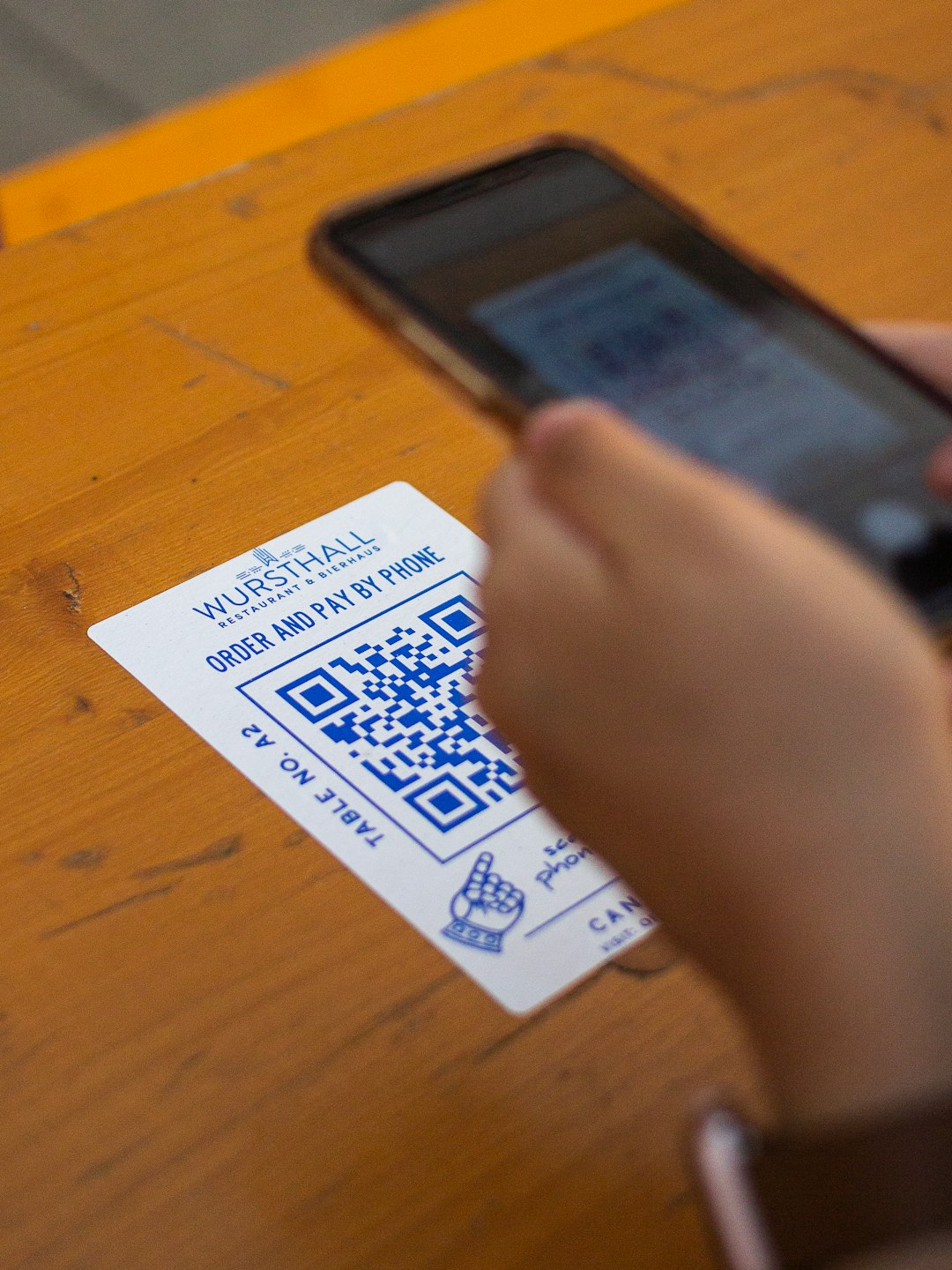
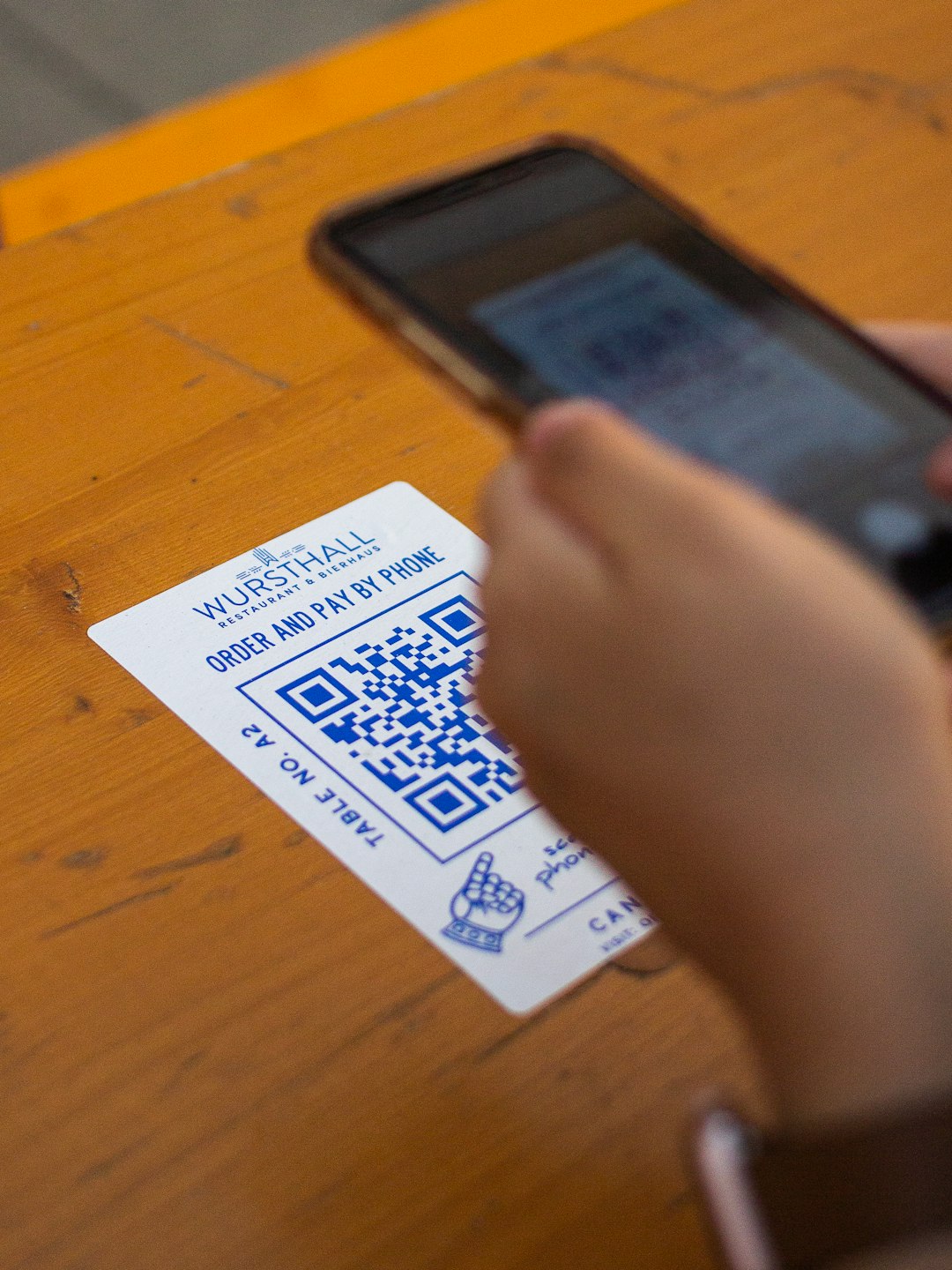
QR codes are everywhere. On menus. On posters. On product boxes. Even on business cards. They connect the real world to the digital world in seconds. The best part? You can create one yourself in minutes with the right tool.
TLDR: QR code generators make it easy to create custom, trackable, and stylish QR codes for links, WiFi, menus, payments, and more. Some tools are free and simple. Others offer advanced analytics and branding. Below, you’ll find 12 of the best QR code generators, plus a handy comparison chart to help you choose fast.
Let’s dive in.
What Makes a Great QR Code Generator?
Not all QR tools are equal. Some just create basic black-and-white codes. Others let you customize colors, add logos, and track scans.
Here’s what to look for:
- Customization – Colors, frames, logos, shapes
- Dynamic QR Codes – Edit the link after printing
- Analytics – Track scans, time, and location
- Download Formats – PNG, SVG, PDF
- Ease of Use – Simple interface
- Pricing – Free vs paid plans
Top 12 QR Code Generators
1. QR Code Generator (The QR Code Generator)
This is one of the most popular tools online. It’s simple and beginner-friendly.
- Static and dynamic codes
- Custom colors and logos
- Scan tracking
Best for small businesses that want analytics.
2. The QR Code Generator by Bitly
Bitly is famous for link shortening. Its QR feature is powerful.
- Dynamic QR codes
- Strong analytics dashboard
- Branding options
Best for marketers who already use Bitly.
3. Beaconstac
A professional-grade QR platform.
- Advanced tracking
- Bulk QR code creation
- API access
Best for enterprises and agencies.
4. QRStuff
One of the oldest QR generators online.
- Over 20 data types
- Color customization
- Print-ready formats
Best for educational and personal projects.
5. Kaywa
Clean. Simple. Reliable.
- Dynamic codes
- Password protection
- Scan tracking
Best for companies needing secure QR usage.
6. QR.io
A modern and stylish generator.
- Editable dynamic codes
- Full customization
- Real-time analytics
Best for digital campaigns.
7. Scanova
A feature-rich platform.
- Custom landing pages
- High-resolution downloads
- Campaign tracking
Best for branded promotions.
8. GoQR.me
Simple and free.
- Instant QR generation
- No signup required
- Basic design options
Best for quick personal use.
9. Visualead
Focuses on visual creativity.
- Highly designed QR codes
- Image-based QR blending
- Brand-focused customization
Best for creative campaigns.
10. Shopify QR Code Generator
Perfect for ecommerce stores.
- Free to use
- Product page linking
- Simple interface
Best for online stores.
11. Unitag QR Code Generator
Strong on design flexibility.
- Lots of color choices
- Custom shapes
- Logo insertion
Best for stylish branding.
12. QR TIGER
A powerful all-in-one platform.
- Bulk QR creation
- Detailed analytics
- Dynamic editing
Best for growing businesses.
Comparison Chart
| Tool | Free Plan | Dynamic Codes | Customization | Analytics | Best For |
|---|---|---|---|---|---|
| QR Code Generator | Yes | Yes | Medium | Yes | Small Business |
| Bitly | Limited | Yes | Medium | Advanced | Marketers |
| Beaconstac | No | Yes | High | Advanced | Enterprise |
| QRStuff | Yes | Limited | Medium | Basic | Education |
| Kaywa | Trial | Yes | Low | Yes | Secure Use |
| QR.io | Trial | Yes | High | Yes | Campaigns |
| Scanova | Trial | Yes | High | Advanced | Promotions |
| GoQR.me | Yes | No | Low | No | Quick Use |
| Visualead | Trial | Yes | High | Yes | Creative Ads |
| Shopify | Yes | No | Low | No | Ecommerce |
| Unitag | Limited | Yes | High | Yes | Branding |
| QR TIGER | Trial | Yes | High | Advanced | Growing Business |
Static vs Dynamic QR Codes
This part is important.
Static QR Codes:
- Cannot edit after creation
- Usually free
- No tracking
Dynamic QR Codes:
- Edit destination anytime
- Track scans
- Better for marketing
If you’re printing 5,000 flyers, dynamic is safer. You can fix mistakes later.
How to Create a Custom QR Code in 5 Easy Steps
- Choose your QR generator.
- Select the QR type (URL, WiFi, PDF, etc.).
- Add your link or data.
- Customize colors and logo.
- Download and test before printing.
Always test it on multiple phones. Lighting and contrast matter.
Tips for Better QR Code Performance
- Add a Call to Action – Say “Scan Me”
- Use High Contrast – Dark code on light background
- Keep Quiet Space – Don’t crowd edges
- Place Smartly – Eye-level works best
- Track Results – Use dynamic codes for campaigns
A QR code alone is not magic. The value behind it matters more.
Which One Should You Choose?
It depends on your needs.
If you want something quick and free, try GoQR.me or Shopify’s generator.
If you want marketing power, choose Bitly, QR TIGER, or Scanova.
If you need enterprise-level features, go with Beaconstac.
If design matters most, try Unitag or Visualead.
Final Thoughts
QR codes are simple. But powerful.
They bridge offline and online worlds instantly. They boost engagement. They track performance. And they make life easier.
The right generator saves time and prevents mistakes.
Start small if you’re new. Test. Learn. Improve.
Within minutes, you can create a custom QR code that looks great and works perfectly.
Now it’s your turn. Pick a tool. Create your code. And let people scan their way into your world.
