 logo
logo



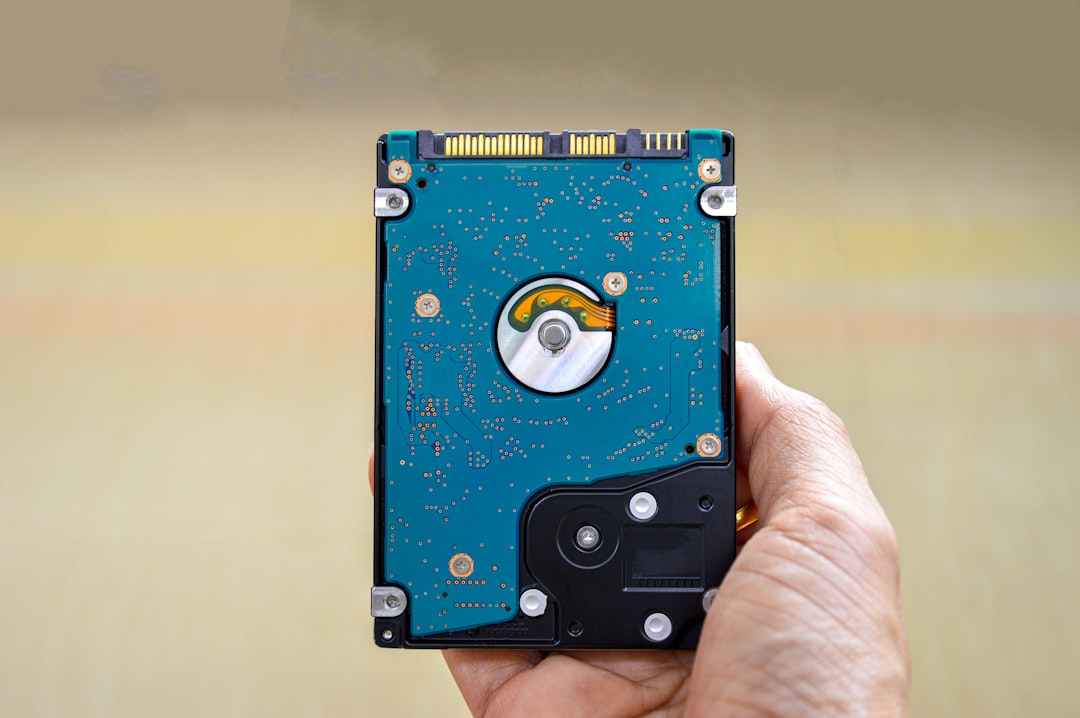
Your computer works hard every day. It stores photos, downloads files, installs apps, and saves tiny bits of data you never see. Over time, all of that “digital dust” builds up. The result? A slow, cluttered machine that feels older than it really is. That’s where system cleanup software comes in. It helps you remove junk files, free up space, and keep your device running smoothly.
TLDR: System cleanup software removes junk files that slow down your computer. It clears temporary files, cache, and other clutter you do not need. This can boost speed, free storage space, and improve performance. It is simple to use and can make your device feel new again.
What Are Junk Files?
Junk files are unwanted files your system creates over time. You do not usually see them. But they are always there.
They are created when you:
- Browse the internet
- Install or uninstall programs
- Update your operating system
- Use apps and games
These files are not always harmful. But they are often useless after a while.
Common types of junk files include:
- Temporary files – Created for short-term tasks
- Cache files – Stored to load apps and websites faster
- Log files – Records of system activity
- Recycle bin files – Items you thought you deleted
- Leftover files – Remains of uninstalled programs
One file is tiny. Thousands? Not so tiny.
Why Junk Files Slow You Down
Imagine your closet. If it is clean, you find things fast. If it is full of junk, it takes forever to find your shoes.
Your computer works the same way.
Too much clutter can:
- Slow boot times
- Reduce storage space
- Cause apps to lag
- Increase system errors
- Lower overall performance
Your system has to sort through all those files. That takes time. And memory.
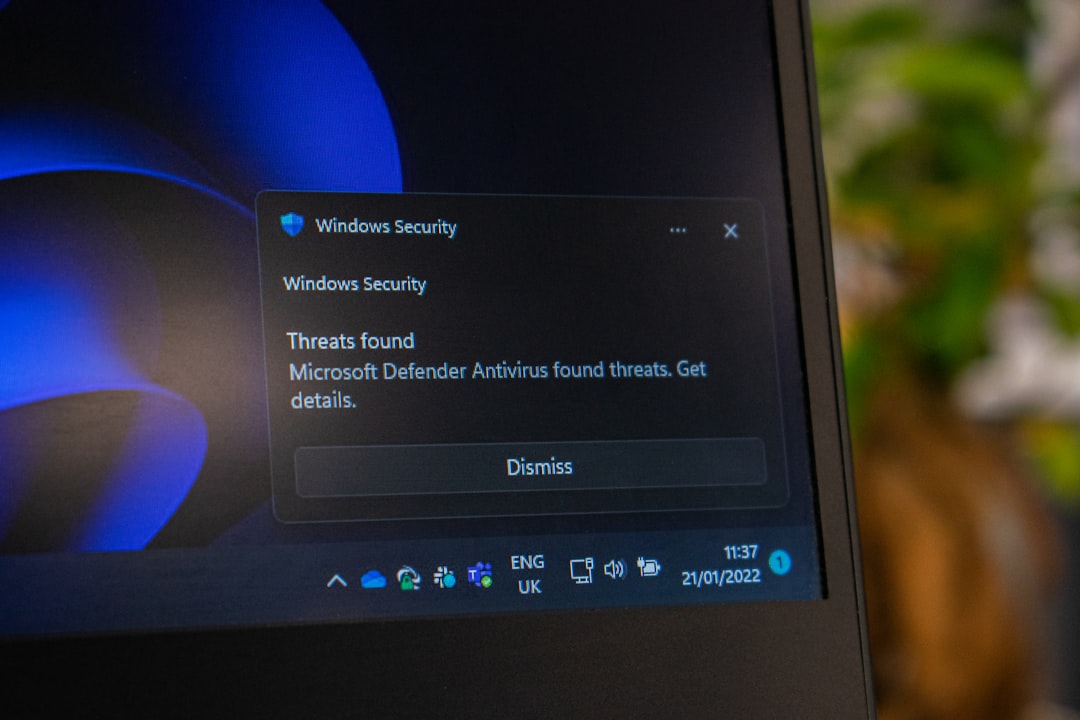
What Is System Cleanup Software?
System cleanup software is a tool that scans your device. It looks for files you no longer need. Then it removes them safely.
Think of it as a digital cleaning crew.
It can:
- Scan your hard drive
- Identify useless files
- Delete junk safely
- Free up valuable storage space
- Optimize certain system settings
Most tools are simple to use. Many only require one click to start cleaning.
How It Works
The process is usually quick and easy.
- Scan: The software checks your system for clutter.
- Review: It shows you what it found.
- Clean: You approve the removal of junk files.
Some tools even let you schedule automatic cleanups. That means less work for you.
Under the hood, the software looks at file locations where junk commonly hides. It checks temporary folders. Browser data. System logs. And more.
It does not delete important system files. Good cleanup tools are built to avoid that. Always choose trusted software.
Main Benefits of System Cleanup Software
1. More Free Space
Storage fills up fast. Photos. Videos. Games. Apps. Add hidden junk files, and space disappears quickly.
Cleanup software can free gigabytes of space in minutes.
2. Faster Performance
Less clutter means faster access to files. Apps load quicker. Your system responds better.
You may notice:
- Faster startup times
- Smoother browsing
- Less freezing
- Quicker file searches
3. Better Stability
Old leftovers from uninstalled programs can cause errors. Removing them can reduce crashes.
4. Improved Privacy
Browsers store history. Cookies. Cached images. Saved data.
Cleanup software can erase:
- Browsing history
- Tracking cookies
- Saved form entries
- Temporary internet files
This helps protect your personal information.
Extra Features to Look For
Not all cleanup tools are the same. Some offer bonus features.
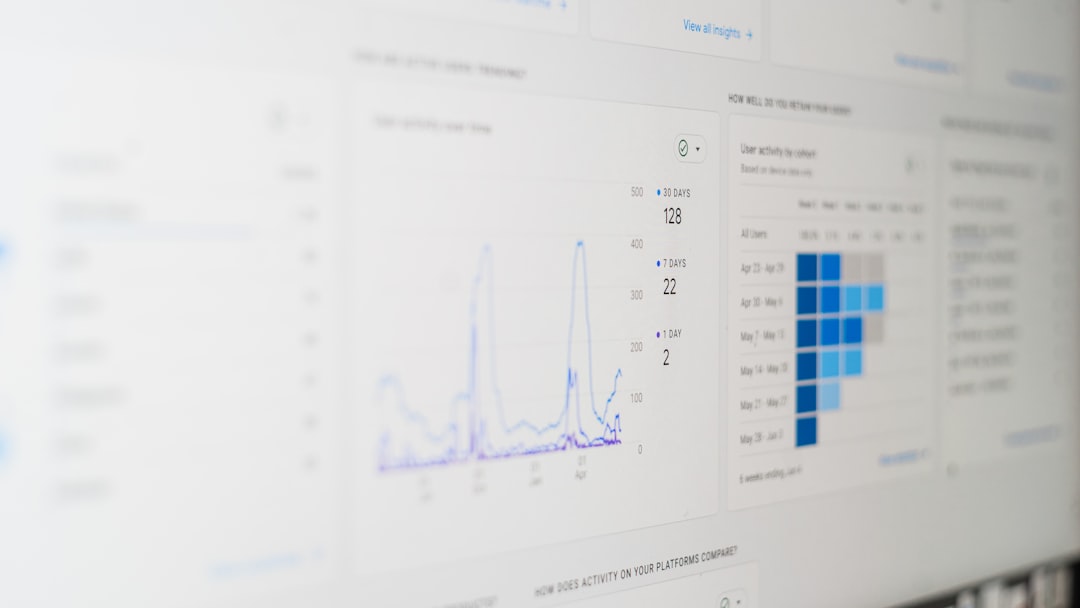
Here are useful extras:
- Startup manager – Controls which programs launch at boot
- Duplicate file finder – Removes extra copies of files
- Large file scanner – Identifies space-hogging files
- Registry cleaner – Fixes outdated system references
- Automatic cleaning – Schedules regular maintenance
A startup manager alone can make a big difference. Too many startup apps slow your computer from the moment you turn it on.
Is System Cleanup Software Safe?
This is a common question. And it is a good one.
Reputable cleanup tools are safe when used correctly. They are designed to remove only unnecessary files.
Still, follow these tips:
- Download from official websites
- Read reviews before installing
- Avoid unknown free downloads
- Review files before deleting
Some advanced features, like registry cleaning, should be used carefully. If you are unsure, stick to basic junk file removal.
How Often Should You Clean Your System?
It depends on how often you use your device.
General guidelines:
- Casual users: Once a month
- Daily users: Every two weeks
- Gamers or heavy users: Weekly light cleanups
If you notice slow performance or low storage warnings, it is time.
Regular cleaning prevents big slowdowns later.
Manual Cleanup vs. Cleanup Software
You can clean your computer manually. But it takes more time.
Manual cleanup involves:
- Searching for temp folders
- Clearing browser data
- Uninstalling unused programs
- Emptying the recycle bin
This works. But it is easy to miss hidden files.
Cleanup software automates everything. It checks places you might not know exist.
It is faster. And simpler.
Signs You Need System Cleanup Software
Not sure if your system needs help? Look for these signs:
- Slow startup times
- Low disk space warnings
- Programs freezing
- Strange system errors
- Browser running slowly
If your device feels tired, it probably is cluttered.
System Cleanup on Different Devices
Windows Computers
Windows systems collect lots of temporary files. Updates alone can leave large leftover packages. Cleanup tools can target these areas.
Mac Computers
Mac devices also build cache files and logs. Cleanup software helps remove hidden system clutter and unused language files.
Smartphones
Phones collect junk too. Old app data. Cached images. Temp downloads. Cleaning apps can help free space and improve speed.
No device is immune to clutter.
Best Practices for a Cleaner System
Cleanup software is powerful. But you can support it with good habits.
- Uninstall apps you do not use
- Delete old downloads regularly
- Store photos and videos in cloud storage
- Empty your recycle bin often
- Avoid installing unnecessary programs
Think of it as daily tidying. Deep cleaning becomes easier.
The Fun Part: That “New Computer” Feeling
There is something satisfying about a clean system.
You click. It responds fast.
You open apps. They launch smoothly.
You check storage. Plenty of space.
It feels fresh. Organized. Light.
All without buying a new device.
Final Thoughts
System cleanup software is like a reset button for your computer’s performance. It removes junk files that pile up quietly in the background. It boosts speed. It frees space. And it helps maintain privacy.
You do not need to be a tech expert to use it. Most tools are built for everyday users. Simple controls. Clear reports. Easy cleanups.
Your device works hard for you. Give it a little maintenance in return.
A cleaner system is a happier system.
And a happier system makes your digital life much smoother.
