 logo
logo



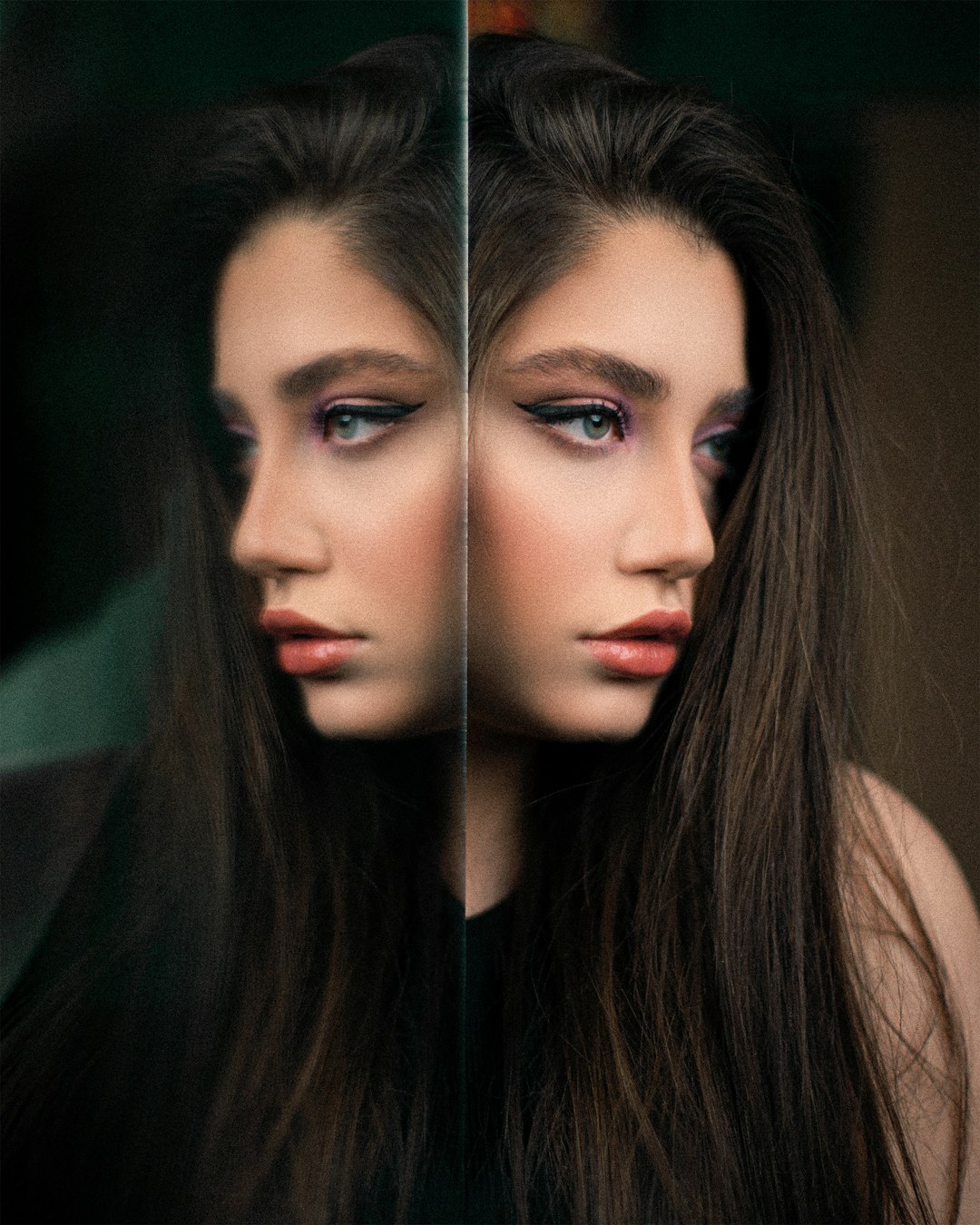
Blurry photos used to feel like lost opportunities: a perfect product shot ruined by camera shake, a family portrait softened by poor focus, or a social media image that looked fine on a phone but failed on a larger screen. Today, unblur image platforms use artificial intelligence, sharpening algorithms, and detail reconstruction to make photo enhancement much simpler for everyday users, creators, and businesses.
TLDR: Unblur image platforms help restore clarity to soft, shaky, or low-resolution photos with minimal manual editing. Many modern tools use AI-based enhancement to sharpen faces, recover texture, and improve overall image quality in seconds. The best platforms are easy to use, support common file formats, and balance sharper results with a natural appearance.
Why Unblur Image Platforms Have Become Popular
Image quality matters across nearly every digital space. Online stores need crisp product photos, real estate agents depend on clear property images, and content creators rely on polished visuals to stand out. Even casual users often want to rescue a meaningful photo that came out slightly out of focus.
Traditional editing software can sharpen images, but it often requires experience with sliders, masks, layers, and technical settings. In contrast, unblur image platforms simplify the process by automating much of the work. A user typically uploads a photo, chooses an enhancement option, and downloads a clearer version within moments.
How Image Unblurring Technology Works
Although each platform uses its own methods, most rely on a combination of deblurring, sharpening, denoising, and resolution enhancement. AI tools are often trained on large collections of blurry and sharp image pairs. By studying these examples, the system learns how edges, facial features, textures, and small details should appear when clarity is restored.
There are several common types of blur that these platforms try to correct:
- Motion blur: Caused by movement from the camera or subject during capture.
- Out of focus blur: Happens when the camera focuses on the wrong area or misses focus entirely.
- Low resolution softness: Appears when an image is enlarged beyond its original quality.
- Compression blur: Results from repeated saving, uploading, or sharing on messaging and social platforms.
The most advanced systems do more than simply increase contrast around edges. They attempt to reconstruct believable detail, especially in faces, hair, text, clothing, and product textures. However, the best results usually come from photos that are slightly or moderately blurred, rather than images with extreme distortion or missing information.
Key Features That Make Photo Enhancement Simple
A strong unblur platform should reduce complexity without sacrificing control. The most useful platforms often include a clean interface, preview options, and clear before-and-after comparisons. This allows users to judge whether the enhancement looks natural before downloading the final image.
Important features often include:
- One click enhancement: Ideal for beginners who want quick results without technical editing.
- Face recovery: Useful for portraits, profile photos, group images, and old family pictures.
- Batch processing: Helpful for businesses, photographers, and sellers managing many images.
- Noise reduction: Removes grain that often appears in low light or older digital photos.
- Upscaling: Enlarges small images while preserving or improving apparent detail.
- Format support: Common formats such as JPG, PNG, and WebP make the workflow easier.
For many users, simplicity is just as important as quality. A platform that produces excellent results but requires confusing settings may be less practical than one that delivers reliable improvements with a straightforward process.
Common Use Cases for Unblur Image Tools
Unblur image platforms are useful in a wide range of situations. For personal use, they can improve old scanned photos, vacation snapshots, wedding pictures, pet photos, and images taken quickly in poor lighting. Clearer images can be printed, framed, archived, or shared with more confidence.
Businesses also benefit from simple photo enhancement. Ecommerce sellers can improve product images so that textures, labels, and edges appear clearer. Restaurants can sharpen food photography for menus and delivery listings. Real estate professionals can refine room photos, exterior shots, and detail images that influence buyer interest.
For marketing teams and creators, unblur tools can help keep visual content consistent. Blog images, thumbnails, social posts, ads, and portfolio visuals often need to look sharp across different devices. A quick enhancement step can make an image appear more professional without requiring a full editing workflow.
What to Look For When Choosing a Platform
Not all unblur platforms produce the same quality. Some are better for faces, while others are stronger for landscapes, documents, or product photography. The right choice depends on the type of images being improved and how often the tool will be used.
Several factors can guide the decision:
- Output quality: The enhanced image should look sharper but not artificial or overly processed.
- Ease of use: Uploading, previewing, and downloading should be fast and intuitive.
- Privacy policies: Users should understand how uploaded images are stored, processed, and deleted.
- Watermark rules: Some free platforms add watermarks or limit download quality.
- Speed: Fast processing is important for high-volume tasks and commercial workflows.
- Pricing: Occasional users may prefer free or pay-per-image options, while teams may need subscriptions.
Privacy deserves special attention. Since photos can include people, homes, documents, or business assets, a trustworthy platform should provide clear information about data handling. Professional users may also need tools that support secure uploads and commercial usage rights.
Tips for Getting Better Results
Even advanced platforms work best when the starting image contains enough recognizable detail. Users can improve results by uploading the highest-quality version available instead of a screenshot or heavily compressed copy. If multiple versions of the same photo exist, the original camera file is usually the best choice.
It also helps to avoid repeated enhancements. Running the same image through several sharpening tools may create halos, strange textures, or unnatural skin. A better approach is to compare one or two high-quality platforms, choose the most natural result, and make small final adjustments if needed.
For portraits, face recovery should be used carefully. While it can produce impressive improvements, excessive reconstruction may alter facial features. For sentimental, professional, or identity-related use, the goal should be clarity without misrepresentation.
Limitations to Keep in Mind
Unblur platforms can be powerful, but they are not magic. If an image is extremely blurred, severely pixelated, or missing important visual information, the platform may generate details that look plausible rather than truly accurate. This is especially important for documents, legal evidence, medical images, or any situation where factual precision matters.
Another limitation is style consistency. AI enhancement can sometimes make faces too smooth, create unusual textures, or sharpen background objects unevenly. The best platforms provide previews so users can decide whether the result is suitable before relying on it.
The Future of Simple Photo Enhancement
As AI image technology continues to improve, unblur platforms are likely to become faster, more accurate, and more specialized. Future tools may better distinguish between camera shake, focus problems, compression, and low resolution. They may also offer more precise controls while still remaining simple for non-designers.
For now, these platforms already provide a practical solution for many common photo problems. They make image improvement accessible to people who do not have professional editing skills, helping them recover clearer, more useful visuals from imperfect shots.
FAQ
-
What is an unblur image platform?
An unblur image platform is an online or software-based tool that improves blurry, soft, or low-quality photos using sharpening, AI enhancement, and detail recovery techniques. -
Can these platforms fix any blurry photo?
They can improve many slightly or moderately blurred images, but they may not fully restore photos that are extremely out of focus, heavily pixelated, or missing important details. -
Are AI unblur tools easy for beginners?
Yes. Many platforms are designed for simple use, often requiring only an upload, an enhancement selection, and a download. -
Do unblur tools work well on faces?
Many modern tools include face recovery features that can sharpen portraits and improve facial detail, though results should be checked to ensure the face still looks natural. -
Is it safe to upload personal photos?
Safety depends on the platform. Users should review privacy policies, storage practices, and deletion rules before uploading sensitive or private images.
