 logo
logo


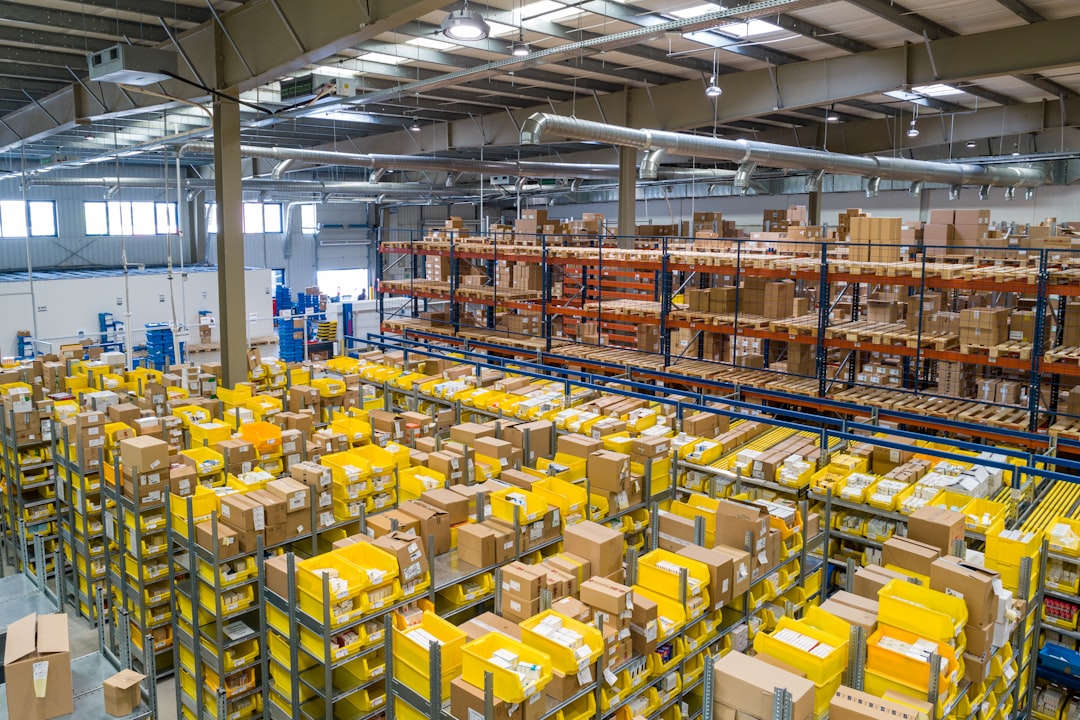
Managing equipment rentals looks simple until the calendar fills up: one excavator is due back at 2 p.m., three cameras need cleaning before tomorrow, a customer wants to extend a booking, and the finance team is chasing deposits. RentMe is one of the tools businesses may consider when they want to move away from spreadsheets, phone notes, and manual invoices toward a more organized rental workflow.
TLDR: RentMe is best suited for businesses that need a centralized way to manage rental inventory, bookings, customer records, payments, and equipment availability. For example, a small tool rental store with 250 assets could reduce double bookings and manual follow-ups by using automated scheduling and reservation tracking. Pricing is typically dependent on business size, feature needs, and setup requirements, so it is worth requesting a demo and comparing it with alternatives such as Booqable, EZRentOut, Point of Rental, and Rentle. If your rental operation is growing beyond spreadsheets, RentMe may be worth evaluating.
What Is RentMe?
RentMe is rental management software designed to help companies organize and control the rental lifecycle. Depending on the configuration, it can support equipment booking, inventory visibility, customer management, payments, contracts, and reporting. It is most relevant for businesses that rent out physical assets, including construction equipment, audiovisual gear, tools, party supplies, event equipment, vehicles, or specialty machinery.
The main appeal is simple: instead of relying on separate systems for bookings, stock availability, invoices, and customer communication, RentMe aims to bring those processes into one place. That matters because rental businesses often lose time not from a lack of demand, but from operational friction: missed returns, unclear asset status, duplicated reservations, and slow quote creation.

Key Features of RentMe
While exact functionality can vary by package or implementation, RentMe generally focuses on the core tools rental companies need to run day-to-day operations more efficiently.
- Inventory and asset tracking: RentMe helps businesses monitor what equipment is available, reserved, rented out, under maintenance, or retired. This is essential for avoiding overbooking and keeping utilization high.
- Reservation management: Users can create, edit, and manage bookings through a calendar or scheduling interface. A clear booking timeline helps teams see conflicts before they become customer service problems.
- Customer database: RentMe can store customer profiles, order history, contact details, and billing information, making repeat rentals faster and easier to manage.
- Quotes, invoices, and contracts: Many rental workflows begin with a quote and end with an invoice. RentMe may support document generation, rental agreements, deposits, fees, and taxes.
- Payment support: Depending on integrations, the platform may allow businesses to collect deposits, process payments, or track outstanding balances.
- Maintenance tracking: For equipment-heavy businesses, maintenance status is just as important as booking status. RentMe can help flag items that need servicing before they are rented again.
- Reporting and analytics: Rental reports can show revenue, asset performance, late returns, utilization rates, and customer activity. These insights help owners decide what to buy, retire, or promote.
User Experience: What It Feels Like to Use
A good rental system should reduce decisions, not create more of them. RentMe’s value depends heavily on how smoothly it lets staff answer common questions: Is this item available next weekend? Has the customer paid? Which items are overdue? What needs cleaning or repair?
For front-desk teams, the most useful feature is usually the booking flow. If an employee can check availability, create a reservation, add a customer, apply charges, and send confirmation without jumping between tools, the software is doing its job. For managers, dashboards and reports are more important because they reveal whether equipment is sitting idle or generating revenue.
However, like most operational platforms, RentMe may require some setup time. Businesses should expect to import inventory, define rental rules, configure tax settings, build contract templates, and train staff. The more complex the rental operation, the more important onboarding becomes.
RentMe Pricing
RentMe pricing is not always publicly standardized, and costs may depend on factors such as the number of users, number of rental items, locations, required integrations, support level, and custom setup. For that reason, most businesses should contact the provider directly for a quote or demo.
When evaluating the price, do not look only at the monthly subscription. Consider the full cost of adoption, including:
- Implementation fees: Setup, data migration, and workflow customization can add to the initial cost.
- Training: Staff may need onboarding, especially if they are moving from paper forms or spreadsheets.
- Payment processing fees: If payments are handled through integrated gateways, transaction costs may apply.
- Integrations: Accounting, ecommerce, website booking, or delivery tools may require higher-tier plans or custom work.
- Support level: Priority support or dedicated account management may cost more.
A useful way to assess value is to estimate time savings and error reduction. For instance, if two employees each save five hours per week on manual scheduling and invoicing, that is roughly 40 hours per month. If the software also prevents just a few double bookings or missed returns, the operational savings can be significant.

Pros and Cons of RentMe
Pros
- Centralized rental operations: Bookings, assets, customers, and billing can be managed in one system.
- Better inventory visibility: Teams can quickly see what is available, reserved, or unavailable.
- Reduced manual errors: Automated scheduling and records can reduce duplicate bookings and missing paperwork.
- Scalable structure: It can be useful for businesses that are growing beyond basic spreadsheets.
- Useful reporting: Analytics can help identify top-performing assets and underused inventory.
Cons
- Pricing may require a quote: Businesses that want instant price comparison may find this inconvenient.
- Setup takes effort: Inventory import and workflow configuration are necessary for accurate results.
- May be more than very small operators need: A solo rental business with a limited catalog may prefer a simpler tool.
- Feature depth may vary: Companies should confirm integrations, payment options, mobile access, and reporting before committing.
Who Should Consider RentMe?
RentMe is likely a good fit for rental businesses that have enough inventory, staff, and booking volume to justify dedicated software. If your team regularly handles overlapping reservations, recurring customers, delivery schedules, equipment inspections, deposits, and late fees, a system like RentMe can bring order to the process.
It is especially relevant for businesses with multiple categories of equipment or multiple team members handling bookings. In those environments, shared visibility is critical. A calendar that only one person understands, or a spreadsheet that is updated inconsistently, can quickly become a bottleneck.
Best RentMe Alternatives
Before choosing RentMe, it is smart to compare it with other equipment rental platforms. The best alternative depends on your industry, budget, and preferred workflow.
- Booqable: A popular option for small to mid-sized rental companies, especially those that want online booking, inventory management, and a clean customer-facing rental experience.
- EZRentOut: Strong for asset tracking, equipment checkout, maintenance management, and teams that need detailed control over inventory movement.
- Point of Rental: A more established and robust solution often used by larger rental businesses, including construction, event, and industrial equipment rental companies.
- Rentle: A modern rental commerce platform that works well for businesses focused on online reservations and customer-friendly booking flows.
- Quipli: Designed with equipment rental companies in mind, offering ecommerce capabilities, inventory management, and digital rental workflows.
- HireHop: A strong option for event, production, and audiovisual rental companies, with useful tools for scheduling, projects, and equipment logistics.
How to Choose the Right Rental Software
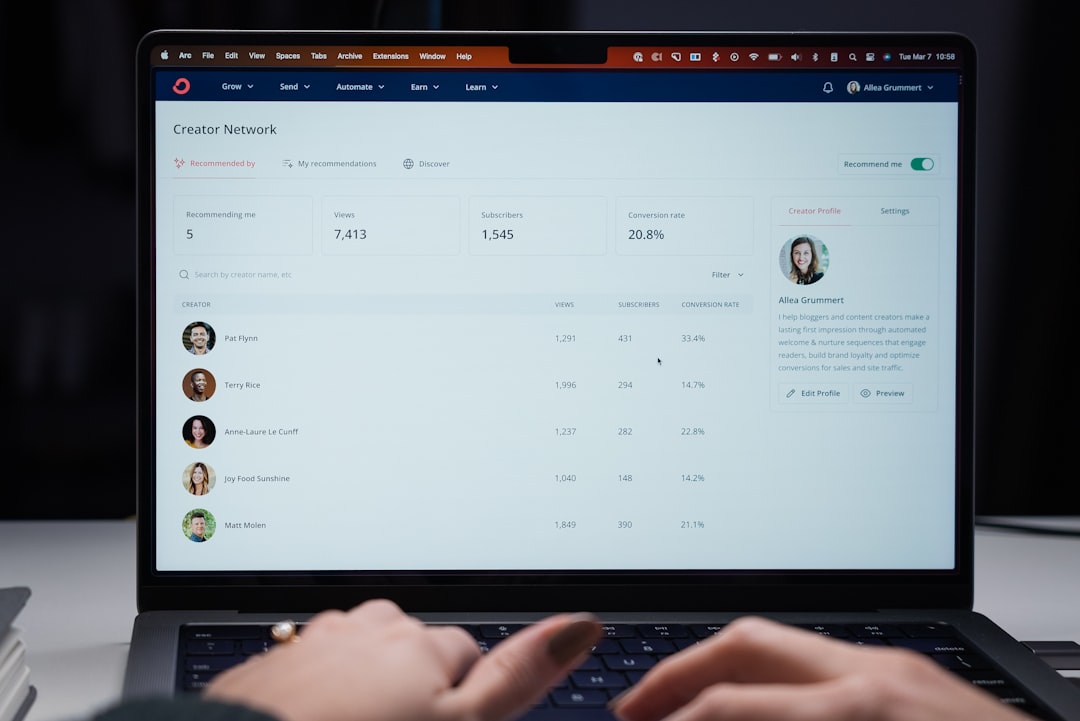
When comparing RentMe with alternatives, start with your actual workflow rather than a feature checklist. Ask what causes the most friction today. Is it double bookings? Lost equipment? Slow invoicing? Lack of online reservations? Poor reporting? The right software should solve your biggest operational pain points first.
During a demo, ask practical questions:
- Can the system handle hourly, daily, weekly, and long-term rentals?
- Does it support deposits, damage fees, discounts, and late charges?
- Can customers book online, or is it internal-only?
- Does it integrate with accounting software or payment processors?
- Can staff use it on mobile devices in the warehouse or field?
- How easy is it to mark equipment as damaged, unavailable, or under maintenance?
Final Verdict
RentMe is worth considering if your rental business needs better control over inventory, bookings, customers, and billing. Its biggest benefit is operational clarity: knowing what is available, where it is, who has it, and when it should return. For growing rental companies, that visibility can lead to fewer errors, faster service, and smarter asset decisions.
That said, the best choice depends on pricing, implementation support, integrations, and how closely the platform matches your rental model. If you run a small operation, compare it with simpler tools. If you manage a large fleet or multiple locations, compare it with more advanced enterprise-grade systems. Either way, RentMe deserves a place on your shortlist if spreadsheets are no longer keeping up.
