 logo
logo




Cloudways remains a strong choice in 2026 for businesses, agencies, developers, and site owners that want the power of cloud hosting without managing servers manually. Instead of selling traditional shared hosting, Cloudways provides a managed layer on top of major cloud infrastructure, making it easier to launch, monitor, scale, and secure websites.
TLDR: Cloudways is best suited for users who want managed cloud hosting with better performance than typical shared hosting. Its strengths are speed, scalability, server control, staging tools, backups, and flexible pay-as-you-go pricing. However, it is not the cheapest option for beginners, and email hosting is not included by default. For growing WordPress, WooCommerce, PHP, and agency websites, Cloudways is still a compelling hosting platform in 2026.
Cloudways Overview
Cloudways works as a managed cloud hosting platform that simplifies infrastructure from providers such as DigitalOcean, Amazon Web Services, and Google Cloud. Rather than requiring users to configure servers from the command line, Cloudways provides a polished control panel for launching applications, managing security, setting backups, enabling caching, and scaling resources.
The platform is especially popular with WordPress users, WooCommerce stores, digital agencies, SaaS projects, and businesses that need reliable hosting without hiring a dedicated server administrator. It sits between basic shared hosting and fully self-managed cloud servers, offering more power than entry-level hosting while removing much of the technical complexity.
Performance in 2026
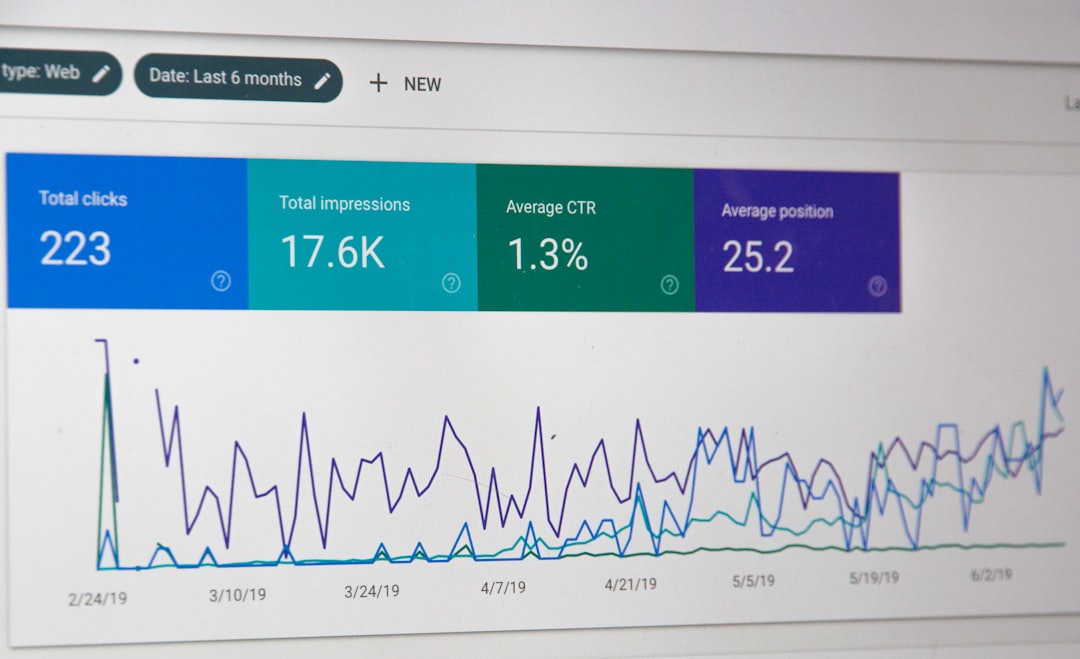
Performance is one of Cloudways’ strongest selling points. Because sites are hosted on dedicated cloud server resources rather than crowded shared servers, users generally receive better consistency, faster load times, and more predictable performance. Cloudways also includes a performance stack designed for modern web applications, including Nginx, Apache, PHP FPM, Redis, Varnish, and advanced caching options.
For WordPress users, Cloudways provides built-in optimization through its caching plugin and server-level caching. This can significantly improve page load times, particularly for content-heavy websites and online stores. WooCommerce stores benefit from object caching, scalable server resources, and the ability to upgrade RAM, CPU, and storage as traffic grows.
In 2026, performance expectations are higher than ever. Core Web Vitals, mobile speed, image delivery, and database response times all matter. Cloudways performs well when configured properly, but it is not completely automatic. Site owners still need optimized themes, compressed images, clean plugins, and a good content delivery network to get the best results.
Key Features
Cloudways includes a wide range of features aimed at both non-technical website owners and experienced developers. Its dashboard is easier than a raw cloud console, but it still offers useful control over server and application settings.
- Managed cloud servers: Users can launch cloud servers without manually configuring the full stack.
- One-click application installs: WordPress, WooCommerce, Magento, Laravel, and custom PHP applications can be deployed quickly.
- Free SSL certificates: Let’s Encrypt SSL can be installed directly from the dashboard.
- Automated backups: Users can schedule backups and restore previous versions when needed.
- Staging environments: Developers can test changes before pushing them to live websites.
- Vertical scaling: Server resources can be increased as website traffic grows.
- Team collaboration: Agencies can give clients or team members controlled access.
- Security features: Cloudways includes firewalls, bot protection options, IP whitelisting, and regular security patching.
- Monitoring tools: Resource usage, server health, and application performance can be tracked from the control panel.
These features make Cloudways particularly useful for agencies managing multiple client websites. The ability to clone sites, create staging copies, assign team permissions, and monitor performance from one dashboard saves considerable time.

Ease of Use
Cloudways is easier to use than directly managing AWS or Google Cloud, but it is slightly more advanced than beginner shared hosting. There is no traditional cPanel, which may surprise users who are used to older hosting interfaces. Instead, Cloudways uses its own custom dashboard, focused on servers, applications, domains, SSL, backups, caching, and deployment tools.
This interface is clean and practical, though beginners may need a short learning period. Once a user understands the difference between a server and an application, the platform becomes straightforward. For example, one server can host multiple applications, and each application can have its own domain, SSL certificate, database access, and deployment settings.
Pricing in 2026
Cloudways pricing is based on the selected cloud provider and server size. It generally uses a monthly pay-as-you-go model, which means users can start small and scale upward. Plans based on DigitalOcean are usually the most affordable, while AWS and Google Cloud plans are typically more expensive but may suit enterprise workloads or specific infrastructure needs.
Entry-level DigitalOcean-based plans often begin around the low monthly range for a small server, while higher-performance plans cost more depending on RAM, processor power, storage, and bandwidth. AWS and Google Cloud options usually start at significantly higher prices. Cloudways also offers add-ons, such as email services, advanced support, premium backups, and CDN options, which can increase the total monthly cost.
While Cloudways is more expensive than budget shared hosting, its pricing can be attractive compared with hiring a developer to manage a raw cloud server. The value comes from the managed environment, support, backups, caching stack, security handling, and easier scaling.
Customer Support
Cloudways provides support through live chat, ticketing, documentation, and knowledge base articles. Standard support is suitable for common hosting issues, while higher-tier support options may be available for businesses that need faster responses or deeper troubleshooting.
Support quality is generally solid for platform-related questions, server settings, migrations, SSL issues, and application deployment. However, users should understand that Cloudways support may not fully debug every theme, plugin, or custom code problem. For complex application-level issues, a developer may still be required.
Pros and Cons
Pros
- Strong performance: Cloud servers and optimized caching provide fast, stable hosting.
- Good scalability: Resources can be upgraded as traffic increases.
- Developer friendly: SSH, Git deployment, staging, cloning, and database tools are available.
- Managed security: Firewalls, SSL, patching, backups, and monitoring reduce maintenance work.
- Flexible provider choices: Users can choose infrastructure that fits their budget and performance needs.
- Great for agencies: Team features and multi-site management are useful for client work.
Cons
- No included email hosting: Business email usually requires a separate add-on or third-party provider.
- Not the cheapest option: Beginners with small personal sites may find shared hosting cheaper.
- Learning curve: The custom dashboard is simple, but it differs from cPanel.
- Add-ons can raise costs: CDN, email, premium support, and other extras may increase monthly pricing.
- Limited root access: Users get plenty of control, but not full unrestricted server administration.
Who Should Use Cloudways?
Cloudways is a strong fit for growing websites, professional blogs, WooCommerce stores, SaaS projects, membership platforms, and agencies managing multiple client sites. It is also suitable for developers who want cloud-level performance without spending time on server maintenance.
However, it may not be ideal for absolute beginners who only need a simple brochure website and want the lowest monthly price. In that case, a basic shared hosting plan may be enough. Cloudways is best when performance, scalability, and reliability matter more than minimizing cost.
Final Verdict
Cloudways in 2026 continues to offer a balanced combination of performance, flexibility, usability, and managed hosting convenience. It is not perfect, and its pricing is higher than traditional shared hosting, but the value is clear for users who need better speed, scaling options, and technical control.
For WordPress, WooCommerce, PHP applications, and agency hosting, Cloudways remains a reliable and practical choice. Those who want cloud hosting without the burden of server administration will likely find it worth the cost.
FAQ
Is Cloudways good for WordPress in 2026?
Yes. Cloudways is a strong WordPress hosting option because it includes server-level caching, staging, backups, SSL, and scalable cloud resources.
Does Cloudways include email hosting?
No, standard Cloudways plans do not include traditional email hosting by default. Users can connect an external email provider or use an available email add-on.
Is Cloudways beginner friendly?
Cloudways is easier than managing a raw cloud server, but it is more advanced than basic shared hosting. Beginners can use it, though they may need time to learn the dashboard.
Which Cloudways provider is best?
DigitalOcean-based plans are often best for value and simplicity. AWS and Google Cloud may be better for larger businesses, advanced infrastructure needs, or enterprise projects.
Can Cloudways handle high traffic?
Yes. Cloudways can handle high-traffic websites when the server is sized correctly and the site is properly optimized with caching, CDN usage, and clean code.
Is Cloudways worth the price?
For growing websites, agencies, and businesses that need speed and reliability, Cloudways is usually worth the price. For very small personal sites, cheaper hosting may be sufficient.
