 logo


Geo-blocking is the practice of limiting access to websites, apps, videos, games, stores, or prices based on your location. Services usually detect this through your IP address, GPS, payment method, SIM card, or account region. The EU has even regulated some forms of unjustified geo-blocking since 2018 [source: European Commission].
TLDR: Geo-blocking decides what you can see or buy based on where you appear to be. A VPN is usually the strongest option because it changes your IP address and encrypts traffic. Smart DNS can be faster for streaming, while a proxy is simpler but less private. For example, if a traveler in Spain needs access to a US-only sports stream before a 9 p.m. match, a VPN is the safest first try, while Smart DNS may work better on a smart TV.
What Geo-Blocking Actually Does
Geo-blocking is not always sinister. Sometimes it exists because of licensing contracts. A movie may be available in Canada but not in Italy. A sports event may have different broadcasters in each country. Online shops may also show different products, prices, or shipping options.
The system checks where you seem to be. Your IP address is the main signal. It points to a country, city, or internet provider. Some apps also check GPS location, browser language, billing address, or card country. That is why changing only one setting does not always work.
Honestly, it feels like a small technical wall until you hit it at the worst time. You click play, wait five seconds, and get the same dull message: “This content is not available in your region.”
VPNs: Best for Privacy and Strong Region Changes
A VPN, or virtual private network, routes your internet traffic through a server in another location. If you connect to a server in the United States, many websites see a US IP address. A good VPN also encrypts your traffic, which helps protect it on public Wi-Fi.
Best for:
- Streaming services with location checks
- Using public Wi-Fi in hotels, airports, and cafés
- Accessing work tools while traveling
- Hiding your real IP address from websites
Weak points: VPNs can slow your connection. The drop can be small, or it can be annoying. A poor VPN may add 200 milliseconds of delay or cut speeds by half. Some streaming platforms also block known VPN servers. Expect to waste time on trial and error if the provider has overloaded servers.
For serious use, choose a paid VPN with clear privacy policies, many server locations, and support for modern protocols such as WireGuard or OpenVPN. Free VPNs are risky. Some log data, show ads, or limit speeds so much that streaming becomes painful.

Smart DNS: Fast, Simple, but Not Private
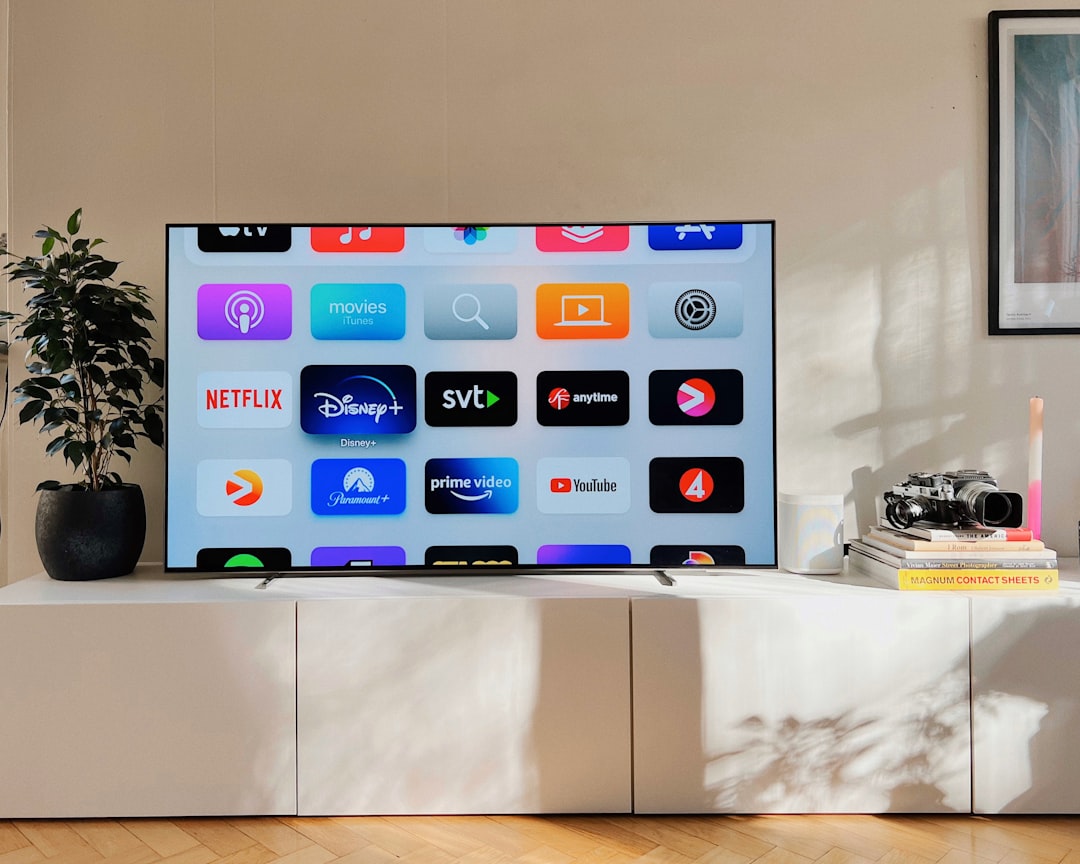
Smart DNS changes how your device handles DNS requests. It does not usually change your full IP address. Instead, it reroutes parts of your connection that reveal your region. This can help with streaming platforms, especially on devices that do not support VPN apps.
Best for:
- Smart TVs
- Game consoles
- Apple TV, Roku, and similar devices
- Streaming when speed matters more than privacy
The main benefit is speed. Since Smart DNS does not encrypt all traffic, it often feels faster than a VPN. That can matter for 4K video, where many platforms recommend around 15 to 25 Mbps. It also avoids some of the setup hassle that comes with routers and VPN apps.
The catch is simple: Smart DNS is not a privacy tool. Your traffic is not encrypted in the same way. Your real IP may still be visible to some services. If your goal is security on public Wi-Fi, Smart DNS is the wrong tool.
Proxy Services: Basic IP Masking with Big Limits
A proxy acts as a middleman between your device and the website you visit. The site sees the proxy server’s IP address instead of yours. Proxies can be set up in a browser, app, or operating system.
Best for:
- Simple browser-based access
- Testing how a website looks from another country
- Light tasks where privacy is not the main concern
Proxies are often less reliable than VPNs. Many do not encrypt traffic. Some only work inside one app or browser. Free proxies can be especially sketchy. They may inject ads, log activity, or break pages. For bank accounts, work tools, email, or anything sensitive, do not rely on a random free proxy.
Image not found in postmeta
VPN vs Smart DNS vs Proxy: Which Should You Use?
| Tool | Privacy | Speed | Best Use |
|---|---|---|---|
| VPN | High | Medium to high | Privacy, travel, streaming, public Wi-Fi |
| Smart DNS | Low | High | Streaming on TVs and consoles |
| Proxy | Low to medium | Varies | Basic browser tasks and testing |
If you want one safe answer, pick a reputable VPN. It gives the best mix of location control and privacy. If you only care about streaming on a TV, Smart DNS can be cleaner and faster. If you need a quick browser workaround, a proxy may help, but treat it as a light tool, not a security product.
Legal and Account Risks
Using these tools is legal in many countries, but rules vary. More commonly, the risk is with the service’s terms. Streaming companies, ticket sites, or online stores may block access, refuse playback, or lock region changes if they detect location masking.
Do not use VPNs, Smart DNS, or proxies to commit fraud, avoid taxes, bypass sanctions, or break local law. For normal travel, privacy, and account access, they are useful tools. Just choose the right one for the job.
Bottom line: geo-blocking checks where you appear to be. A VPN changes that location and adds privacy. Smart DNS is fast but not private. Proxies are simple but limited. Pick based on risk, device, and how much trust the service deserves.