 logo
logo




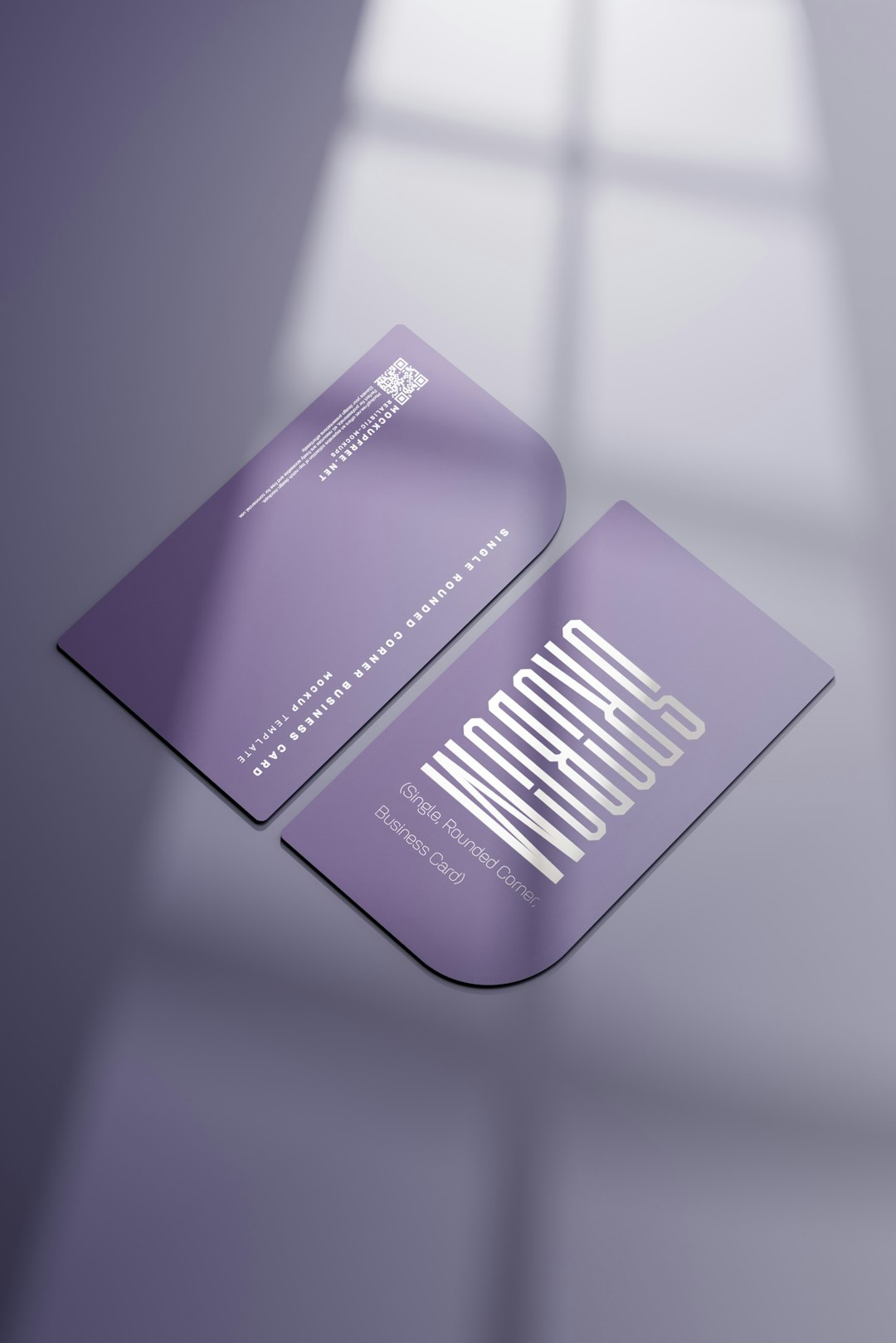
In today’s competitive market, a business card remains a vital tool for personal branding and professional networking. Whether you’re a freelancer, small business owner, or just starting your career, a well-designed business card can help you make a lasting impression. Thankfully, you no longer need to be a graphic designer to create sleek and polished business cards — numerous easy-to-use design tools tailored for beginners are available online.
TLDR: You don’t need design experience to create a professional business card. This article outlines 15 beginner-friendly tools that make designing your card simple, quick, and effective. These platforms offer drag-and-drop features, templates, and customization options to suit various industries and styles. Whether you need something minimalist or more creative, there’s a tool here for you.
1. Canva
Canva is a top choice for business card design thanks to its drag-and-drop interface and vast library of templates, graphics, and fonts. Even if you have zero design background, Canva makes it incredibly easy to create professional-looking cards.
- Free and paid versions
- Thousands of customizable templates
- Print options integrated directly into the platform
2. Vistaprint
Vistaprint is widely known for printing services, but it also offers a surprisingly flexible online design platform. It’s ideal for those who prefer to handle design and printing in one place.
- User-friendly editor
- Industry-specific templates
- Options to upload your own logo or graphics
3. Adobe Express
Adobe Express (formerly Adobe Spark) is perfect for beginners who want consistent branding across various materials. The platform offers templates specifically for business cards that can be tailored effortlessly.
- Integration with Adobe Creative Cloud
- Animated branding possibilities
- Ideal for lightweight design work
4. Crello (now VistaCreate)
VistaCreate is Canva’s close competitor and offers a similarly intuitive experience. New users love its visual layout and range of professional templates.
- Free plan with robust tools
- Stylish and modern template designs
- Custom size option for unique card dimensions
5. Zazzle
Zazzle blends ecommerce and design by offering customizable templates alongside a marketplace of professionally created designs. Perfect if you prefer tweaking a high-end design rather than starting from scratch.
- Marketplace with a variety of styles
- Ability to edit fonts, colors, and layout easily
- Direct-to-print ordering makes the process seamless
6. Designhill Business Card Maker
Designhill’s tool is built specifically for basic business card creation. It walks beginners through a guided process and offers immediate print services.
- Free to design, pay for printing
- Step-by-step card builder
- Basic customization with professional polish
7. Jukebox Print
Jukebox Print is ideal for users who want top-tier printing options, such as eco-friendly materials or textured paper. While the platform’s design tools are less flashy, they get the job done for simple card designs.
- Unbeatable paper and print quality
- Simple editor suitable for first-time users
- Good option for premium cards
8. Microsoft Designer
Microsoft Designer uses AI-powered design suggestions to help users build cohesive and attractive layouts. It integrates easily with Microsoft 365 tools, making it a good option for professionals already in that ecosystem.
- Templates auto-adjust based on content input
- Excellent for text styling and layout
- Updated regularly with user-friendly features
9. Snappa
Snappa is highly recommended for users looking to quickly design visual content for various platforms. Its business card templates are straightforward and clean, great for classic designs.
- Fast design creation with minimal learning curve
- Some templates available only in paid version
- Great for consistency with online assets
10. Lucidpress
Lucidpress is a template-based design platform ideal for teams. You can maintain brand consistency across staff members thanks to its locked-template function.
- Collaborative editing tools
- Extensive brand control settings
- More advanced usability features while still beginner-friendly
11. Moo Business Card Templates
Moo is known for premium-looking cards with unique finishing options. Their online design tools are sleek and make it very easy to customize modern templates.
- High-end finishes like gold foil and spot gloss
- “Printfinity” allows different designs on every card
- Easy drag-and-drop interface
12. Tailor Brands
Tailor Brands offers a logo and branding suite that includes business card creation. Its AI-generated designs help beginners produce cohesive branding materials.
- AI-generated branded cards in seconds
- Ideal for startups and entrepreneurs
- Great bundling with logo and website tools
13. PsPrint
PsPrint is utilized by small businesses for its one-stop-shop approach. The editor is simple and eliminates distracting features, perfect for no-nonsense users.
- Quick templates with limited, purposeful options
- Affordable prices for printing
- Trusted by thousands of professionals
14. Fotor
Fotor is a cloud-based design tool that leans heavily into photo editing as well as layout. It’s particularly good for users wanting a creative or photo-based business card.
- Advanced photo editing tools
- Creative layout options uncommon in other tools
- Easy-to-use for visual storytellers
15. BeFunky
BeFunky is both a photo editor and design tool rolled into one. It has a dedicated business card maker with high-quality templates and intuitive controls.
- Great blend of design and photo customization
- Very beginner-friendly, no accounts required for basic use
- Good for artistic and playful card designs
Final Thoughts
Designing a business card no longer requires deep pockets or years of experience. Each of the tools listed above brings something unique to the table, whether it’s Adobe Express’s brand consistency, Moo’s premium finish options, or Canva’s unbeatable ease of use. As a beginner, it’s important to focus on platforms that offer not just templates but also guidance and simplicity. That way, you can produce a final product that reflects your brand clearly and professionally.
Regardless of which tool you choose, take time to experiment with colors, fonts, and layouts to find what best suits your style and message. A well-crafted business card is more than just a piece of paper — it’s a personal introduction, a tiny billboard, and a potential opportunity all in one.
