 logo
logo



The Gigabyte A16 has attracted attention as a performance-oriented laptop that balances gaming capability with everyday usability. One of the most common questions buyers ask is whether it supports USB Type-C charging. With USB-C becoming a universal standard for data, video output, and power delivery, its charging capabilities can significantly impact portability and convenience. This article takes a close look at the Gigabyte A16’s specifications, power requirements, and real-world compatibility with USB-C charging solutions.
TL;DR: The Gigabyte A16 includes a USB-C port, but full charging support depends on the specific model and power delivery configuration. Most variants support USB Power Delivery (PD) input, typically up to 100W, which is sufficient for light workloads but may not fully replace the original AC adapter during heavy gaming. For maximum performance, the dedicated barrel charger remains recommended. Always verify your exact A16 configuration to confirm USB-C charging support and wattage limits.
Overview of the Gigabyte A16
The Gigabyte A16 is positioned as a mid-to-high performance laptop, designed for users who need substantial CPU and GPU capability within a relatively portable 16-inch form factor. Typical specifications include:
- AMD Ryzen or Intel Core processors (depending on configuration)
- NVIDIA GeForce RTX series graphics (RTX 4050, 4060, or similar)
- 16-inch display with high refresh rate options
- Multiple connectivity ports including USB-A, HDMI, and USB Type-C
Because the A16 often features dedicated graphics and performance components, its full power consumption under load can exceed what standard USB-C chargers provide. This is an essential factor when evaluating Type-C charging compatibility.
Understanding USB-C Charging and Power Delivery
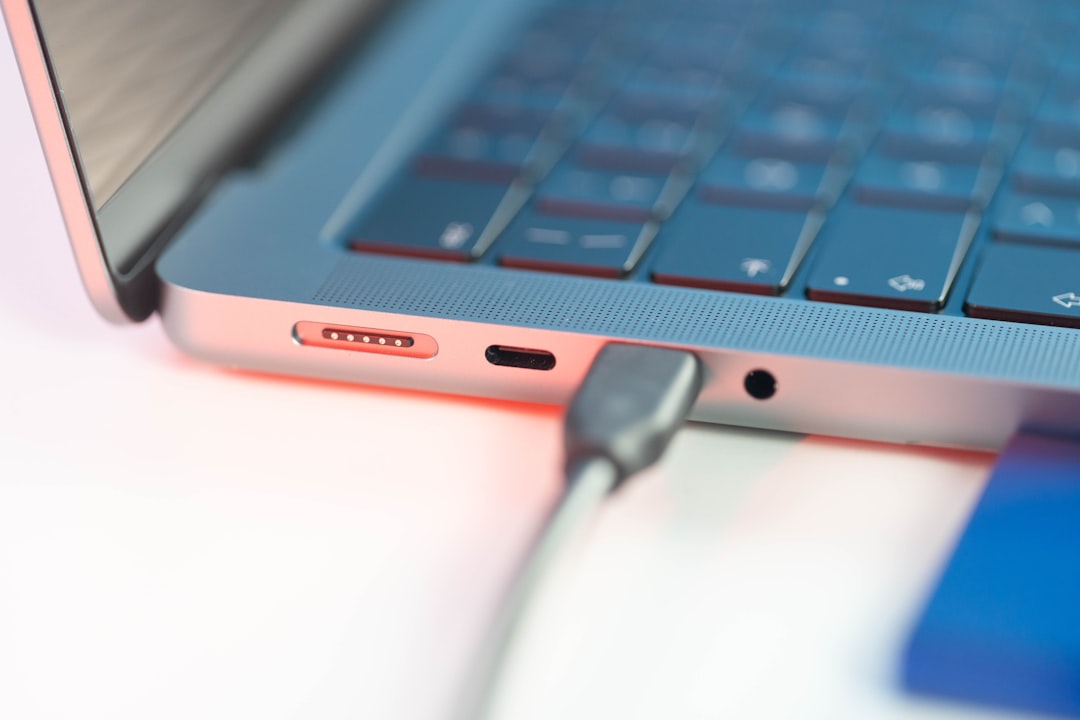
Not all USB-C ports are created equal. A USB-C connector can support data transfer, video output, charging, or any combination of these features. What determines charging capability is the implementation of USB Power Delivery (USB-PD).
USB-PD defines standardized power profiles, including:
- 65W – common for ultrabooks
- 100W – typical maximum for many laptops
- 140W and above – available in newer PD 3.1 extended power range devices
Most gaming laptops, including performance-focused 16-inch models, ship with AC adapters rated between 150W and 240W. This immediately suggests that USB-C charging, if supported, may not deliver the same level of sustained performance as the included charger.
Does the Gigabyte A16 Support Type-C Charging?
The short answer is: Yes, many Gigabyte A16 configurations support USB-C charging via Power Delivery, but with limitations.
The USB-C port on the A16 generally supports:
- USB Power Delivery input (typically up to 100W)
- DisplayPort over USB-C
- High-speed data transfer
However, the supported wattage through USB-C is usually capped at 100W. This limitation is important because the A16’s standard barrel-type power adapter is significantly more powerful, often rated between 180W and 240W.
In practical terms:
- You can charge the laptop via USB-C.
- It is suitable for light tasks such as web browsing, document editing, streaming, and video calls.
- It may not sustain full performance during gaming or rendering workloads.
Power Output Requirements of the Gigabyte A16
To understand compatibility, we need to look at typical system power consumption.
Under different workloads, the A16 may draw:
- 20–40W during idle or light productivity tasks
- 60–90W during moderate multitasking
- 120W–200W+ under heavy GPU load or gaming
This means a 100W USB-C PD charger can:
- Keep the system powered during light to moderate use
- Slow-charge or maintain charge levels under partial load
- Possibly allow battery drain during intense gaming sessions
In contrast, the original AC adapter ensures that both CPU and GPU can operate at full performance without triggering power limit reductions.
What Happens When You Use USB-C Charging?
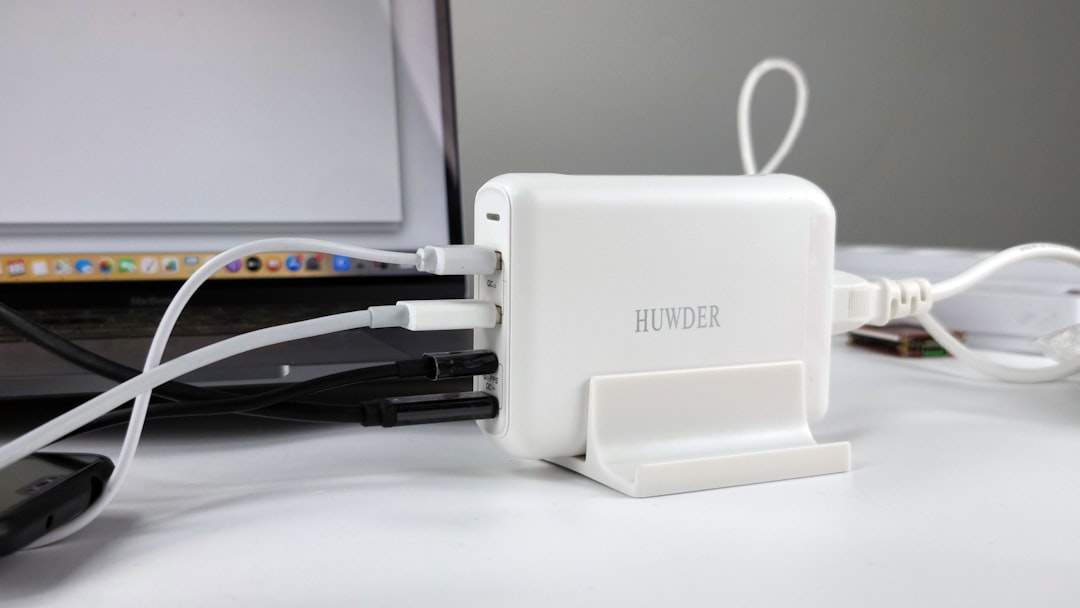
When charging via USB-C, the A16’s firmware manages available power carefully. If the connected PD charger delivers 100W, the system prioritizes:
- Essential system operations
- Battery charging up to safe thermal limits
- Balanced CPU and GPU performance
During demanding tasks, the laptop may:
- Reduce GPU boost clocks
- Lower CPU turbo frequencies
- Display a system notification about a lower-wattage adapter
This is not a defect—it is a protective and performance-optimization behavior. The system is designed to avoid overloading USB-C power input capabilities.
Compatibility with Third-Party USB-C Chargers
Most Gigabyte A16 models are compatible with high-quality third-party USB-C PD chargers, provided they meet certain requirements:
- Minimum 100W USB Power Delivery support
- Reputable brand with certified PD compliance
- Appropriate 5A e-marked USB-C cable
A lower-rated charger (for example, 65W) may still charge the laptop while powered off or asleep, but under active use, the battery may continue draining.
For best results, users should look for chargers labeled as:
- 100W USB-C PD
- 20V at 5A output capability
Always avoid non-certified chargers, as inconsistent voltage regulation can lead to unstable charging or long-term battery wear.
Is USB-C Charging Safe for the Gigabyte A16?
Yes, when used according to specification. USB Power Delivery includes built-in communication between the charger and the laptop. The system negotiates voltage and current before full power transfer begins.
This negotiation ensures:
- The laptop does not receive more current than supported
- The adapter does not supply unsafe voltage levels
- Thermal controls remain active
Gigabyte engineers the USB-C port with appropriate safeguards, meaning using a compliant PD charger should not harm the device.
When Should You Use USB-C Charging?
USB-C charging on the A16 is ideal for specific situations:
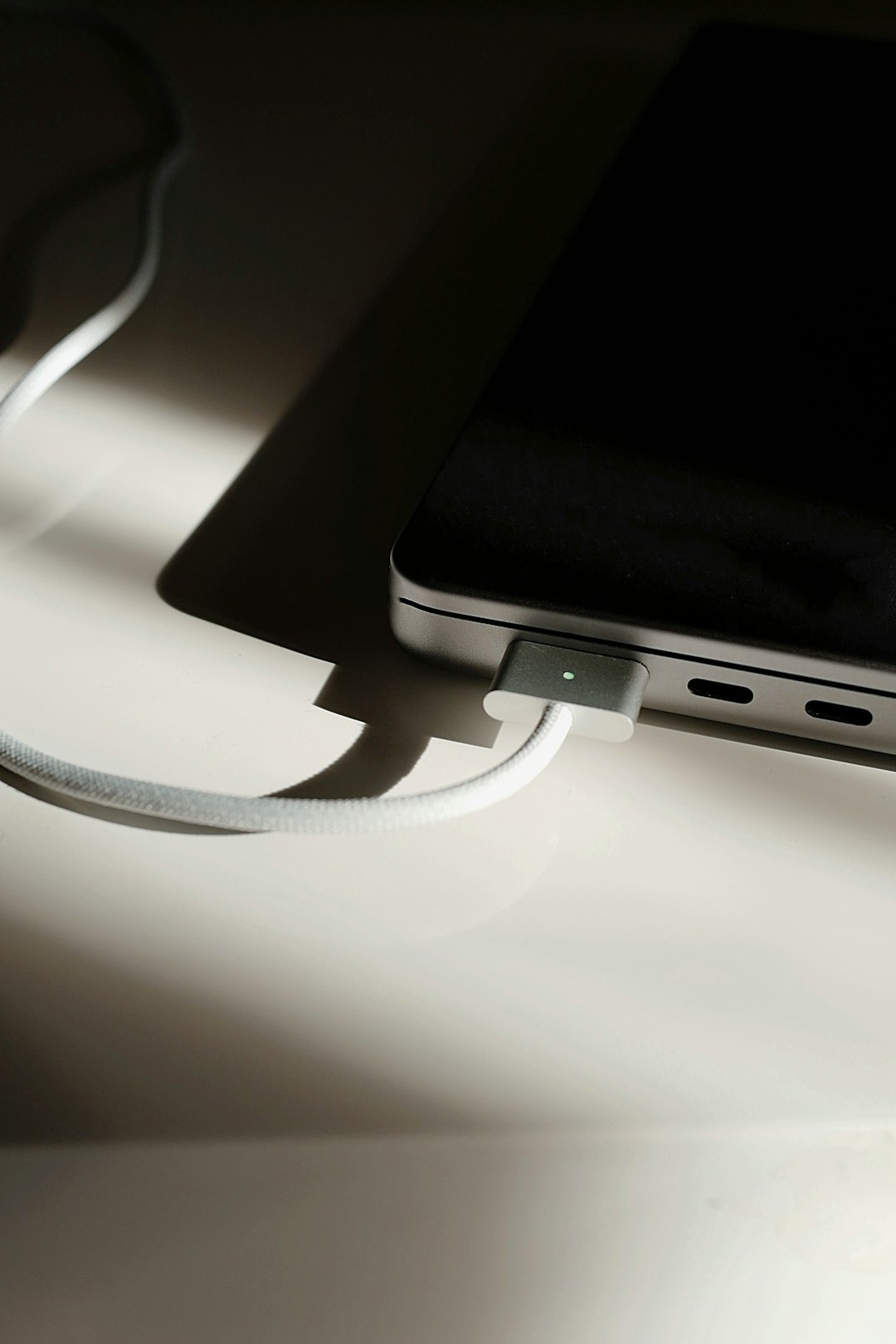
- Travel – Carry a smaller 100W GaN USB-C charger instead of the heavier gaming adapter.
- Office and school work – When performing productivity tasks.
- Shared charging setups – Using a universal docking station with PD output.
However, you should use the original barrel charger when:
- Gaming for extended sessions
- Rendering or video editing
- Running benchmark or stress-test workloads
In these cases, full power headroom ensures sustained performance without battery drain.
Docking Stations and Type-C Power
Many users connect the A16 to USB-C docking stations that provide:
- Display output
- Ethernet
- Multiple USB ports
- Power delivery (typically 65W–100W)
If the dock supports 100W PD passthrough, it can effectively power the laptop during regular office use. However, similar performance limitations apply during GPU-intensive tasks.
Before purchasing a dock, verify:
- The PD wattage rating
- Display capabilities (e.g., 4K at 60Hz or higher)
- Compatibility with Gigabyte laptops
How to Check Your Exact A16 Model
Gigabyte releases multiple variants under the A16 name. To confirm USB-C charging support:
- Check the official product specification sheet for your exact SKU
- Look for USB-C with Power Delivery input in the port description
- Consult the included user manual
Some regional variations may differ slightly, so confirming at the serial-number level is advisable.
Final Assessment
The Gigabyte A16 does support USB Type-C charging in most modern configurations, but it is best understood as a supplementary power option rather than a complete replacement for the factory adapter.
With up to 100W Power Delivery support, USB-C charging offers real convenience—especially for travel and productivity tasks. However, the A16’s performance-class components demand more power under load than USB-C can generally provide. For users who plan to game or run demanding creative applications, the dedicated high-wattage AC adapter remains essential.
In summary, the A16 strikes a practical balance: portable charging flexibility through USB-C, and uncompromised performance through its standard power brick. Understanding these distinctions ensures you can choose the right charging solution for your specific usage scenario.
