 logo
logo




Manga and digital comic readers often ask whether they can install and use Mihon directly on a Kindle device. With Kindle remaining one of the most popular e-readers in 2026 and Mihon emerging as a leading open-source manga reader app, confusion around compatibility is understandable. This guide provides a complete, up-to-date explanation of whether Mihon works on Kindle, what your real options are, and which alternatives deliver the best experience.
TLDR: Mihon cannot be installed directly on Kindle e-readers because Kindle devices do not support Android apps. Standard Kindle models run Amazon’s custom firmware, which blocks third-party app installations like Mihon. However, there are workarounds such as converting manga files for Kindle or using alternative devices like Android tablets. If you want the full Mihon experience, an Android-based device is required.
What Is Mihon?
Mihon is a free, open-source manga and comic reading application for Android. It evolved from Tachiyomi and continues to provide:
- Extension-based manga source integration
- Offline reading capabilities
- Advanced tracking and library organization
- Custom reader settings and display controls
- Frequent updates from an active open-source community
Mihon is designed specifically for Android systems, which plays a crucial role in understanding its compatibility with Kindle.
Can You Install Mihon on a Kindle?
In short: No, you cannot install Mihon directly on a Kindle e-reader.
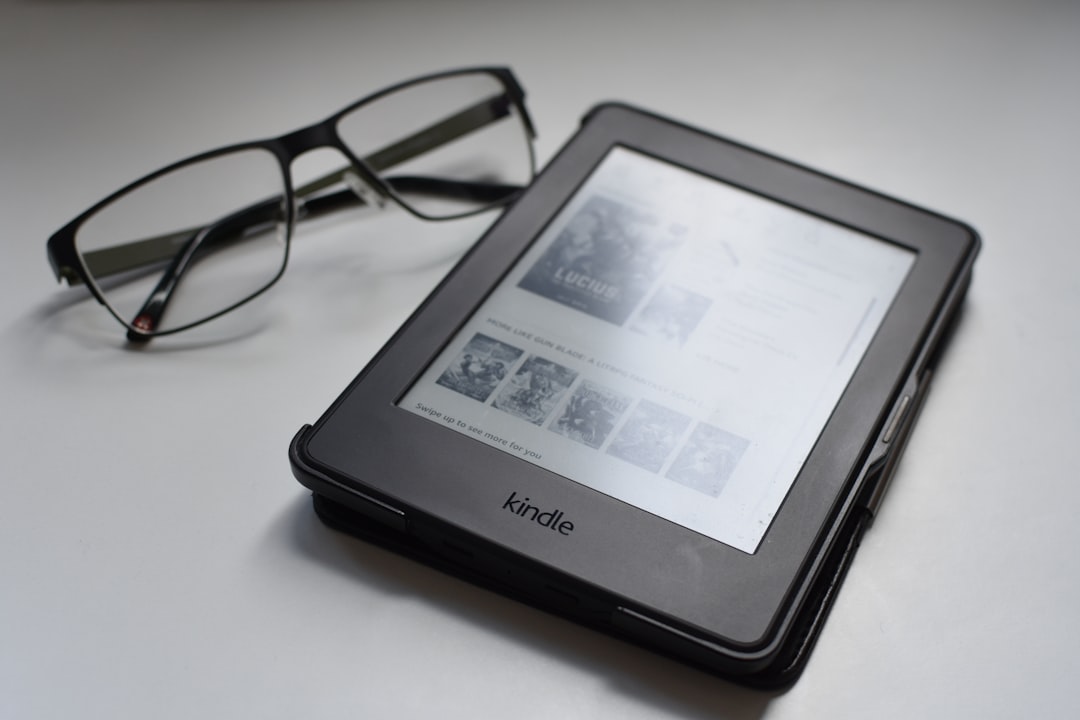
The reason is technical but straightforward. Standard Kindle e-readers (such as Kindle Paperwhite, Kindle Oasis, and Kindle Basic) do not run Android as a traditional open system. They operate on Amazon’s modified Linux-based firmware, which:
- Blocks third-party APK installations
- Does not support Google Play Store
- Prevents sideloading of Android apps
- Restricts system-level modifications
Because Mihon is distributed as an Android APK file, Kindle’s operating system simply cannot execute it.
What About Jailbreaking a Kindle?
Some advanced users attempt to jailbreak their Kindle devices. While jailbreaking may enable minor customization, it still does not convert the Kindle into a fully functional Android tablet. Even with jailbreaking, you cannot install Mihon in a stable, officially supported way.
Additionally, jailbreaking carries risks:
- Voiding your warranty
- Bricking the device
- Losing future firmware updates
- Security vulnerabilities
For most users, it is not a practical nor recommended solution.
Is a Kindle Fire Different?
This is where some confusion arises.
Amazon Fire tablets (formerly known as Kindle Fire) do run a version of Android called Fire OS. However, these devices are tablets, not e-ink Kindle readers.
On a Fire tablet:
- You can sideload APK files.
- You can install Mihon manually.
- You cannot install it directly from Google Play without extra configuration.
With minimal technical setup, Mihon works on Fire tablets, though performance and display quality may vary depending on the model.
Why Mihon Does Not Work on E-Ink Kindles
There are deeper technical limitations beyond app installation:
- No Android runtime environment
- Limited RAM (typically 512MB–1GB)
- E-ink refresh constraints unsuitable for manga viewers
- No support for modern app rendering engines
Manga readers like Mihon rely on dynamic rendering, zoom gestures, library syncing, and background extension updates. Traditional Kindle e-ink readers are not designed to handle this type of workload.
If You Own a Kindle, What Are Your Options?
If your goal is to read manga on a Kindle device, you still have viable alternatives:
1. Convert Manga to Kindle-Compatible Format
You can convert manga files into formats supported by Kindle, such as:
- MOBI (older models)
- AZW3
- KFX
- PDF (less optimized but usable)
Tools like Calibre allow you to convert CBZ or CBR manga files into Kindle-compatible formats. The process typically involves:
- Downloading your manga files legally
- Converting via Calibre
- Sideloading using USB or Send to Kindle
Pros:
- Clean e-ink reading experience
- No app installation required
Cons:
- No extension updates
- No automatic chapter sync
- No built-in tracking
2. Use Kindle Cloud Reader (Limited Solution)
If your manga is purchased directly from Amazon, you can read it through the Kindle ecosystem. However, this does not integrate with Mihon or third-party libraries.
Best Alternatives If You Want Mihon Functionality
If your primary goal is to replicate Mihon’s full capabilities, replacing the device—not modifying it—is usually the smarter choice.
Top Devices for Mihon in 2026
| Device | Supports Mihon | Screen Type | Best For | Price Range (2026) |
|---|---|---|---|---|
| Android Tablet (Samsung Galaxy Tab A9) | Yes | LCD | Full Mihon features, smooth performance | $150–$250 |
| Lenovo Tab M11 | Yes | LCD | Budget-friendly manga reading | $130–$220 |
| Amazon Fire HD 10 | Yes (sideload) | LCD | Affordable alternative | $120–$190 |
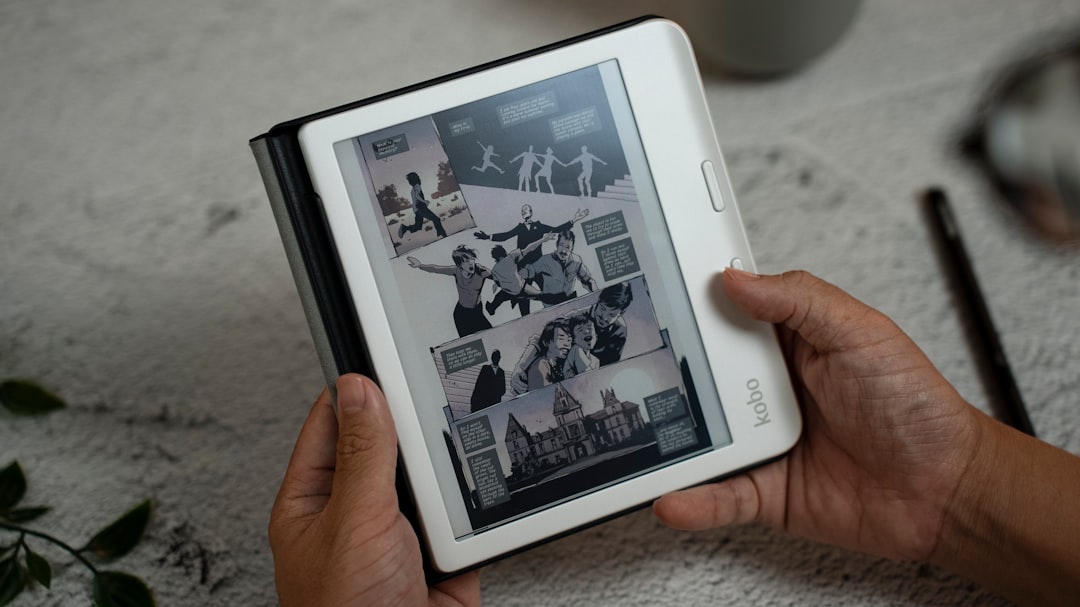
| Onyx Boox (Android E-ink) | Yes | E-ink | Closest Kindle-style experience with Android | $350–$600 |
| Kindle Paperwhite | No | E-ink | Amazon-purchased content only | $140–$200 |
Best Alternative Apps for Kindle Users
If switching devices is not an option, consider Kindle-compatible ecosystems or alternative methods:
1. Amazon Kindle Store Manga
- Officially optimized
- Stable performance
- Sync across devices
2. ComiXology (via Amazon)
- Large licensed catalog
- Guided View support
3. Calibre + Manual Library Setup
- Most control over formatting
- Works well for offline collections
While these options do not replicate Mihon’s extension-based ecosystem, they provide stability and compatibility.
Is Reading Manga on Kindle Ideal in 2026?
The answer depends on your priorities.
Kindle strengths:
- Exceptional battery life (weeks per charge)
- Eye comfort with e-ink
- Lightweight design
Kindle weaknesses for manga:
- Slower refresh rate
- Limited zoom responsiveness
- No Mihon or advanced manga app support
If you mainly read text-based novels and occasionally open manga, Kindle works adequately. If manga is your primary content, Android tablets are objectively superior.
Will Mihon Ever Work on Kindle?
As of 2026, there is no indication that Amazon plans to allow full Android app support on Kindle e-readers. Amazon’s ecosystem strategy prioritizes:
- Content control
- Marketplace integration
- Device stability
- Battery optimization
Allowing open APK installations would undermine this controlled environment.
Unless Amazon fundamentally redesigns Kindle OS—which is highly unlikely—Mihon will remain incompatible with Kindle e-ink devices.
Final Verdict
To clearly answer the original question: You cannot use Mihon on a standard Kindle e-reader. The device architecture, operating system restrictions, and hardware limitations prevent installation and reliable use.
If Mihon’s powerful manga management and extension system are important to you, your best solution in 2026 is an Android-based tablet or an Android-powered e-ink device like Onyx Boox.
For Kindle owners who value eye comfort and battery life, converting manga files manually remains the safest workaround.
Ultimately, choosing between Kindle and Mihon comes down to a broader decision: Do you prioritize ecosystem flexibility, or do you prefer Amazon’s controlled reading environment? Understanding that trade-off will help you select the device that truly fits your reading habits.
