 logo
logo



Handwriting is personal. It is messy. It is human. Yet we now live in a world of keyboards and touchscreens. So what happens when we want machines to understand our scribbles? That is where open source handwriting recognition steps in. It blends artificial intelligence, math, and community-driven software into tools that can read what we write.
TLDR: Open source handwriting recognition lets computers turn handwritten text into digital words. It uses machine learning models that anyone can inspect, improve, and share. These tools power note apps, document scanners, education tools, and more. They are flexible, affordable, and constantly evolving thanks to global developer communities.
Let’s explore how it works. Let’s see why it matters. And let’s have a little fun along the way.
What Is Handwriting Recognition?
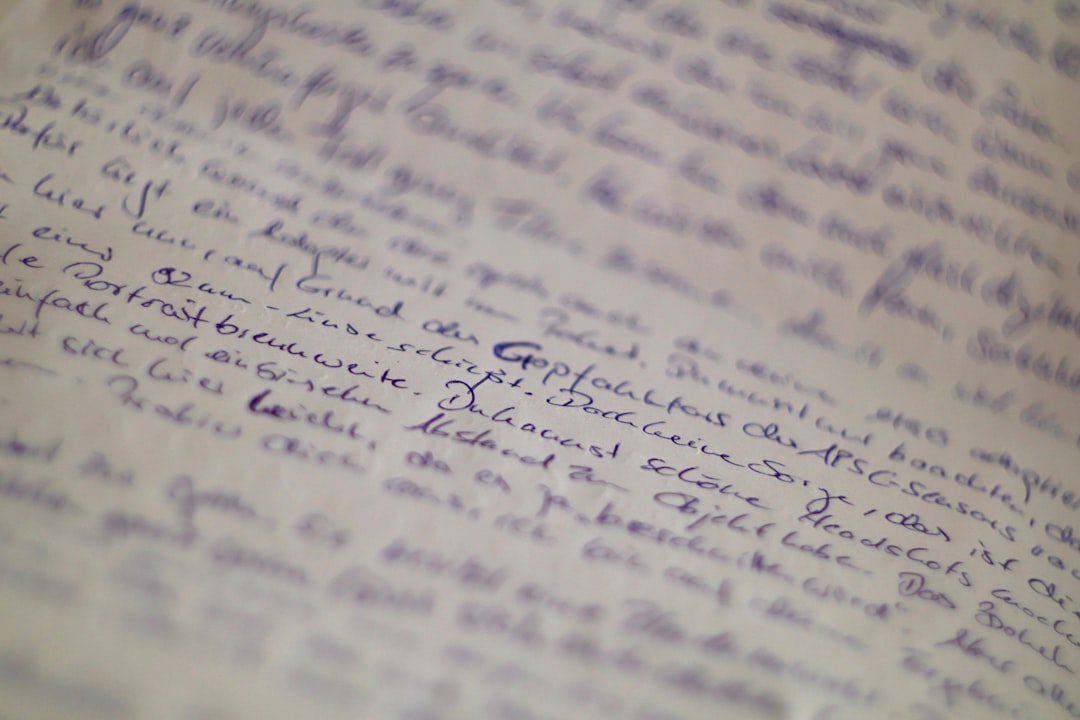
Handwriting recognition is a type of pattern recognition. A computer looks at shapes. It compares them to patterns it has learned. Then it guesses the letters and words.
There are two main types:
- Offline recognition: The system reads static images. Think scanned notes or photos.
- Online recognition: The system captures strokes as you write on a tablet or stylus device.
Offline systems analyze pixels. Online systems also study stroke order and speed. That extra data can boost accuracy.
At the heart of modern systems is machine learning. Especially deep learning. Neural networks learn from thousands, even millions, of handwriting samples.
Imagine teaching a child to read messy notes. You show examples. You correct mistakes. Over time, the child improves. A neural network learns in a similar way. Except much faster.
Why Open Source Matters
Proprietary tools exist. They can be powerful. But open source has unique strengths.
Open source means:
- The code is public.
- Anyone can review it.
- Anyone can improve it.
- Anyone can adapt it.
This openness brings big benefits.
1. Transparency. You can see how data is processed. This builds trust.
2. Flexibility. Developers can adapt models for different languages or writing styles.
3. Cost savings. No expensive licenses. Great for startups and schools.
4. Innovation speed. A global community finds bugs and adds features quickly.
It is like cooking from a shared recipe. Everyone tweaks it. The meal keeps improving.
Popular Open Source Tools
Several open source projects stand out in the handwriting space.
- Tesseract OCR: Originally developed by HP. Now maintained by Google and the community. Mainly for printed text, but adaptable for handwriting with training.
- Kraken: Designed for historical and complex scripts. Strong in research settings.
- OCRopus: Modular system. Built for document analysis workflows.
- TensorFlow and PyTorch models: Many custom handwriting recognition systems are built using these machine learning frameworks.
Developers often combine tools. For example:
- Use OpenCV for image preprocessing.
- Feed cleaned images into a neural network built with PyTorch.
- Export predictions as searchable text.
This modular approach is powerful. It allows endless experimentation.
How the Magic Happens
Let’s break down the process. Step by step. Simple and clear.
1. Image Capture
The system receives an image. Maybe from a scanner. Maybe from a smartphone camera.
2. Preprocessing
The image is cleaned up. This may include:
- Grayscale conversion
- Noise reduction
- Contrast adjustment
- Line segmentation
Think of it as wiping smudges off glasses before reading.
3. Feature Extraction
The model looks for patterns. Curves. Intersections. Loops. Angles.
4. Sequence Modeling
Modern systems often use:
- Convolutional Neural Networks (CNNs) for spatial features
- Recurrent Neural Networks (RNNs) or Transformers for sequence prediction
These models predict characters in order. One after another.
5. Decoding
Finally, the system produces readable text. Language models may correct spelling. Context helps fix errors.
For example, if the system reads “hte,” it may correct it to “the.” Smart, right?
Modern Applications
Handwriting recognition is not just a cool demo. It solves real problems.
1. Education
Students still write by hand. Especially in math and science.
Open source tools can:
- Digitize homework
- Provide automated feedback
- Convert notes into searchable study material
Teachers save time. Students get quicker insights.
2. Historical Archives
Museums store mountains of handwritten documents. Letters. Diaries. Official records.
Manual transcription is slow. And expensive.
Open source handwriting models help researchers:
- Transcribe old manuscripts
- Search archives quickly
- Preserve cultural heritage digitally
This is huge for historians. It unlocks stories hidden for centuries.
3. Healthcare
Doctors often write notes by hand. Sometimes messy notes.
Recognition systems can:
- Convert notes into electronic health records
- Reduce manual data entry
- Improve accessibility
Better data means better care.
4. Business and Productivity
Many people love handwritten planners. Or brainstorming on paper.
With recognition tools, you can:
- Snap a photo of a whiteboard
- Turn meeting notes into editable text
- Store searchable documents in the cloud
Paper meets digital. Everyone wins.
5. Accessibility
People with certain disabilities may struggle with typing. Others may struggle with reading messy handwriting.
Recognition systems can:
- Convert handwriting to speech
- Enhance contrast and clarity
- Support multilingual communication
Technology becomes more inclusive.
Challenges to Keep in Mind
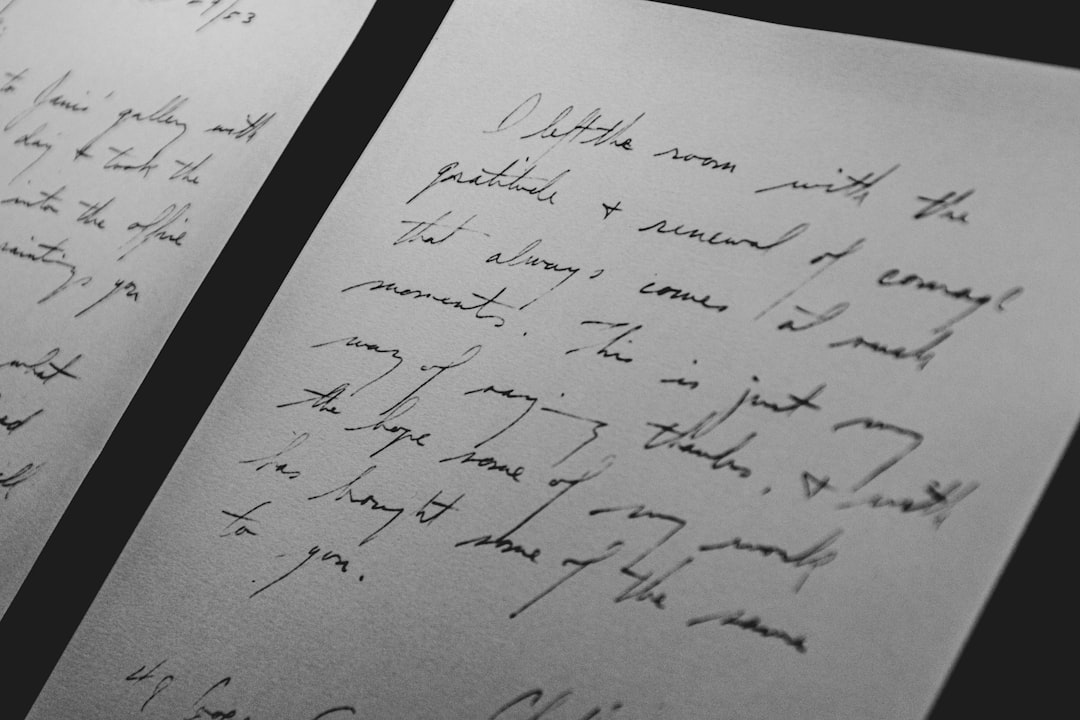
It is not all perfect. Handwriting is wild. People write in unique ways.
Common challenges include:
- Different writing styles
- Overlapping characters
- Skewed or curved lines
- Low quality images
Multilingual recognition is also complex. Scripts like Arabic, Chinese, or Hindi require specialized datasets.
Data privacy matters too. Especially in healthcare and education. Open source tools must be deployed carefully. Security is key.
Training models also requires large datasets. And computing power. That can be costly. But cloud platforms and shared datasets help lower the barrier.
Getting Started as a Developer
Curious to try it yourself? Great.
Here is a simple roadmap:
- Learn the basics of Python. Most tools use it.
- Explore OpenCV. Practice image preprocessing.
- Study neural networks. Focus on CNNs and sequence models.
- Try training a model. Use public handwriting datasets.
- Contribute to an open source project. Fix a bug. Improve documentation.
You do not need a PhD. Curiosity goes a long way.
The Future Looks Handwritten
Ironically, as AI grows smarter, it is helping us return to something ancient. Writing by hand.
Future trends may include:
- Real-time translation of handwritten notes
- Improved on-device models for privacy
- Better multimodal systems combining voice and handwriting
- Stronger personalization that adapts to your unique style
Imagine writing a note in your notebook. Your phone instantly translates it into another language. Or organizes it into a task list. Seamless. Invisible. Helpful.
That is where open source shines. It invites collaboration. Researchers, hobbyists, startups, and students all build together.
Final Thoughts
Handwriting recognition feels almost magical. But it is built on clear steps. Data. Models. Community effort.
Open source makes this magic accessible. It lowers barriers. It sparks experimentation. It supports global languages and cultures.
In a fast digital world, handwriting keeps us grounded. It shows personality. It slows us down. With open source recognition tools, we do not have to choose between paper and pixels.
We can have both.
And that is a story worth writing by hand.
