 logo
logo



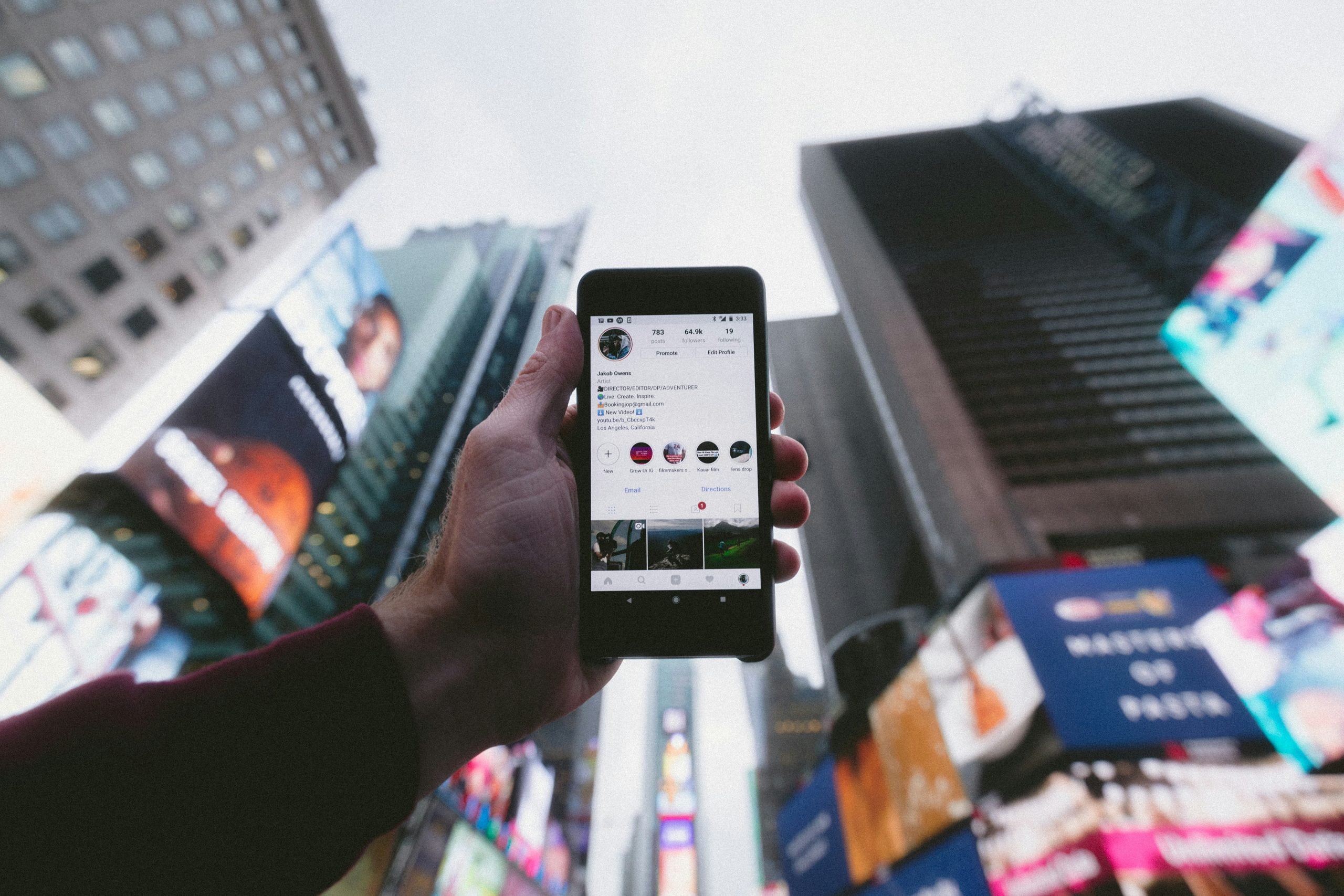
Instagram activity can be difficult to interpret because the platform changes its interface, privacy rules, and visibility settings often. One term that appears in searches is Recentfollow, usually referring to the idea of checking recent follows on Instagram, tracking who an account has recently followed, or using a tool that claims to organize recent following activity. For creators, social media managers, and everyday users, understanding what Recentfollow means can help them manage accounts more responsibly and avoid unsafe third-party services.
TLDR: Recentfollow is commonly used to describe recent following activity on Instagram, but it is not an official Instagram feature with that exact name. A user can review their own recent follows through Instagram’s following list when sorting options are available, but seeing another person’s exact recent follows is limited by Instagram’s privacy design. Third-party Recentfollow tools should be approached carefully because some may request login details, violate Instagram rules, or provide inaccurate information. The safest approach is to use Instagram’s built-in features and avoid sharing account credentials.
What Is Recentfollow on Instagram?
Recentfollow is best understood as a general term rather than a confirmed official Instagram product. In most cases, it refers to one of three things: the recent accounts someone has followed, a web-based tool that claims to show recent follows, or a method for reviewing a person’s own following history. Because Instagram does not prominently provide a public “recent follows” feed for every account, the term often creates confusion.
Years ago, Instagram offered more visible activity signals, including a “Following” activity tab that allowed people to see some interactions from accounts they followed. That feature was removed, and Instagram has since moved toward more private, algorithm-based feeds. As a result, tracking another account’s latest follows is no longer straightforward or consistently possible through official means.
For a personal account, Recentfollow usually means checking which profiles were followed most recently. This can be useful for account cleanup, brand research, influencer collaboration tracking, or simply remembering why certain accounts were followed. For someone else’s account, however, recent follow tracking is much more limited and may not be accurate.
Is Recentfollow an Official Instagram Feature?
No, “Recentfollow” is not widely recognized as an official Instagram feature name. Instagram uses terms such as Followers, Following, Account Center, Notifications, and Insights, but it does not typically label a built-in section as “Recentfollow.” The term is more commonly associated with search queries, third-party websites, or informal discussions about recent following activity.
This distinction matters because many tools online may present themselves as if they offer privileged access to Instagram activity. In reality, Instagram limits what outside services can access. Any website that claims to reveal private, hidden, or exact recent follow data for another person’s account should be treated with caution.
How Recent Follows Work on Instagram
Instagram’s following list shows the accounts a profile follows, but the order may vary. Sometimes the platform displays a sorting option for a person’s own following list, such as latest or earliest. In other cases, the list may appear based on relevance, mutual connections, interaction patterns, or algorithmic ranking.
For public profiles, visitors can usually see the list of accounts that profile follows. However, the list is not always chronological, and it may not reliably reveal who was followed most recently. For private profiles, only approved followers can see following and follower lists, and even then, chronological order is not guaranteed.
Instagram also changes features by region, device, account type, and app version. A creator account may see different tools than a personal account. A business account may have access to Insights, but Insights generally show audience trends rather than a simple list of recently followed accounts.
How to Use Recentfollow Safely on IG
When a user wants to use the idea of Recentfollow safely, the best method is to rely on Instagram’s native tools. These tools are more secure, more accurate, and less likely to put an account at risk.
1. Checking a Personal Following List
A user can open the Instagram app, go to their profile, and select Following. If Instagram provides sorting options, the user may be able to sort the list by Date followed: Latest or Date followed: Earliest. This is the closest official method for reviewing recent follows on a personal account.
- Open the Instagram app and go to the profile page.
- Tap “Following” to view followed accounts.
- Look for sorting options, if available.
- Select a latest-first order when Instagram offers it.
- Review the list to identify recently followed profiles.
If the sorting option is missing, Instagram may not currently support it for that account, app version, or region. Updating the app may help, but there is no guarantee that every account will receive the same interface.
2. Using Search and Notifications
Instagram’s search history and activity notifications can also provide clues. If a user recently followed an account after searching for it, the profile may still appear in search suggestions. Notifications may also show recent follow-related activity, especially when another account follows back or interacts shortly afterward.
However, these are indirect clues rather than a complete Recentfollow record. They can help someone remember recent account activity, but they should not be treated as a formal tracking system.
3. Reviewing Account Activity
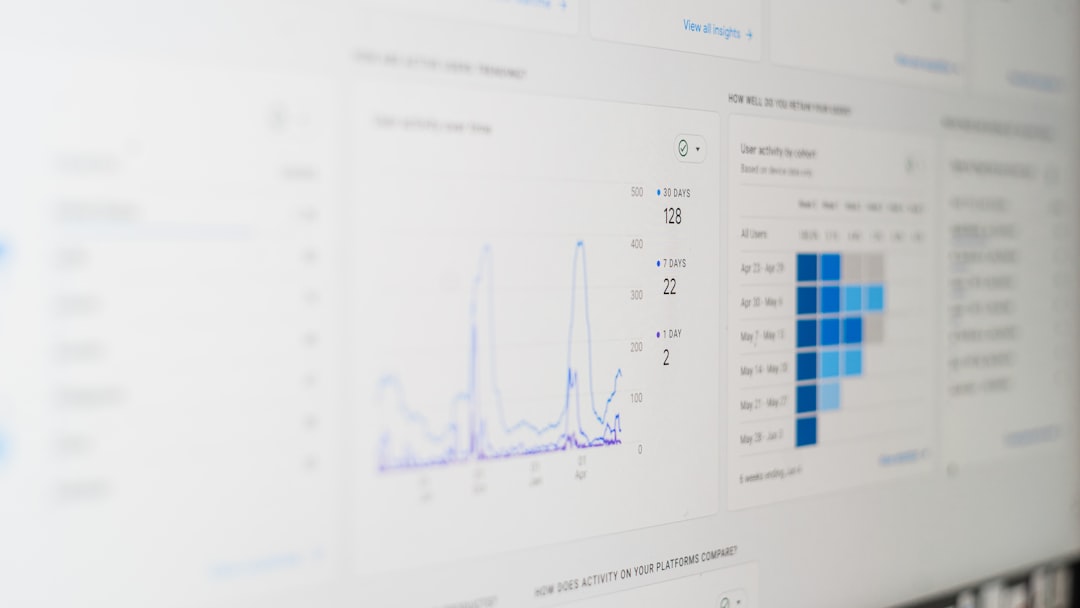
Instagram includes an activity area where users can review certain account actions, interactions, searches, links visited, and time spent. Depending on the current Instagram layout, this section may help a user understand recent behavior around content and accounts.
This is useful for people who manage multiple accounts or need to maintain a cleaner following list. For example, a creator may decide to unfollow inactive accounts, remove irrelevant follows, or organize their feed around a specific niche.
Why People Use Recentfollow
There are several reasons why Instagram users become interested in Recentfollow. Some reasons are practical, while others may involve curiosity about someone else’s activity.
- Feed management: A user may want to understand why certain accounts appear in the feed.
- Brand research: A social media manager may study industry accounts, competitors, or influencers.
- Influencer vetting: A brand may review whether a creator follows relevant accounts in a niche.
- Personal organization: A person may want to keep a following list intentional and uncluttered.
- Security checks: Unexpected recent follows may suggest that an account was accessed by someone else.
The most legitimate uses involve managing a person’s own account or performing high-level research on public profiles. Problems arise when users attempt to access private data, bypass Instagram limits, or rely on questionable tracking services.
Are Recentfollow Tools Safe?
Some websites and apps claim to provide Recentfollow information. These tools may promise to show who someone recently followed, who unfollowed whom, or how a following list changed over time. While some social media analytics platforms are legitimate, many follow-tracking tools operate in a risky gray area.
The main risk is credential theft. If a tool asks for an Instagram username and password, the account owner should be extremely cautious. Sharing login details can lead to hacking, spam activity, locked accounts, or loss of access. Instagram may also flag suspicious automation or unauthorized access.
Another problem is accuracy. Since Instagram does not publicly provide a complete chronological recent follow feed for all accounts, outside tools may rely on cached lists, estimates, scraping, or incomplete comparisons. This means the information may be outdated, misleading, or entirely wrong.
Signs a Recentfollow Tool May Be Risky
A cautious user can identify warning signs before using a third-party service. These signs may indicate that a tool is unsafe, misleading, or against Instagram’s platform rules.
- It asks for the Instagram password instead of using secure authorization.
- It promises hidden private data from accounts the user cannot normally view.
- It requires surveys, downloads, or suspicious browser extensions.
- It guarantees exact recent follows for any account without limitations.
- It has poor reviews or no clear company information.
- It encourages mass automation, scraping, or bot-like behavior.
For account safety, a user should avoid any service that seems designed to bypass Instagram privacy controls. A legitimate social media workflow should respect visibility settings and platform rules.
Best Practices for Managing Recent Follows
Rather than depending on questionable tools, Instagram users can build simple habits for cleaner account management. These habits are especially useful for creators, businesses, and social media teams.
- Review the following list regularly: A monthly check can keep the feed focused and relevant.
- Use saved collections: Instead of following every interesting account, users can save posts into organized collections.
- Track professional follows manually: Social media managers can use a spreadsheet for influencer research or outreach lists.
- Turn on login alerts: Security notifications can help detect unauthorized account access.
- Remove suspicious apps: Connected apps should be reviewed through account settings and removed if they are no longer trusted.

These practices provide more control than a typical Recentfollow website. They also reduce the risk of account compromise and help maintain a professional presence on Instagram.
Can Someone See Another Person’s Recent Follows?
In most cases, another person can see who a public account follows, but not necessarily in true recent order. If the account is private, only approved followers can view its following list. Even then, Instagram may not display the list chronologically.
This means Recentfollow tracking for someone else’s profile is limited. A person may notice changes by manually checking over time, but that process is imperfect and can become intrusive. Ethical use matters, especially when the activity involves private individuals rather than public brand accounts or professional research.
Recentfollow for Creators and Businesses
For creators and businesses, Recentfollow can be treated as a concept for audience and networking discipline. A brand account may follow potential partners, customers, suppliers, journalists, or competitors. Reviewing recent follows helps ensure the account’s network aligns with its goals.
A creator might use recent follow reviews to identify accounts followed during campaigns, collaborations, events, or trend research. If the creator’s feed becomes noisy, a quick audit can restore focus. Business accounts can also develop internal rules about who the brand follows, who has authority to follow new accounts, and how those choices support the brand voice.
Common Mistakes to Avoid
Several mistakes can make Recentfollow tracking ineffective or unsafe. The biggest mistake is assuming every list order on Instagram is chronological. Another mistake is trusting a third-party website simply because it uses familiar Instagram language. A user may also over-focus on another person’s following activity, which can lead to misunderstandings because the visible order may not reflect actual timing.
It is also important not to confuse followers with following. Followers are accounts that subscribe to a profile’s updates, while following refers to accounts that the profile has chosen to follow. Recentfollow usually relates to the second category: accounts followed recently.
Final Thoughts
Recentfollow is a useful idea when it refers to managing one’s own Instagram following activity, but it should not be mistaken for an official all-access Instagram feature. The safest way to use it is through Instagram’s native following list, activity tools, and responsible account management habits. Third-party tools that promise hidden or exact recent follow data should be treated with skepticism, especially if they request login credentials.
For most users, the best approach is simple: keep the following list intentional, use Instagram’s available sorting options when they appear, and protect account security at all times. Recentfollow can help with organization and research, but privacy and safety should remain the priority.
FAQ
- What does Recentfollow mean on Instagram?
- Recentfollow generally refers to recent following activity on Instagram, such as accounts a user has recently followed. It may also refer to third-party tools that claim to show recent follows.
- Is Recentfollow an official Instagram feature?
- No. Instagram does not commonly offer an official feature named “Recentfollow.” The term is mostly informal or used by outside websites and users.
- How can a user see their own recent follows?
- A user can open their profile, tap Following, and look for sorting options such as latest or earliest. Availability depends on Instagram’s current app version and account settings.
- Can someone see another account’s exact recent follows?
- Usually not with certainty. Public following lists are visible, but Instagram may not show them in exact chronological order. Private account lists are only visible to approved followers.
- Are Recentfollow websites safe?
- Some may be unsafe, especially if they ask for an Instagram password, require downloads, or promise private data. A cautious user should rely on Instagram’s built-in features whenever possible.
- Why might recent follows matter for a business account?
- Recent follows can reveal networking choices, campaign research, competitor monitoring, or collaboration targets. Reviewing them helps keep a brand account aligned with its strategy.
- What should a user do if unknown accounts were recently followed?
- The user should change the password, enable two-factor authentication, review connected apps, and check login activity for suspicious access.
