 logo
logo


For many entrepreneurs, freelancers, consultants, and small teams, a business card still plays a surprisingly important role. It turns a quick meeting into a memorable connection, gives a brand a tangible identity, and makes networking feel more professional. The challenge is that traditional card design often requires either graphic design experience or the budget to hire a professional. Today, AI business card design tools make it possible to create polished cards in minutes, even when the user has no design background at all.
TLDR: AI tools can generate business card designs quickly by using a company name, industry, logo, colors, and preferred style. A solo real estate agent, for example, could enter basic details and receive 20 card variations in under five minutes, then export a print-ready version the same day. For small businesses, this can cut design time by more than 80% compared with back-and-forth manual design revisions. These tools are especially useful for people who need professional branding fast without learning design software.
Why AI Business Card Tools Are Becoming Popular
Business cards may be small, but designing them well requires careful decisions about layout, typography, spacing, hierarchy, and brand consistency. A poorly designed card can look cluttered, unprofessional, or difficult to read. AI tools simplify this process by making design choices automatically based on the user’s business type and preferences.
Instead of starting with a blank canvas, the user typically enters information such as a name, job title, phone number, email address, website, and social media handle. The AI then generates multiple design options with coordinated colors, fonts, icons, and spacing. This allows a non-designer to review ready-made concepts rather than build a layout from scratch.
How AI Designs a Business Card in Minutes
Most AI-powered card makers follow a simple workflow. First, the user provides basic business information. Next, the tool asks for style preferences, such as modern, minimal, luxury, creative, or corporate. Some platforms also allow the user to upload a logo or choose an industry, such as legal services, fitness, photography, accounting, or beauty.
Once the inputs are submitted, the AI analyzes common design patterns for that industry and generates suitable layouts. A financial advisor may receive clean, conservative designs with neutral colors, while a tattoo artist may see bolder cards with high contrast and artistic typography. This industry-aware approach helps the final design feel relevant rather than generic.
After the first round of designs appears, the user can usually edit text, adjust colors, replace icons, change fonts, or move elements. The process is designed to feel more like selection and customization than technical design work. In many cases, a print-ready file can be downloaded within minutes.
Key Features That Make AI Card Makers Useful
AI business card generators vary in quality, but the best tools usually include several practical features:
- Automatic layout generation: The tool creates multiple balanced design options without requiring manual alignment.
- Brand color suggestions: AI can recommend color palettes based on a logo, business type, or selected style.
- Font pairing: The system selects font combinations that are readable and visually consistent.
- Logo integration: Users can upload a logo and see it placed naturally within the layout.
- Editable templates: Generated designs can be customized before download or printing.
- Print-ready exports: Many tools provide high-resolution files with bleed and trim settings for professional printing.
- Digital card options: Some platforms also create shareable digital cards with QR codes or contact links.
No Graphic Skills Needed: What That Really Means
When a tool says “no graphic skills needed,” it does not mean the user has no creative control. It means the tool handles technical design decisions that usually require training. For example, it can maintain proper spacing between a logo and contact details, choose a font size that remains readable, and prevent the card from looking overcrowded.
This is especially helpful for first-time business owners who may not know design rules. A person launching a mobile dog grooming service, for instance, may only know that the card should look friendly and trustworthy. The AI can translate that general idea into warm colors, rounded typography, pet-related icons, and a clear contact layout.
Benefits for Small Businesses and Freelancers
AI card design tools are particularly valuable for businesses with limited time and budget. A freelance photographer, independent consultant, local contractor, online seller, or startup founder may not be ready to invest in a full branding package. However, they still need materials that look professional during meetings, events, and client introductions.
The biggest benefit is speed. A traditional design process may involve a design brief, several concept rounds, revisions, approvals, and file preparation. AI compresses much of that into a fast, self-guided process. The user can compare many visual directions instantly instead of waiting days for drafts.
Cost is another advantage. While professional designers offer deep strategic value, AI tools are often more affordable for simple needs. They are ideal when the goal is to create a clean, functional card quickly. For early-stage businesses, this can be a practical first step before investing in larger brand development later.
Common Design Styles AI Can Create
AI tools can generate a wide range of business card styles. Some of the most popular include:
- Minimalist: Clean layouts, generous white space, simple typography, and limited colors.
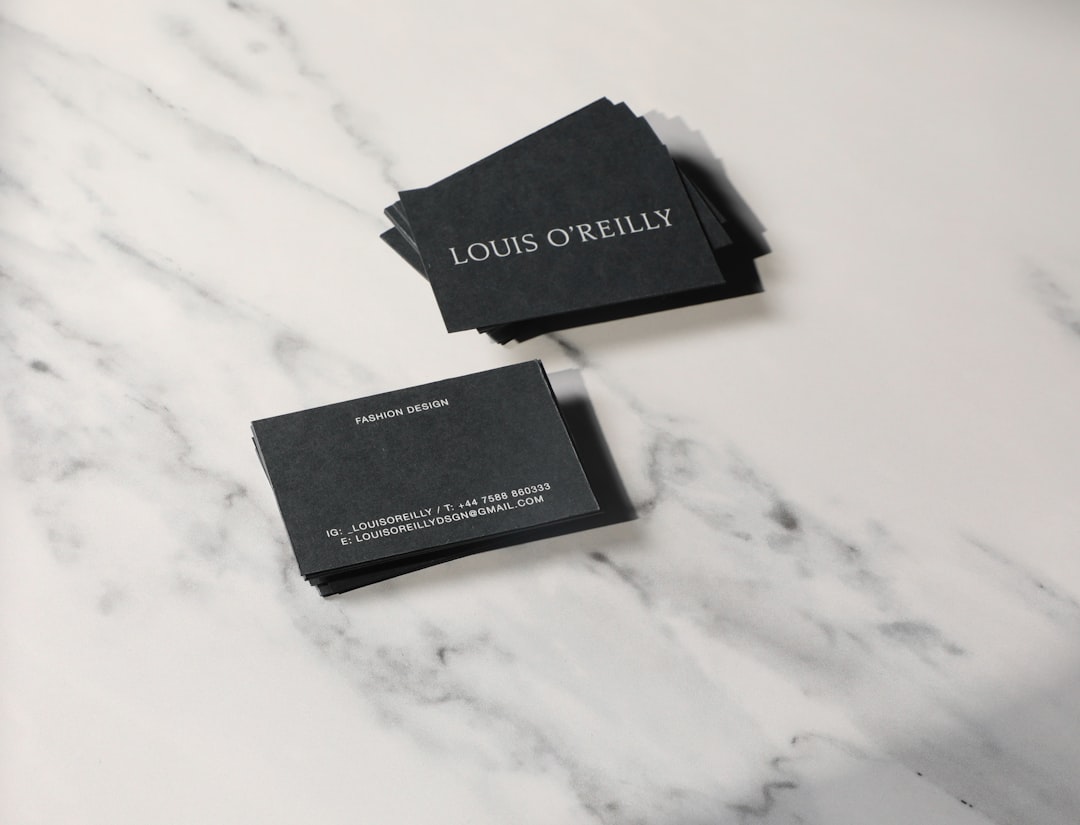
- Luxury: Dark backgrounds, metallic accents, elegant fonts, and refined spacing.
- Creative: Bold colors, unusual layouts, illustrations, and expressive fonts.
- Corporate: Formal structure, professional color palettes, and clear hierarchy.
- Eco-friendly: Natural tones, organic shapes, green themes, and recycled-paper aesthetics.
- Tech-focused: Modern lines, gradients, geometric patterns, and digital-style icons.
These styles help users quickly choose a direction that matches their brand personality. A wellness coach may select a soft, calming look, while a cybersecurity consultant may choose a sharp, modern design with cool colors.
How to Get the Best Results from an AI Business Card Tool
Although AI handles much of the design work, the quality of the final card still depends on the information provided. Users get better results when they begin with a clear idea of their brand message. The card should communicate who the person is, what they do, and how to contact them without overwhelming the reader.
It is best to keep the text concise. A strong business card usually includes a name, role, company name, email, phone number, website, and possibly one social handle or QR code. Too much information can make the design feel crowded. The user should also check that all contact details are accurate before sending the file to print.
Color consistency matters as well. If the business already has a logo, website, or social media presence, the card should use similar colors and fonts where possible. This creates a stronger brand impression across every touchpoint.
Limitations to Keep in Mind
AI tools are fast and convenient, but they are not perfect. Some generated designs may look similar to common templates, especially if the user accepts the first option without customization. To make a card feel more distinctive, the user should adjust colors, refine spacing, test different fonts, and choose layouts that match the brand’s personality.
Another limitation is strategic depth. A professional designer can consider long-term brand positioning, audience psychology, competitive differentiation, and print production details in a more customized way. AI is excellent for speed and accessibility, but complex branding projects may still benefit from human expertise.
The Future of AI Business Card Design
AI card makers are likely to become more personalized and more integrated with broader branding systems. Instead of designing only a card, future tools may automatically generate matching email signatures, social media banners, letterheads, invoices, and digital profiles. This will help small businesses create consistent brand materials without managing multiple design platforms.
More advanced AI may also test design variations against industry data, recommending cards that are more likely to be noticed, scanned, or saved. As QR codes, NFC cards, and digital contact sharing become more common, AI will likely blend printed and digital networking into one seamless experience.
Conclusion
AI tools have made business card design faster, easier, and more accessible than ever. They allow professionals to create attractive, print-ready cards without learning complex software or hiring a designer for every small project. While human creativity and strategy still matter, AI gives business owners a practical way to build a professional first impression in minutes. For anyone launching a new venture, refreshing a personal brand, or preparing for an event, an AI business card maker can be a smart and efficient solution.
FAQ
Can AI really design a professional business card?
Yes. AI can create professional-looking business cards by combining layout rules, typography, color theory, and industry-specific design patterns. The best results usually come when the user customizes the generated design instead of accepting the first version unchanged.
Does someone need design experience to use these tools?
No. AI business card tools are built for non-designers. The user usually only needs to enter contact details, choose a style, upload a logo if available, and select a preferred design.
How long does it take to create a card with AI?
Many users can generate initial designs in one to five minutes. Final editing, checking details, and exporting a print-ready file may take another 10 to 20 minutes, depending on how much customization is needed.
Are AI-generated business cards suitable for printing?
They can be, as long as the tool provides high-resolution export files with proper print settings, such as bleed, trim area, and suitable file formats. Users should always review printer requirements before ordering.
What information should appear on a business card?
A clear card usually includes the person’s name, job title, company name, phone number, email address, website, and logo. A QR code or social media handle can be added if it supports the business goal.
When should a business hire a professional designer instead?
A professional designer may be better for businesses that need a complete brand identity, custom illustrations, advanced print finishes, or strategic positioning. AI is ideal for quick, affordable, and simple card creation.
