 logo
logo



Alteryx One is like a big data kitchen in the cloud. You bring messy spreadsheets, database tables, cloud files, and business questions. It helps you clean the ingredients, mix them, and serve tasty insights. No cape required.
TLDR: Alteryx One is a cloud analytics platform for preparing data, building workflows, using AI, and sharing insights. It is best for teams that want powerful analytics without writing lots of code. For example, a retail team could combine sales, inventory, and customer data, then cut weekly reporting time from 10 hours to 2 hours. Its main competitors are Tableau, Power BI, Databricks, Snowflake, Dataiku, and KNIME.
What Is Alteryx One?
Alteryx One is the cloud version of the Alteryx analytics experience. It brings data prep, workflow automation, machine learning, and reporting into one place. Think of it as a toolbox for people who work with data every day.
The main idea is simple. You connect to data. You clean it. You build repeatable workflows. Then you share the result with other people. Some users are analysts. Some are data engineers. Some are business users who just want answers before lunch.
Alteryx has always been known for its visual workflow builder. You drag tools onto a canvas. You connect them like train cars. Each tool does a job. One tool joins data. Another filters rows. Another calculates a new field. It feels much less scary than staring at code all day.

Why Alteryx One Matters
Companies have data everywhere. It lives in spreadsheets, CRMs, warehouses, marketing apps, finance systems, and cloud storage. That is useful. It is also chaos in a hat.
Alteryx One tries to reduce that chaos. It gives teams a shared cloud space to build and run analytics. This is important because many teams now work remotely. Nobody wants to send “Final_Report_v7_REAL_FINAL.xlsx” around anymore. That file name is a cry for help.
With Alteryx One, teams can create workflows once and run them again. They can schedule jobs. They can share outputs. They can also use AI and machine learning without needing a PhD in wizardry.
Key Features of Alteryx One
Let’s break the platform into bite-sized pieces.
- Data preparation: Clean, reshape, join, and standardize messy data.
- Visual workflows: Build analytics steps with drag-and-drop tools.
- Cloud execution: Run workflows in the cloud instead of only on a desktop.
- Automation: Schedule repeat tasks, such as monthly finance reports.
- Machine learning: Build predictive models with guided tools.
- AI assistance: Use smart suggestions to speed up analysis.
- Collaboration: Share workflows, data assets, and insights with teams.
- Governance: Manage access, permissions, and trusted data processes.
The biggest win is speed. A task that once needed several tools can often happen in one workflow. Data moves less. People copy and paste less. Errors sneak in less often. That is a happy little triangle.
Analytics Cloud Features
Alteryx One is not just “Alteryx, but online.” It is designed for modern cloud work. That means better sharing, scaling, and access control.
Cloud connectivity is a major part of the appeal. Users can connect to cloud databases, data warehouses, and SaaS tools. This may include platforms like Snowflake, Google BigQuery, Amazon Redshift, Salesforce, and more. The exact connectors depend on your setup and license.
Designer Cloud is one of the most important pieces. It lets users create workflows in a browser. You can profile data, clean columns, join sources, and transform datasets. It is useful for analysts who want the power of Alteryx without installing desktop software.
Auto Insights helps users find patterns faster. Instead of making every chart by hand, it can highlight changes, trends, and outliers. For example, it might show that sales dropped 18% in one region while customer returns rose 9%. That gives people a faster starting point.
Machine learning tools help teams build models for things like churn, demand forecasting, customer segmentation, or risk scoring. The experience is more guided than traditional coding. That makes it friendlier for business analysts.
Governance is another key feature. In big companies, not everyone should touch every dataset. Alteryx One supports managed access and shared workflows. This helps teams keep data safer and more consistent.

Who Is Alteryx One Best For?
Alteryx One is best for teams that already work with lots of data and repeatable processes. It is especially strong when people need to clean and combine data before analysis.
Good fits include:
- Finance teams that build forecasts, reconciliations, and close reports.
- Marketing teams that combine campaign, web, and CRM data.
- Retail teams that analyze stores, inventory, and customer behavior.
- Operations teams that track supply chains, staffing, or service levels.
- Analytics teams that need reusable workflows and governed processes.
It may be too much for a tiny business that only needs simple dashboards. If you only have three spreadsheets and one weekly chart, Power BI or Google Looker Studio may be enough. Alteryx shines when data prep is the painful part.
What Is Fun About It?
Data tools are not usually “fun.” They often feel like tax forms with buttons. But Alteryx can feel playful because workflows are visual. You can see the logic. You can test each step. You can fix problems without digging through five hundred lines of code.
There is also a nice “aha” moment. You start with a messy file. Names are weird. Dates are broken. Regions have three spellings. Then your workflow cleans everything. Suddenly, the data behaves. It is like teaching a raccoon to use a napkin.
Possible Downsides
Alteryx One is powerful, but it is not perfect. No tool is. Not even coffee.
- Cost: It can be expensive for smaller teams.
- Learning curve: The basics are friendly, but advanced workflows take practice.
- Platform fit: Some companies may already be deep into Microsoft, Tableau, or Databricks.
- Cloud planning: Admins need to think about security, data access, and governance.
The main question is not “Is Alteryx One good?” It is. The better question is, “Does it solve the pain our team actually has?” If your pain is messy data and manual reporting, it may be a strong match.
Alteryx One vs Tableau
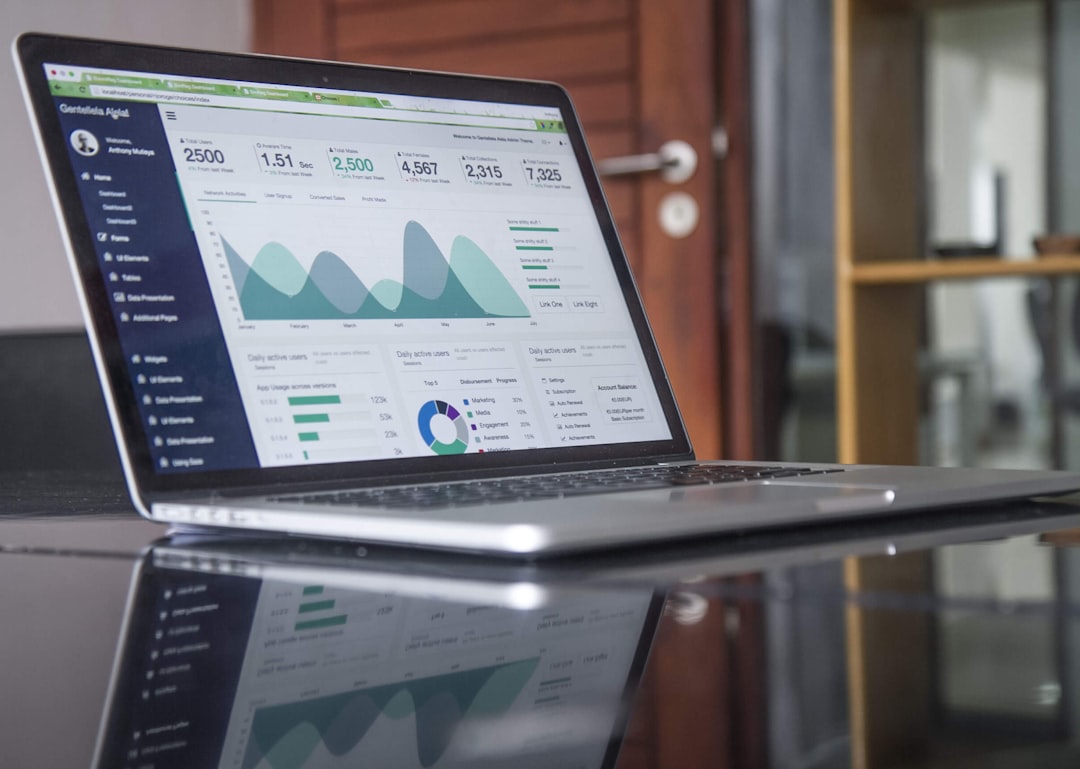
Tableau is famous for data visualization. It makes beautiful dashboards. It is great when you want to explore data visually and tell stories with charts.
Alteryx One is stronger before the dashboard stage. It is better for cleaning, joining, preparing, and automating data. Many companies use both. Alteryx prepares the data. Tableau presents it.
Simple version: Tableau is the art gallery. Alteryx is the kitchen behind it.
Alteryx One vs Power BI
Microsoft Power BI is popular because it is affordable and works well with Microsoft tools. It is great for dashboards, reporting, and business intelligence. It also has Power Query for data prep.
Alteryx One usually offers deeper workflow automation and stronger advanced analytics. Power BI may be easier to adopt if your team already lives in Excel, Teams, and Azure.
Simple version: Power BI is a great dashboard tool. Alteryx One is a stronger data prep and analytics engine.
Alteryx One vs Databricks
Databricks is built for big data, data science, and engineering teams. It is powerful. It is also more technical. Teams often use Python, SQL, Spark, and notebooks.
Alteryx One is friendlier for analysts who prefer visual workflows. Databricks may be better for massive engineering workloads and custom data science. Alteryx may be better for business-led analytics.
Alteryx One vs Snowflake
Snowflake is a cloud data warehouse. It stores and processes large amounts of data. It is not mainly a visual analytics workflow tool.
Alteryx One can connect to Snowflake and help users work with the data inside it. So they are often partners, not enemies. Snowflake holds the data. Alteryx helps people use it.
Alteryx One vs Dataiku and KNIME
Dataiku is a strong competitor for AI and machine learning workflows. It is popular with data science teams and enterprise AI programs. It supports both code-first and visual work.
KNIME is another visual analytics platform. It has a strong open-source community. It is often attractive to teams that want flexibility and lower starting costs.
Alteryx One usually feels more polished for business analysts. Dataiku may appeal more to AI-heavy teams. KNIME may appeal to technical users who like open systems.
Final Verdict
Alteryx One is a strong analytics cloud platform for teams that want faster data prep, better automation, and easier advanced analytics. It turns messy data work into repeatable workflows. That can save hours every week.
It is not the cheapest option. It is also not the simplest tool for basic dashboards. But if your team spends too much time cleaning data, merging files, or rebuilding reports, Alteryx One can feel like a magic broom.
Best for: medium and large teams with serious data prep and analytics needs.
Consider alternatives if: you only need dashboards, already use a full Microsoft stack, or need deep engineering tools for massive data workloads.
In short, Alteryx One is not just a reporting tool. It is a cloud analytics workshop. Bring your messy data. Bring your big questions. Leave with cleaner answers.
