 logo
logo




Each brand’s success starts with the visual imagery that it has.
It is what creates customers’ opinions about a certain brand and generates their trust.
Sometimes building a brand kit or a logo that is appealing can take a lot of time and resources. But with diverse AI tools, we can create the same branding essentials in the shortest time possible while saving a lot of resources.
The tools also provide a customization option, with the help of which you can easily edit the logos and make them personalized for your own case.
Keep reading this guide to get acquainted with the top platforms and the main aspects they offer.
TL;DR
- Design.com – Winner overall; fast, huge template library, strong AI customization, full branding suite.
- BrandCrowd – Close second; great variety, wide export formats, solid customization.
- LogoMakr.com – Decent single design, but slower and has watermarks.
- Logopony – Easy to use, but limited options and dated designs
- Logobean – Fast generation, but old-fashioned style and quality
How The Rankings Were Determined
In our ranking, we tried to test each tool thoroughly to be able to provide a fair review.
With each of the mentioned platforms, we created a logo for the same beauty brand called “Glow Salon,” and as a keyword, we added “luxury beauty salon.”
While testing the tools, we paid attention to the quality of the logos, the diversity of styles, customization capabilities, and ease of use.
We also have a separate section on advantages where we mention the best aspects that each logo maker provides to learn about them in depth.
Now it’s time to start discussing the tools and their offerings.
Snapshot Comparison
| Logo Maker | The complete Brand Kit | Best For | Does it have a Free Tier? | Trustpilot Reviews |
| Design.com | The tool offers 50+ design options besides logo making, including a website builder, social media posts, presentations, flyers, posters, business card generator, letterheads, menus, etc. | Small and medium businesses, startups, entrepreneurs, or anyone wanting to get a unique and professional design | Yes, no watermark | ⭐4.7/5 |
| BrandCrowd | 50+ designs that help you create posters, logos, flyers, presentations, letterheads, QR codes, menus, and other design elements | Content creators, small to medium businesses wanting to access different styles | Yes | ⭐4.8/5 |
| LogoMakr.com | Logos, shapes, graphics, icons | Small business owners, startup founders looking for fast and affordable designs | Yes (non-commercial) | ⭐4.0/5 |
| Logopony | Social media kits, business cards, brand style guides, etc | Freelancers, small business owners, and entrepreneurs | Free to try | ⭐3.1/5 |
| Logobean | Brand color palettes, logo style guides, AI business name and slogan generation | Small businesses and entrepreneurs | Limited | Not listed |
Top 5 All-in-One Logo Tools Reviewed and Tested
Design.com
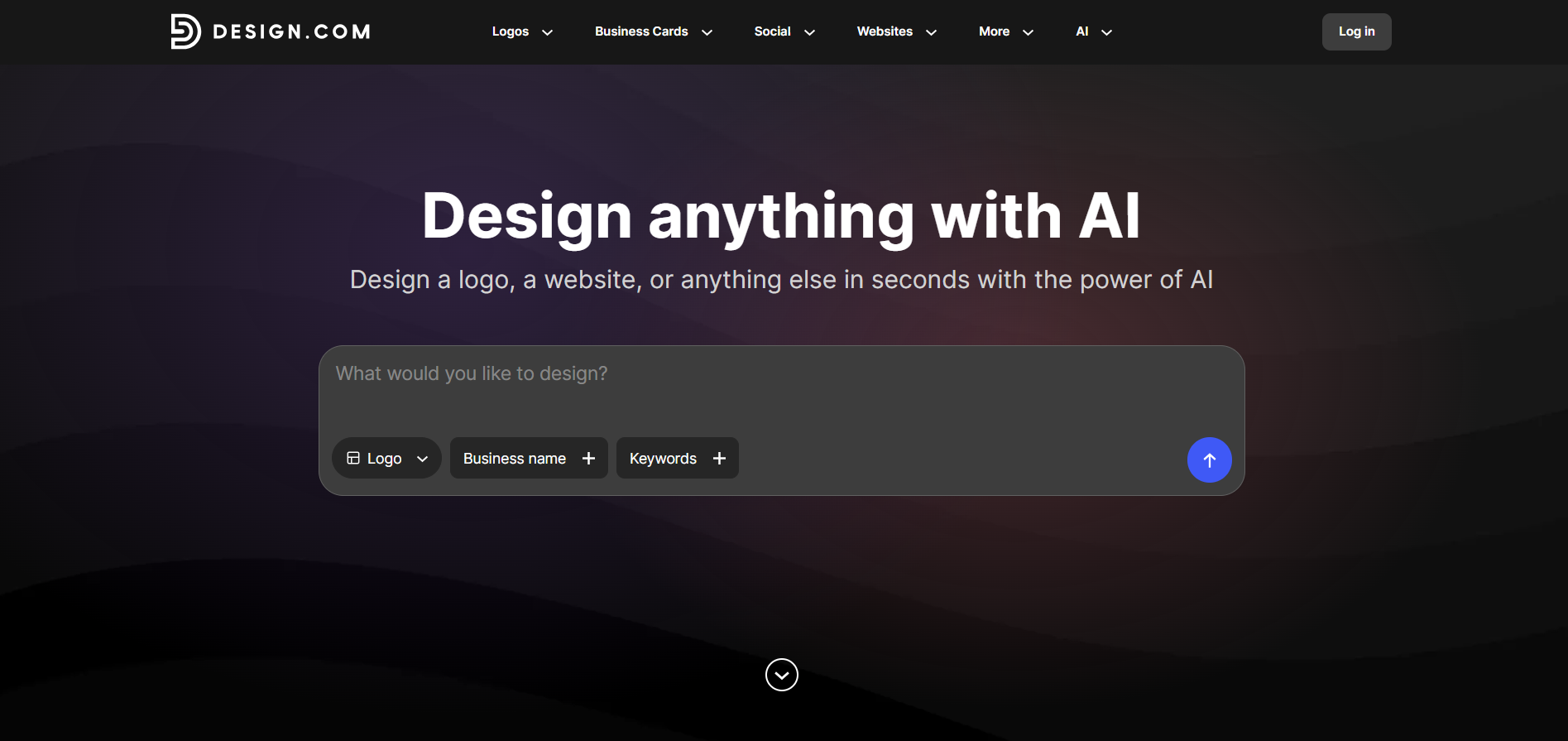
Design.com is a top design platform that allows users to access advanced AI integration and create logos in a matter of seconds, even without having any design experience.
The tool acts as an all-in-one platform that helps you create not only logos but also any branding element that comes to mind.
What Advantages Does the Tool Offer?
- The tool offers the largest template library with 500K logo templates and 1 million design templates.
- There is an advanced AI integration, including an AI logo generator, AI website builder, AI business cards, AI flyers, AI posters, AI presentations, AI business name generator, and AI background remover.
- There are 62K custom vector shapes you can use to edit the designs.
- Register your domain name along with the logo.
- There are social, print, and web templates that automatically inherit logo colors.
- You can create a list of your favorite logos.
- There is 24/7 chat and email support.
- There is a voting poll so you can share the designs with your team and choose which one you like better.
What Did the Test Tell About the Tool
To create logos with Design.com, we simply needed to add the business name and our chosen keywords.
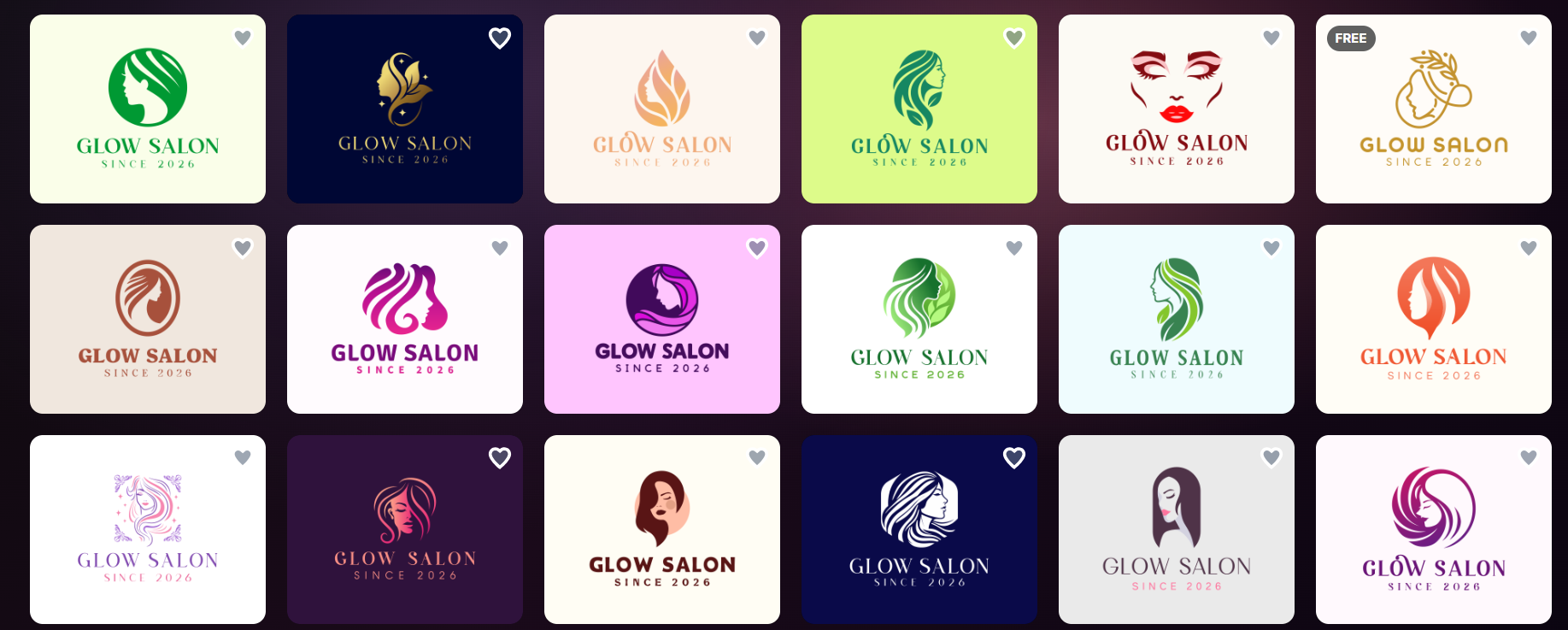
The logos appeared immediately, which tells us that the tool works fast. The designs were really limitless, and it proves that the claim about the largest number of templates was a reality.
Each of the logos had elements and details that reminded us of the chosen field, and when customers look at the logo will immediately understand what the business is about.
The quality of the logos was high and had interesting details, colorings, and gradients.
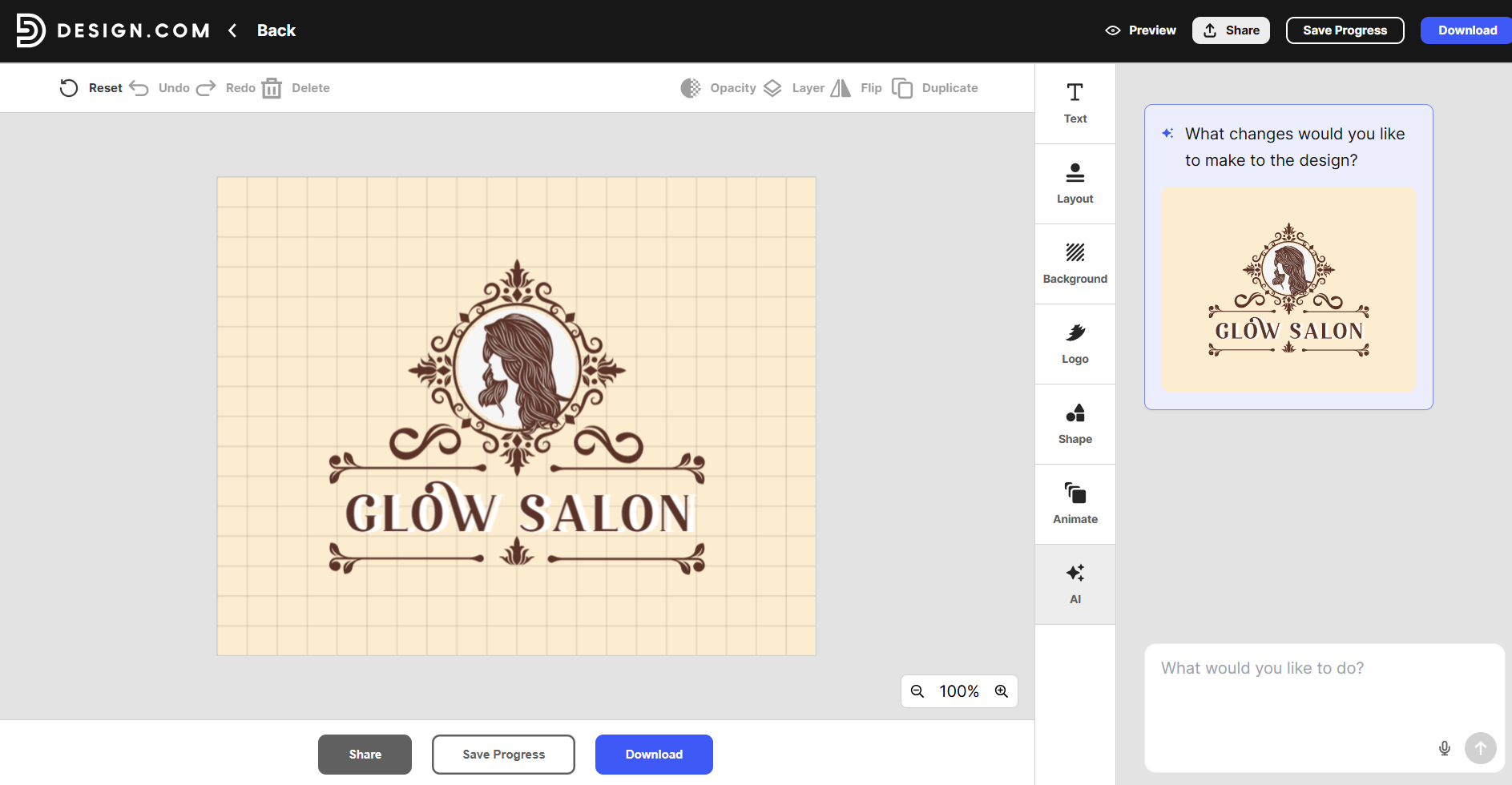
The customization option included the opportunity to edit the text, layout, background, and shape of the logos.
We could also add animations to the logos, which would be a unique touch. What’s more, using an AI feature gives an opportunity to add unique edits to our logo and make it closer to our final objective.
Our Verdict
Design.com deserves to take first place in our list since it provides advanced customization options, support for customers, thousands of logos to choose from, and high-quality logo design.
BrandCrowd
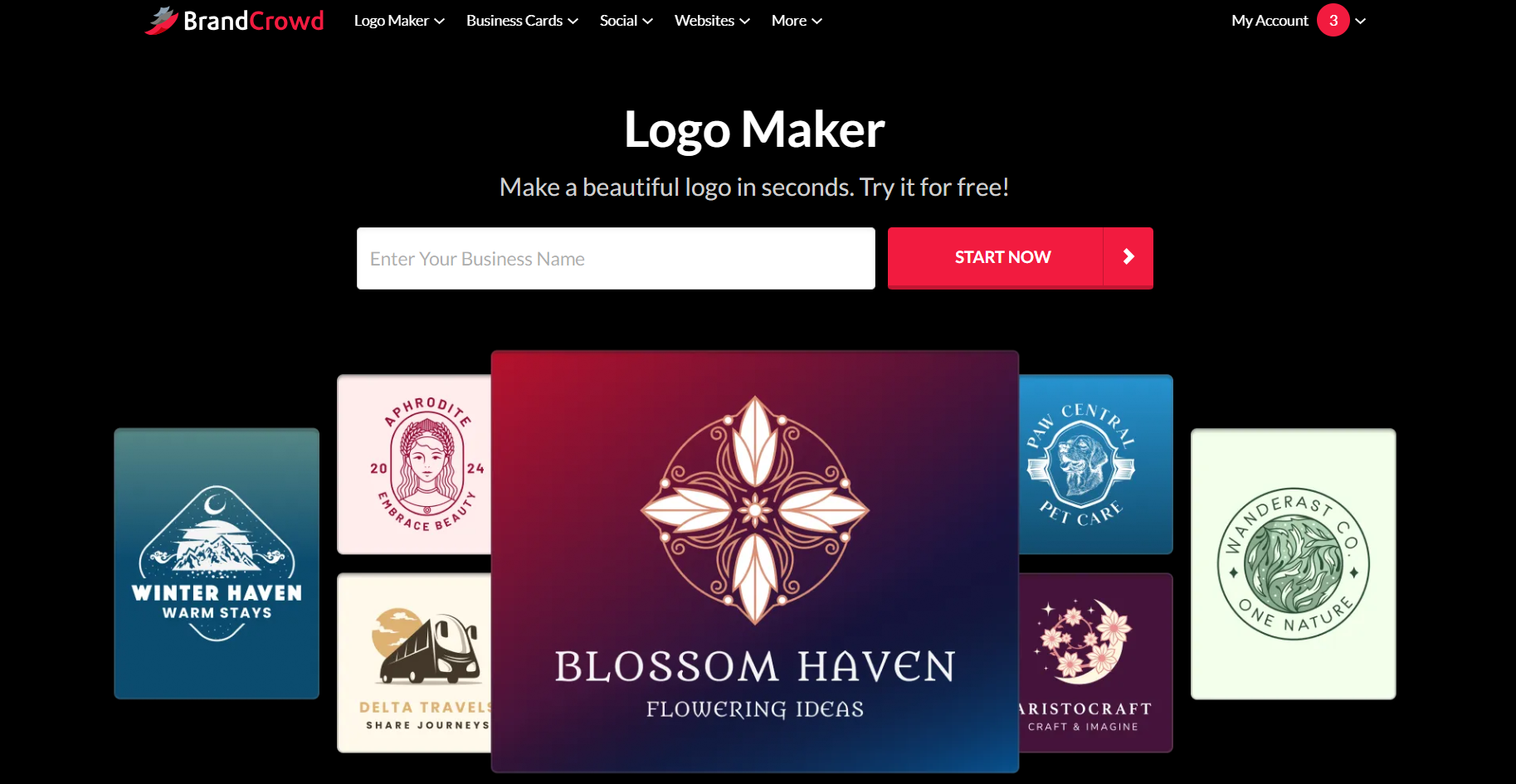
BrandCrowd is a design suite that uses AI to easily generate logos for any industry that comes to your mind. The tool is good to work with for people from diverse backgrounds and offers ease of use during customization.
What Advantages Does the Tool Offer?
- While using the AI, you can generate a logo, remove the background, or generate a business name.
- There are 380K+ logo templates available.
- There are 750+ fonts, 525+ of which are exclusive.
- You can add the logos to your favorite list.
- There is 24/7 support ready to answer your questions.
- You can download the logos in SVG, EPS, and PDF vector files, PNG & JPG raster files, GIF & MP4 animated files, and files with a transparent background.
- Diverse vector shapes and customization help to create logos for different fields.
What Did the Test Tell About the Tool
Here, again, we started creation by adding the business name and the keyword.
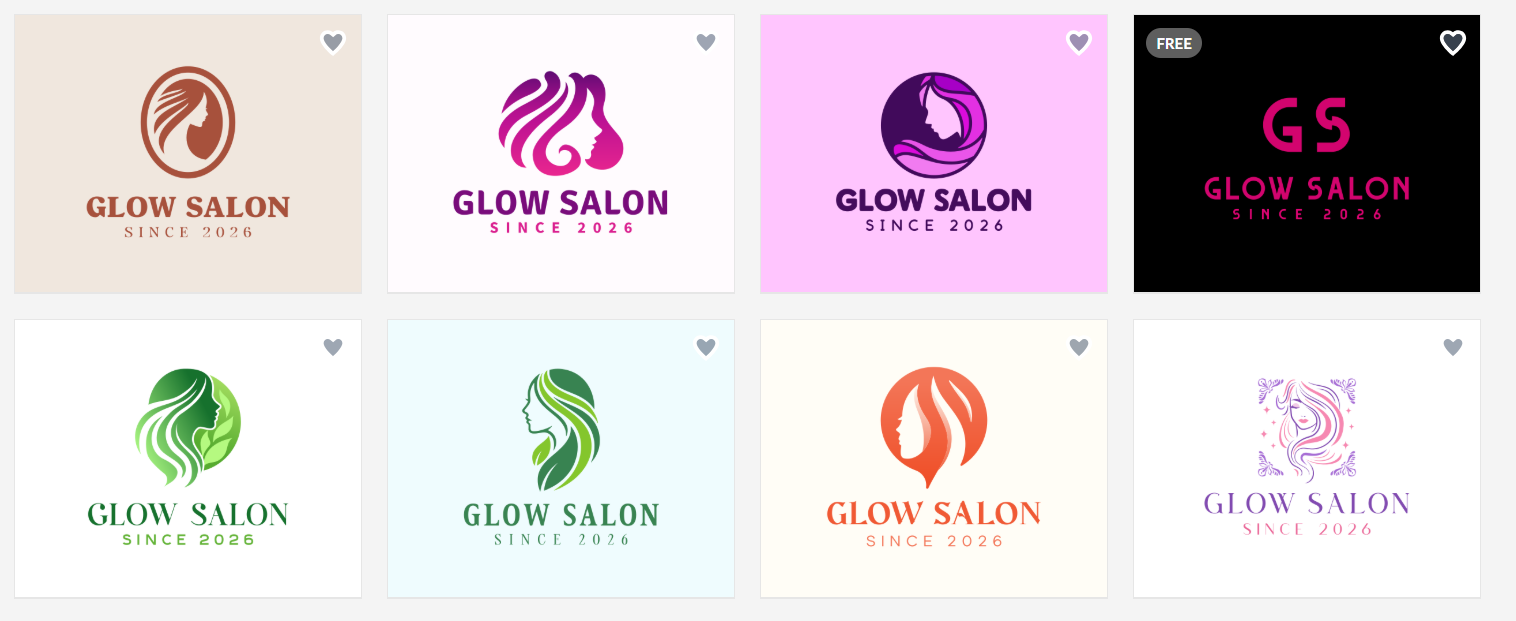
The logo designs that appeared did not make us wait long. The options we could choose from were diverse, each for different goals and objectives.
The quality of the logos was high, and they had details that reminded about the chosen industry. Each of the logos had interesting elements and deep coloring and could be easily used on your social media platforms.
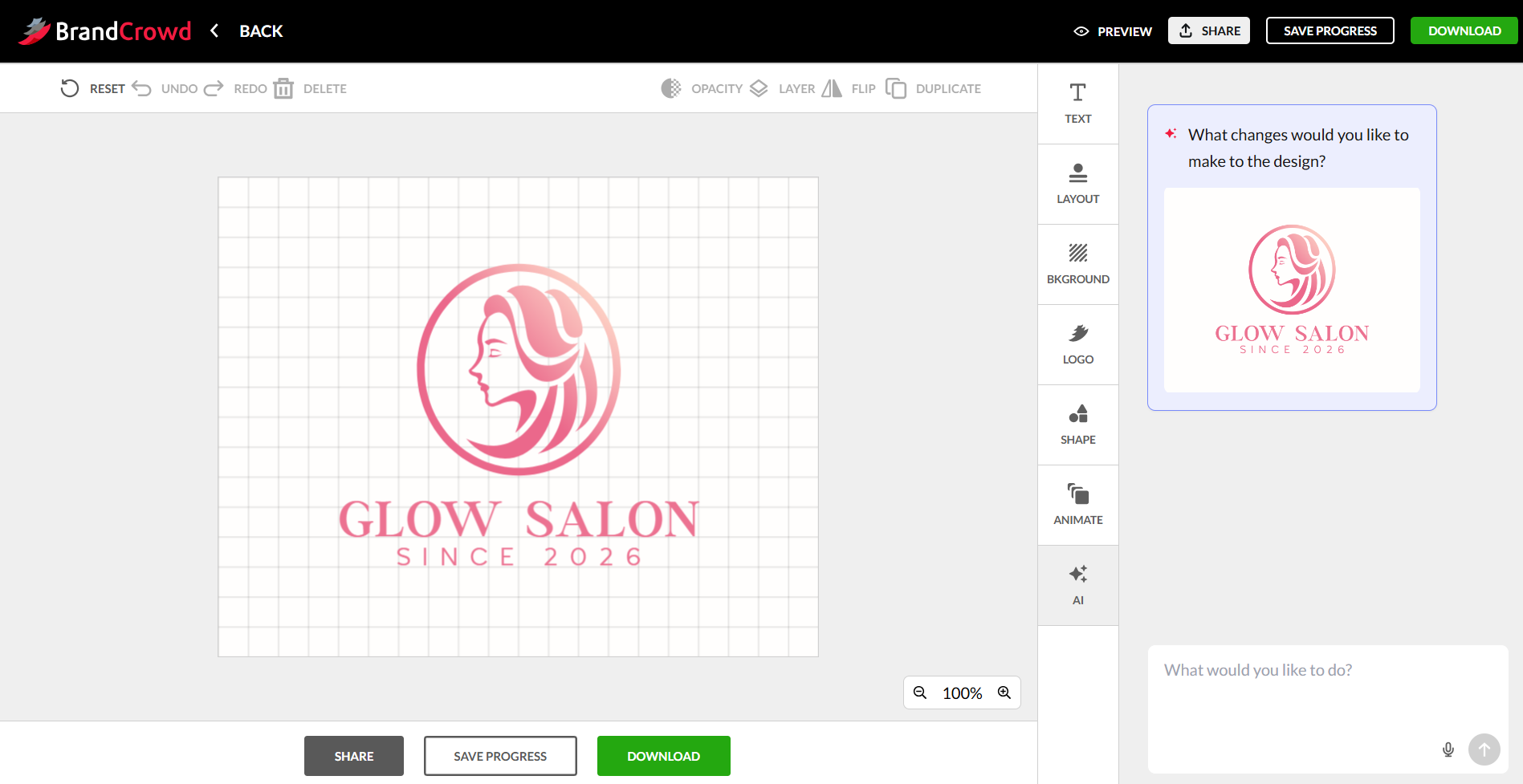
The customization was simpler on Design.com; we could easily change the font, layout, color, and add shapes and animations to the logo. Here, also, we could use the AI tool to make some unique changes we want.
Our Verdict
BrandCrowd is a leading design platform using which you can find diversity in design, unique design elements, and create logos that will instantly grab attention.
LogoMakr.com
LogoMakr is an AI-powered logo maker that strives to provide originality and unique designs while creating a logo.
What Advantages Does the Tool Offer?
- Uses AI to create custom logo concepts based on the business name, industry, and style.
- You can build custom logos and later try to make them even more specific to your needs.
- You can download the logo in PNG, JPG, SVG, and PDF files.
- The logos are ready to be posted on your website or used on business cards or merch.
What Did the Test Tell About the Tool
To create a logo here, we started by adding the brand name; later, we added a small description of what the logo is for, chose a color palette, and added how it should look.
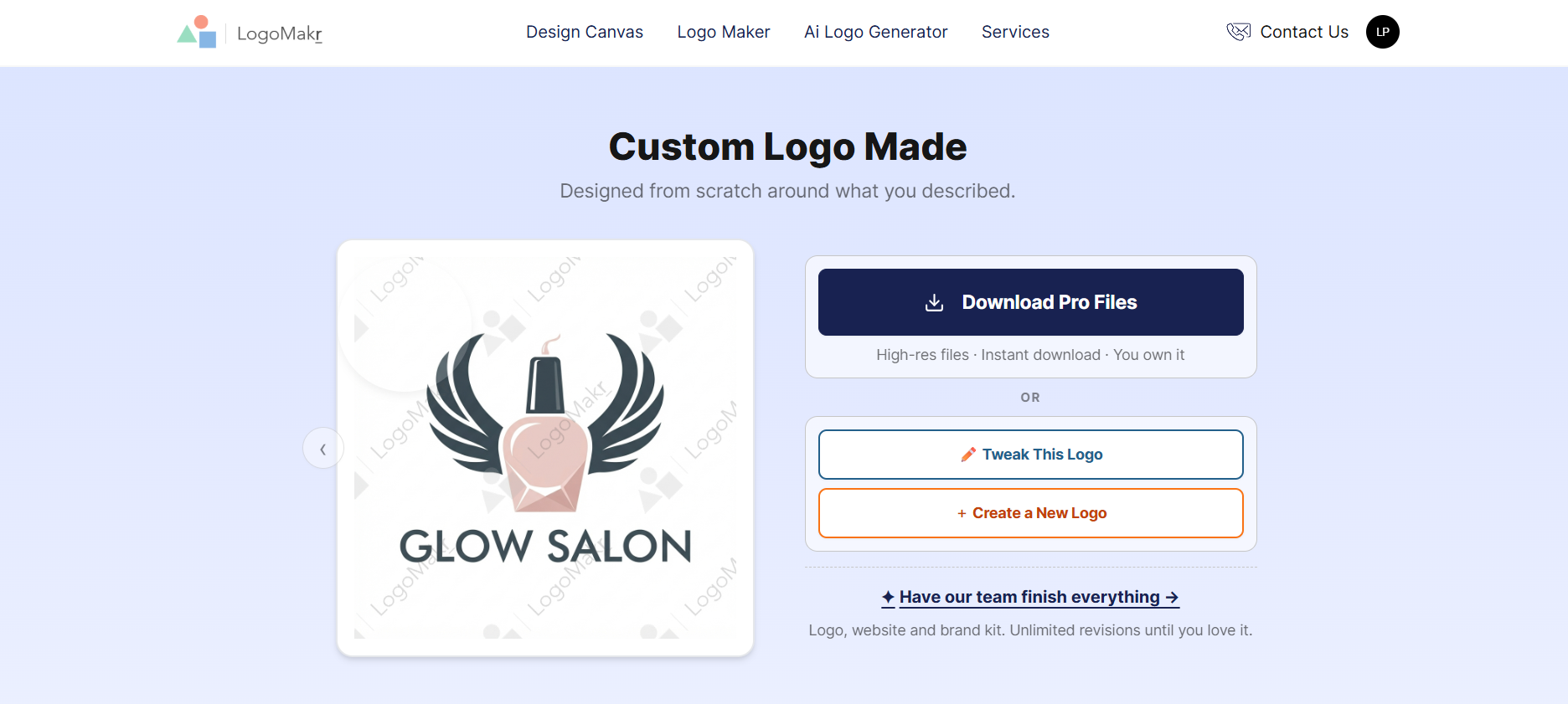
The logo generation was longer in this case compared to the previous tools. We needed to wait more than an hour to receive the result.
What was even more complicated was that the tool provided only a single logo design, so we did not have much to choose from. Although the design was personalized and had elements that reminded about the chosen field.
However, the quality was not the best; it had pale coloring and watermarks that would not allow us to download the logo.
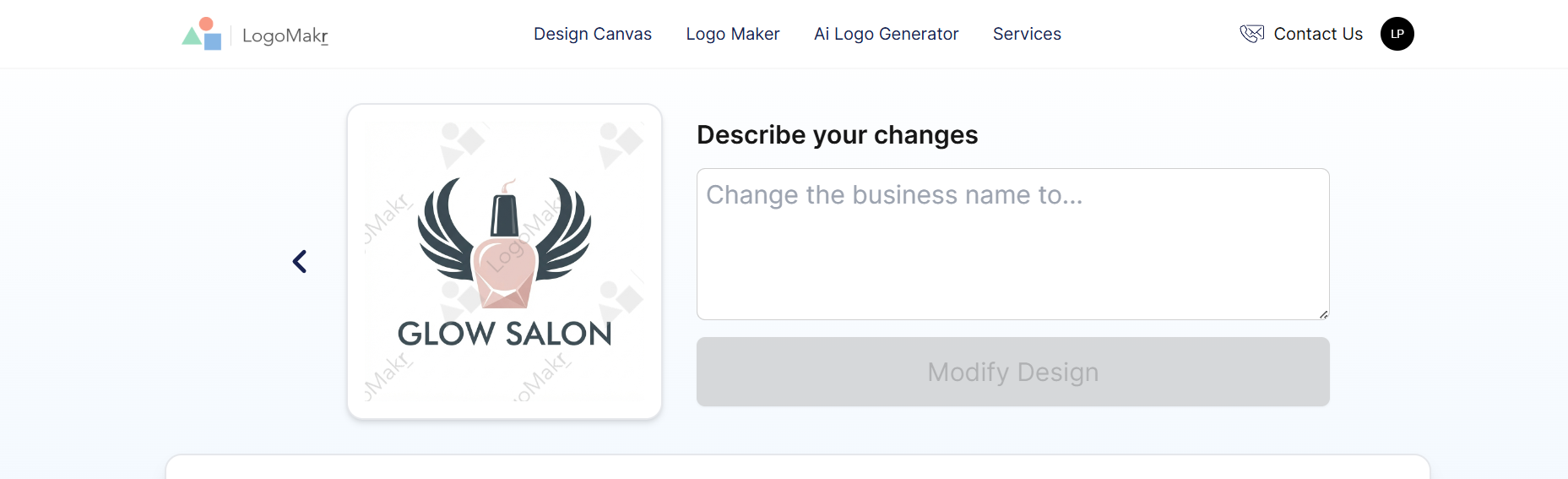
For customization, we could only use AI to make changes; otherwise, we did not have any opportunity to alter the design ourselves.
Our Verdict
The tool is good for quick logo generation and easy, quality design, but it is not the best version in terms of variety.
Logopony
Logopony is a logo maker built for minimalist brand assets and one that does not require any design skills from the users.
What Advantages Does the Tool Offer?
- The logos are already ready to use on your social media platforms.
- You can put the logos on different items to understand how they would look as merch.
- You have your own rights over the logos.
- There are no templates; the tool uses different styles to provide quality logos.
What Did the Test Tell About the Tool
Logo creation with Logopony started by adding the name of our business, and we could also add a small description of the logo we wanted to create.
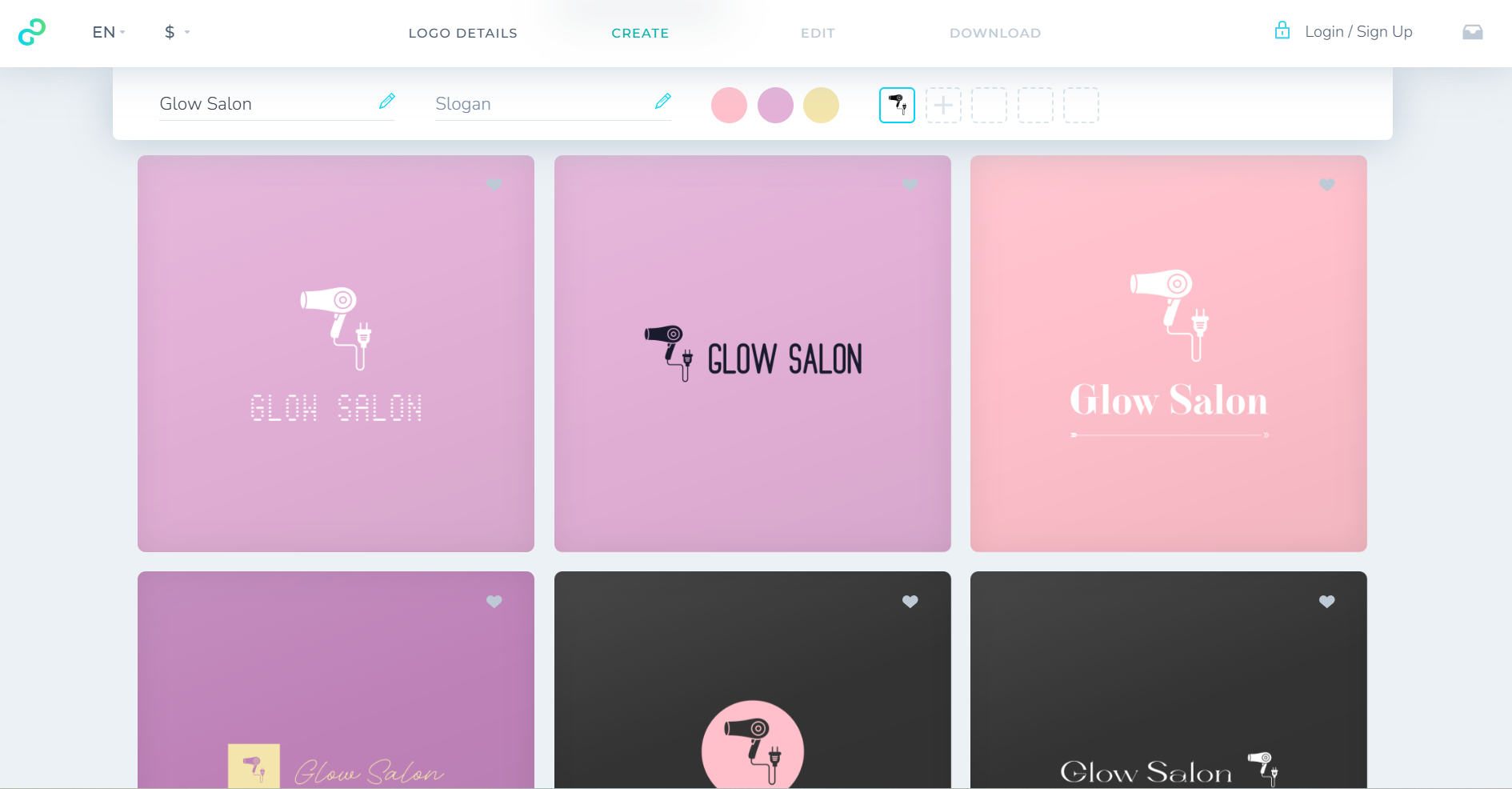
The designs were limited, and we needed to click “generate more” to have access to more design options.
A good point is that it had certain elements reminding us of the field; although the quality of the designs was not the best, the coloring was pale, and the design itself was very old-fashioned and hard for customers to remember.
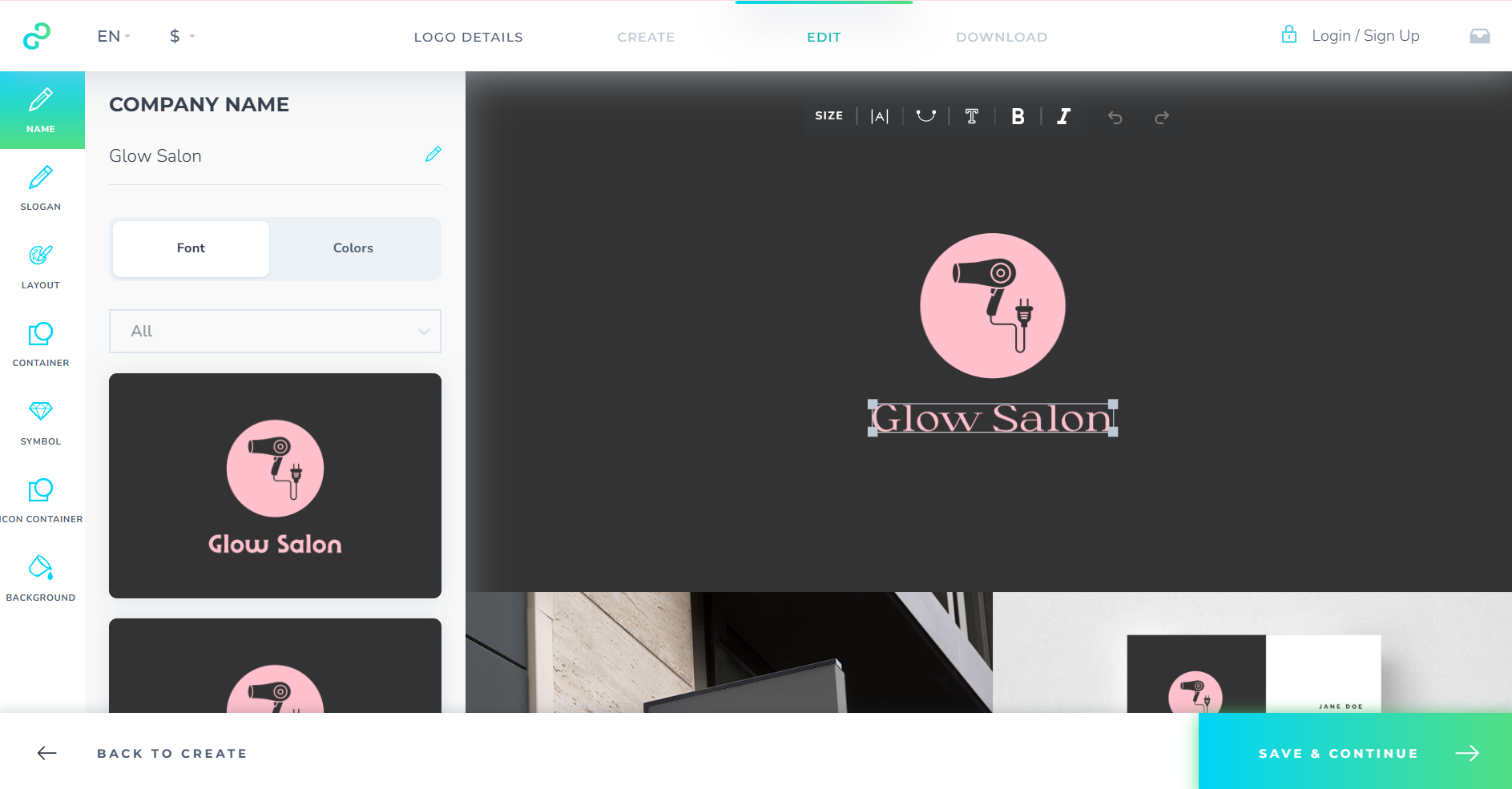
The customization included changing the color, slogan, symbols, background, and symbols of the logo, as well as the fonts.
Our Verdict
The tool is another easy one to work with, but it does not provide the highest quality and variety many might look for.
Logobean
Logobean uses AI to provide quick and effective logo designs and helps entrepreneurs to create full branding elements.
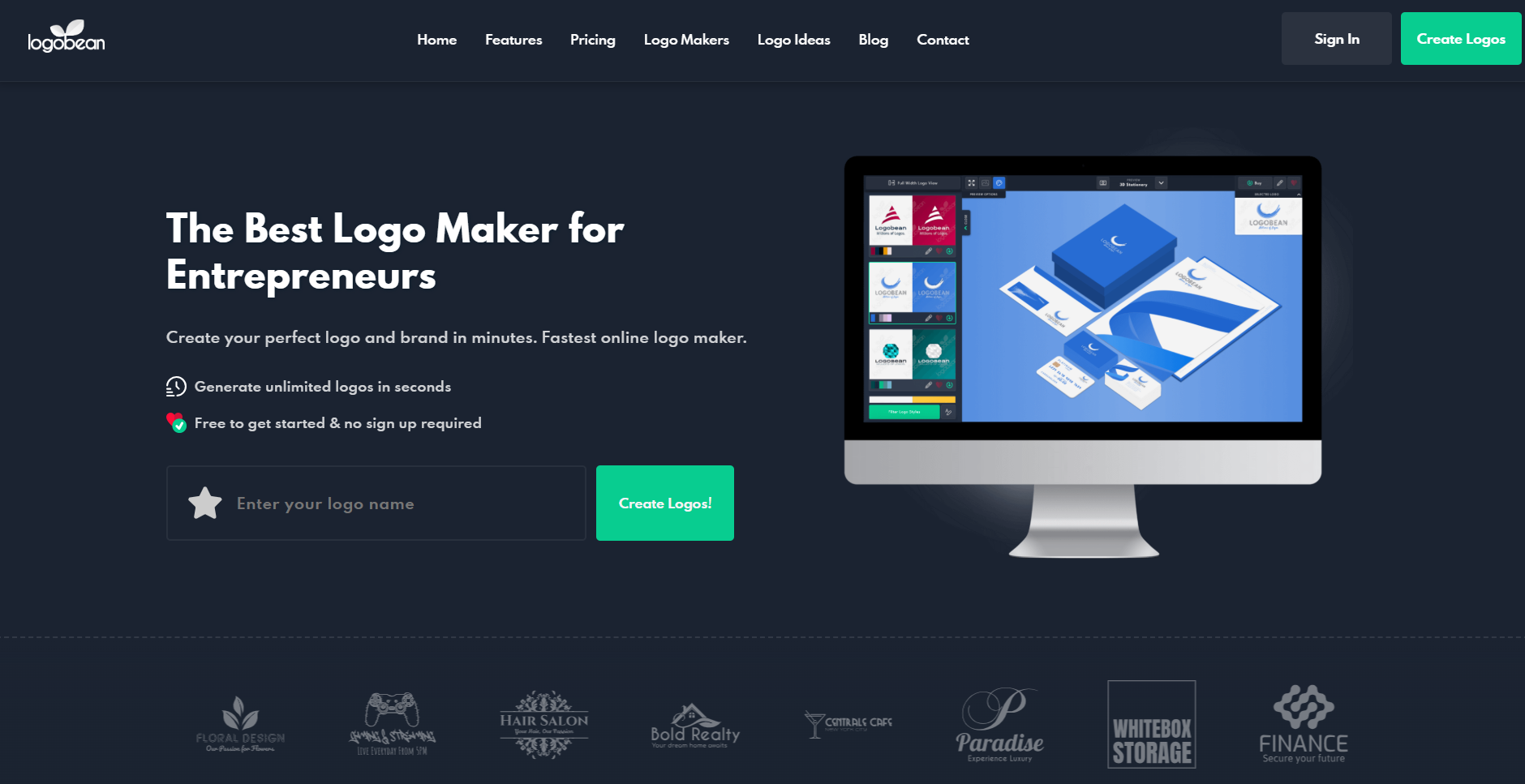
What Advantages Does the Tool Offer?
- There is a logo style guide where you can see the colors, fonts, and preview the design.
- There are logo themes that you can choose from.
- You can add the logos to your favorite list.
- You can download your logos in PNG and SVG quality files.
What Did the Test Tell About the Tool
With Logobean, we could add the business name and also choose the field that we want to create.
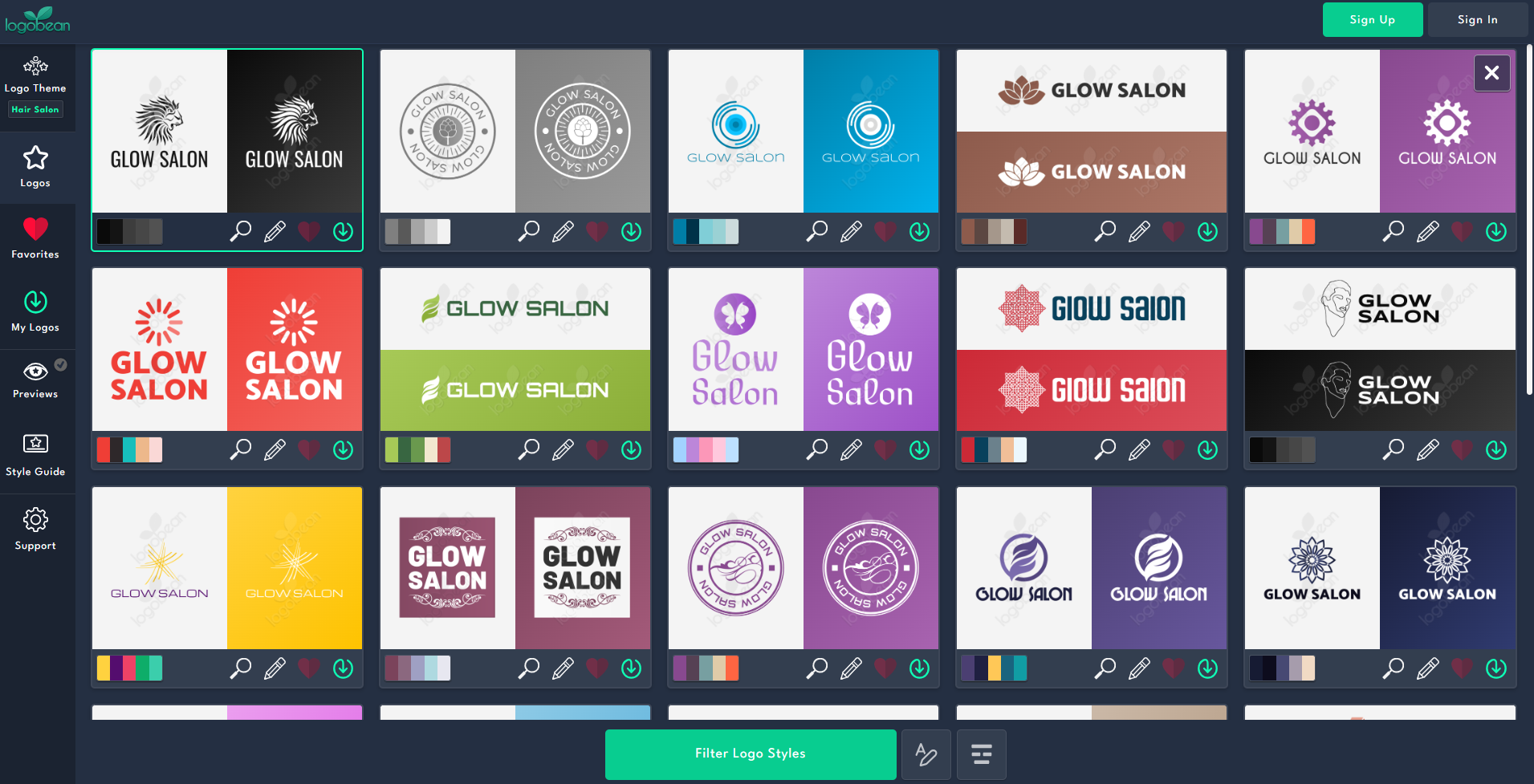
Logos were generated quite fast. We had some options to choose from, and we needed to wait a little longer for new ones to be generated.
Some of the designs had certain elements remind about the chosen field, but they did not have the best quality or logo style. Logos were very old-fashioned and can be hard to use in 2026 and achieve success while gaining customer attention.
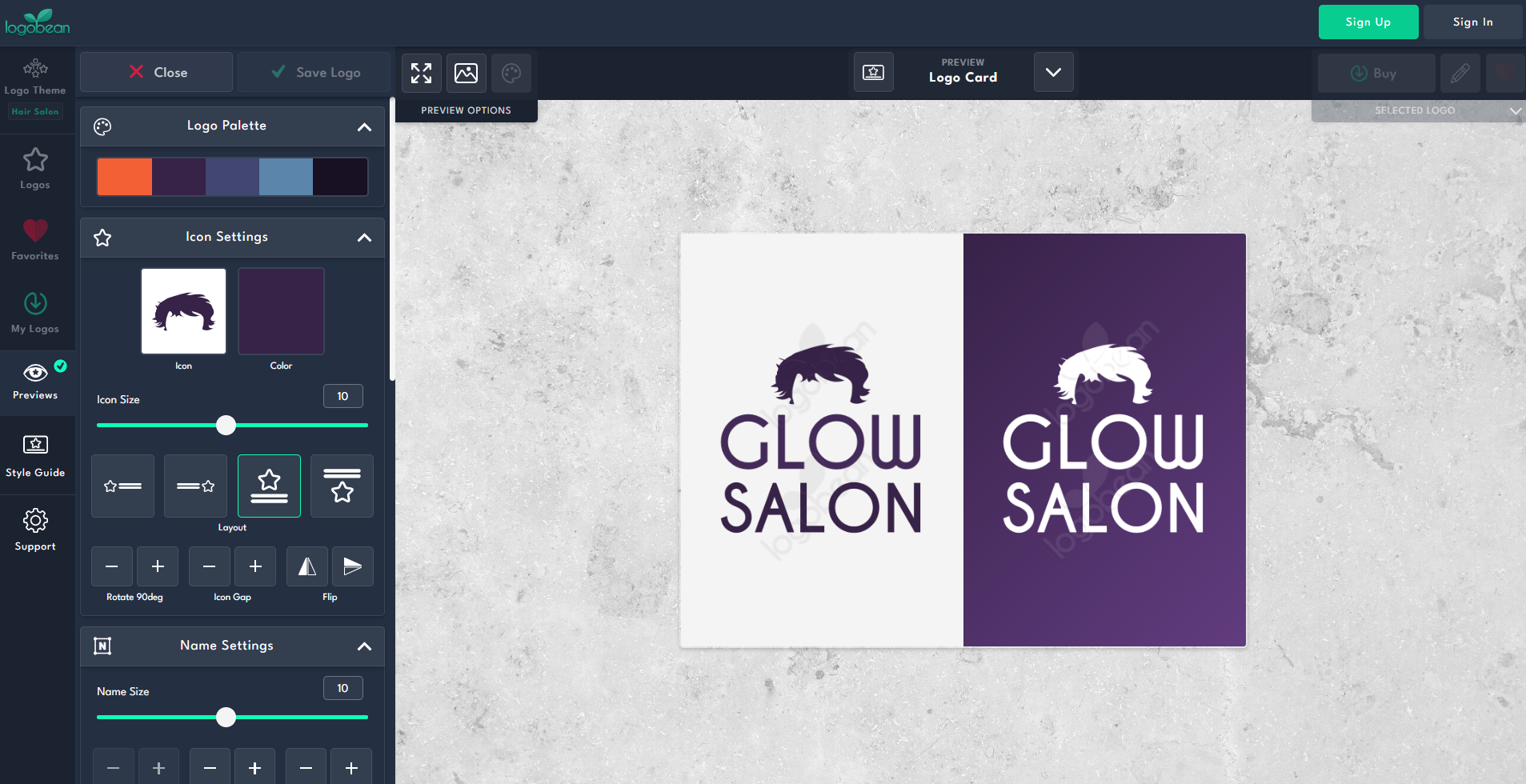
With customization, we could change the layout, icons, flip the logo, alter its sides, and colors.
Our Verdict
Logobean is a good platform for finding interesting logos that are easy to create but not the most modern and quality option.
Closing Note
As a result, many logo makers provide an easy-to-use interface for any kind of users that want to create logos in a matter of seconds.
These platforms are also nice options for creating a full brand identity and easily customizing the designs to create ones that are closer to your style and aesthetics.
However, not all of these logo makers provide top-quality or advanced AI integration or customization capabilities.
After our tests, we stopped at Design.com as the best tool and would personally recommend starting with this tool.
But the decision is entirely up to you; choose the tool you like and create with ease.
