 logo
logo



Choosing the right business card maker can significantly affect how your brand is perceived. While many platforms promise sleek designs and quick printing, the true difference lies in print quality, material options, and layout flexibility. For professionals and businesses that depend on strong first impressions, understanding these differences is essential. This article compares leading business card makers with a focus on print accuracy, design tools, customization depth, and overall reliability.
TLDR: Not all business card makers deliver the same print sharpness, paper quality, or layout flexibility. Premium services like Moo and Printfinity stand out for superior materials and color accuracy, while Canva and Vistaprint offer accessible design tools and competitive pricing. The best choice depends on whether you prioritize creative control, luxury finishes, or affordability. Evaluating layout software and paper options is just as important as comparing price.
Why Print Quality and Layout Matter
A business card is often the first tangible representation of your company. Subtle details—such as font crispness, paper weight, and alignment precision—communicate professionalism. Poor ink saturation or thin cardstock can undermine an otherwise strong design.
High-quality business card makers ensure:
- Sharp typography without blurred edges
- Accurate color reproduction consistent with brand guidelines
- Durable cardstock that resists bending
- Precise trimming with clean, even edges
- Advanced finishes like foil, embossing, or spot UV
In parallel, layout tools determine whether your idea can be realistically executed. A platform may print beautifully but restrict design flexibility. Conversely, a strong design tool with weak print standards creates disappointment when the final product arrives.
Key Criteria for Comparing Business Card Makers
When evaluating platforms, we focused on four major factors:
- Print Resolution and Color Accuracy
- Paper Stock and Finish Options
- Customization and Layout Tools
- Pricing Transparency and Value
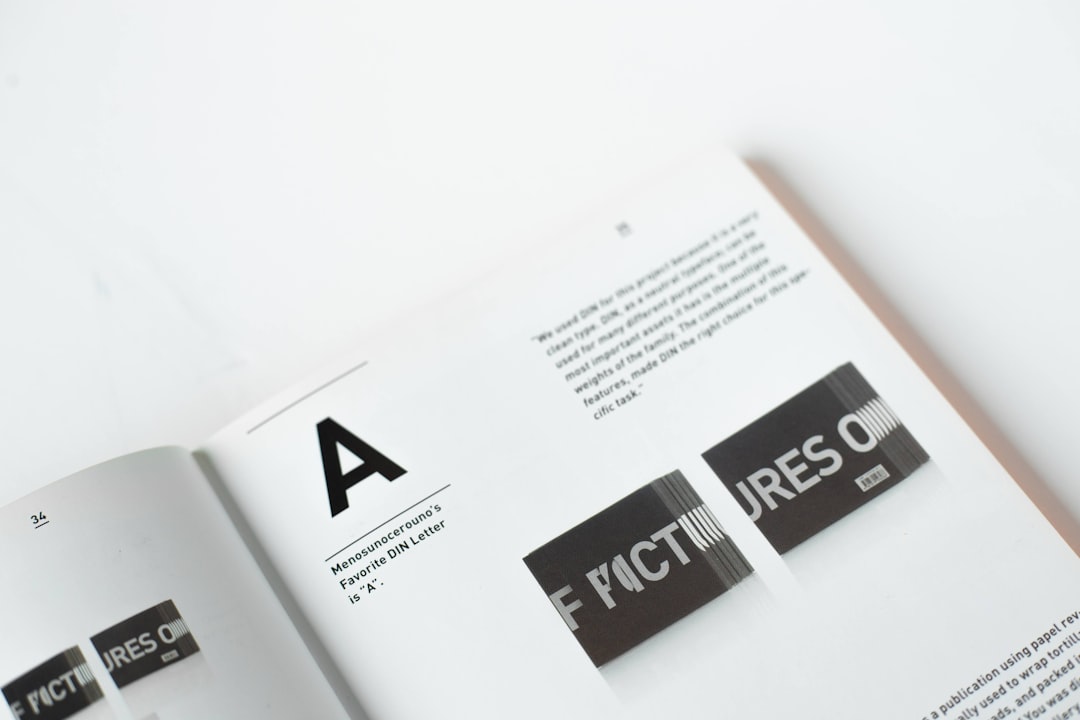
Leading Business Card Makers Compared
Below is a detailed comparison of five widely used services: Vistaprint, Moo, Canva, GotPrint, and Printfinity. Each serves a slightly different audience segment.
| Platform | Print Quality | Layout Tools | Paper Options | Best For |
|---|---|---|---|---|
| Moo | Excellent color accuracy and sharp finish | User-friendly with moderate flexibility | Premium thick stocks, soft touch, foil | Luxury branding and creatives |
| Vistaprint | Consistent, good quality | Extensive templates, easy interface | Standard to premium | Small businesses on a budget |
| Canva | Good but not premium-tier | Highly flexible drag and drop editor | Limited specialty finishes | DIY designers |
| GotPrint | Strong print precision at low cost | Basic design interface | Wide variety at affordable prices | Bulk orders |
| Printfinity | High-end customization and color depth | Professional oriented tools | Special textures and finishes | Marketing professionals |
Moo: Premium Materials and Refined Output
Moo is frequently regarded as a benchmark for luxury business cards. The cards are noticeably thicker than industry averages, and the color saturation is impressively reliable. Blacks appear deep rather than washed out, and subtle gradients transition smoothly.
Strengths:
- Exceptional paper thickness
- Special features like gold foil and raised spot gloss
- Printfinity option for unique image on every card
Limitations:
- Higher cost per card
- Some design constraints compared to full graphic software
Moo is particularly suitable for consultants, designers, and executives where tactile experience enhances brand positioning.
Vistaprint: Balanced and Accessible
Vistaprint is one of the largest providers globally. Their print quality is consistent and dependable, although not as refined as Moo’s higher-end offerings. Color calibration is generally accurate, though minor variations may occur in complex gradients.
The interface allows non-designers to build clean layouts with minimal training. Template variety is extensive.

Advantages:
- Competitive pricing tiers
- Wide template library
- Reliable production time
Drawbacks:
- Paper thickness varies by option
- Premium finishes increase cost quickly
For startups and small businesses balancing quality and budget, Vistaprint provides a stable middle ground.
Canva: Design Freedom with Integrated Printing
Canva’s strength lies in its layout editor. Users can design highly customized cards thanks to intuitive drag-and-drop features, precise spacing controls, and strong typography integration.
Print quality is solid, though specialty finishes remain limited compared to premium print-focused providers. Canva works best for businesses that prioritize creative control over material luxury.
Best features:
- Extensive font and graphic libraries
- Real-time alignment guides
- Easy brand kit integration
While not positioned as a premium print house, Canva remains ideal for small teams that need cohesive branding across multiple materials.
GotPrint: Cost Efficiency for Bulk Printing
GotPrint delivers noteworthy value for high-volume orders. The print clarity is impressive relative to its pricing, though card stocks feel lighter compared to luxury providers.
This service is particularly relevant for:
- Trade shows requiring hundreds of cards
- Sales teams with frequent distribution
- Budget-sensitive campaigns
Layout tools are minimal; many users upload finished print-ready files. Professionals comfortable using design software offline will benefit most from this approach.
Printfinity: Advanced Customization
Printfinity has developed a reputation for creative flexibility and marketing-focused production. Its ability to vary graphics per card allows brands to personalize impressions effectively.
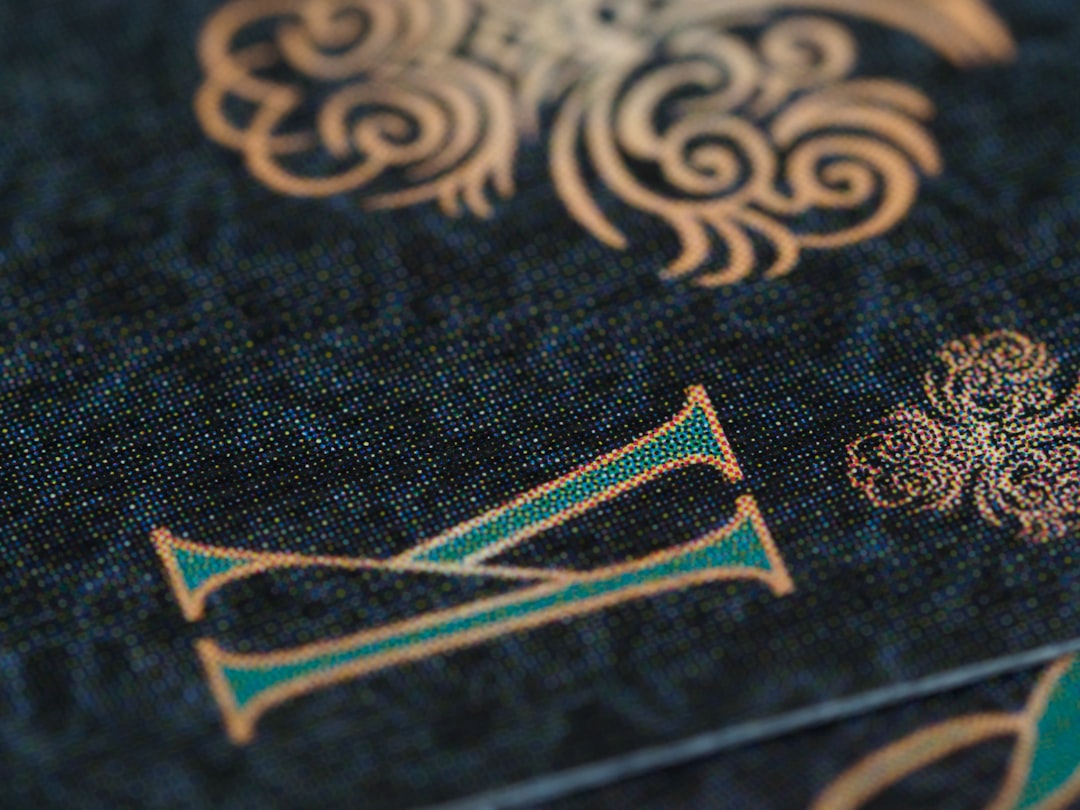
Color consistency is reliable, particularly in darker tones and metallic finishes. However, pricing aligns more with premium positioning.
Paper Stock and Finish Comparison
Paper selection influences perception more than many businesses anticipate. Standard stocks typically range between 14pt and 16pt thickness. Premium providers go up to 18pt or higher, providing a heavier, more substantial feel.
Common finishes include:
- Matte: Soft, glare-free surface
- Gloss: Vibrant color enhancement
- Soft touch: Velvet-like tactile finish
- Foil stamping: Metallic highlights
- Embossing: Raised design texture
If print quality is your highest priority, thicker matte or soft-touch stocks tend to communicate professionalism more effectively than thin glossy alternatives.
Layout Capabilities: Templates vs Customization
There are two dominant layout approaches:
- Template-based systems offering quick customization
- Free-form editors allowing complete design control
Template systems simplify the process but limit innovation. Free-form editors require design awareness but allow precise alignment, spacing, and brand compliance.
Important layout features include:
- Bleed and trim line visibility
- CMYK color mode support
- Font embedding accuracy
- Export resolution settings
Professionals working with designers should ensure the platform supports high-resolution PDF uploads to maintain design integrity.
Pricing vs Value Considerations
It is tempting to select the lowest price option, particularly for large orders. However, true value combines:
- Print clarity
- Material durability
- Brand alignment
- Turnaround reliability
A poorly printed card that fails to impress can cost more in lost opportunities than the savings gained from a cheaper service.
Final Assessment
No single business card maker is universally superior. For luxury and premium branding, Moo and Printfinity deliver exceptional print quality and tactile experience. For balanced affordability and reliability, Vistaprint provides strong performance. Canva excels in layout creativity and integrated design workflows, while GotPrint offers cost efficiency for volume orders.
Businesses should first clarify their priority: Is it design flexibility, luxurious texture, precise color accuracy, or cost control? Once that question is answered, selecting the right business card maker becomes a strategic decision rather than a simple price comparison.
In professional settings where first impressions matter, investing in dependable print quality and well-crafted layouts remains one of the simplest yet most effective branding decisions a company can make.
