 logo
logo


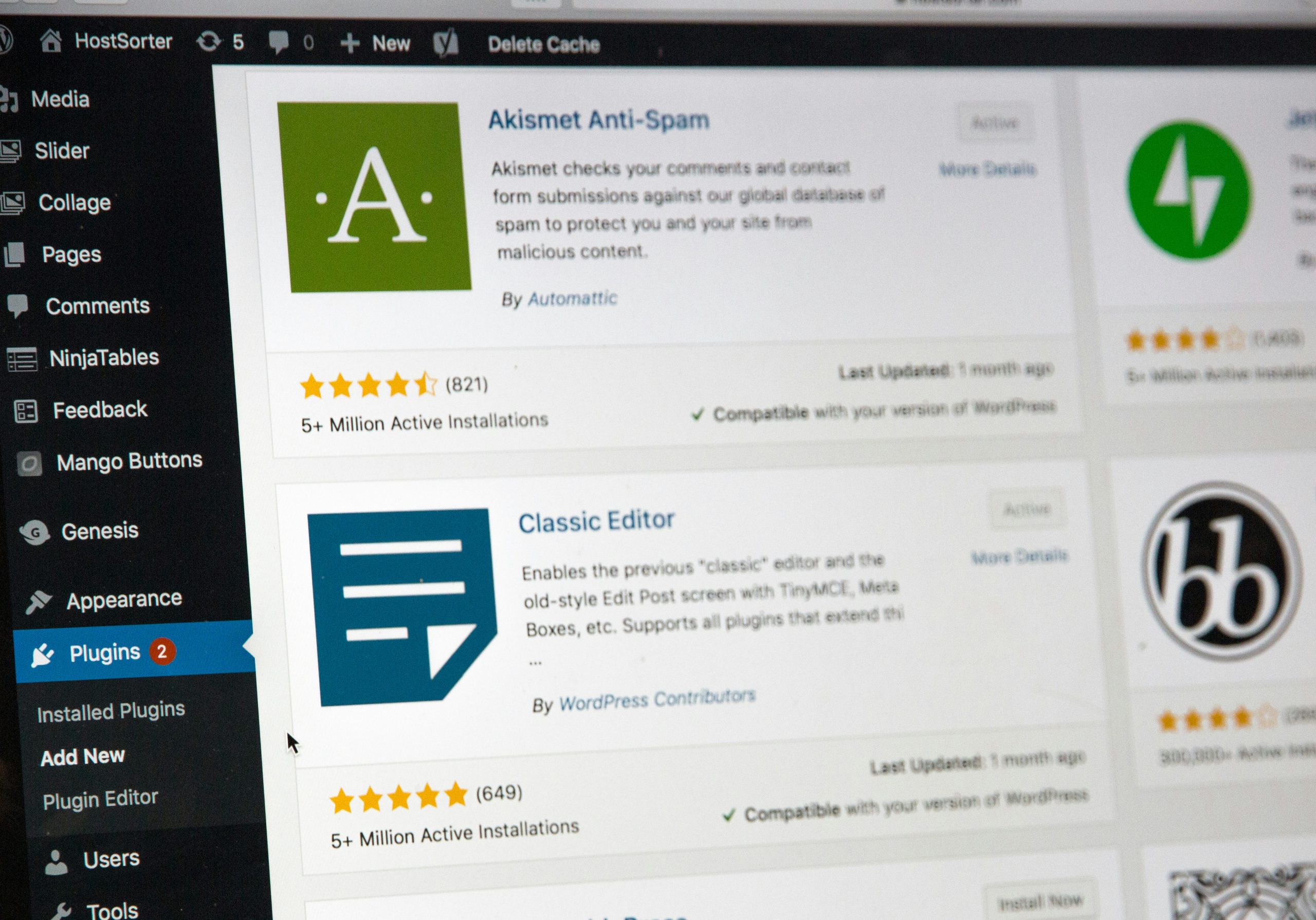
So, you’re building a WordPress site for renting out properties. Or maybe you’re managing apartment listings, vacation homes, or even dog-friendly beach condos. Whatever the case, you’ll need a plugin to make managing all those listings easier. But here’s the million-dollar question: should you go with a free plugin or invest in a paid one?
TL;DR
Free property management plugins for WordPress are great for beginners or those on a tight budget. They offer basic features but may lack customer support or advanced tools. Paid plugins come with more options, ongoing updates, and better support, but they cost money. Choose based on your specific needs and future plans.
Why You Need a Property Management Plugin
Before we dive into comparing free versus paid, let’s get clear on why you need a property management plugin in the first place.
- You want to list multiple properties with images, descriptions, and pricing.
- You want visitors to filter or search by location, size, price, etc.
- You need booking or inquiry forms right on the page.
- You want to manage availability calendars and maybe even collect payments online.
All that sounds pretty awesome, right? You could build it from scratch… but that’s going to take coding skills, time, and possibly chocolate-fueled late nights.
Property management plugins do the heavy lifting. Install one, set it up, and you’re good to go.
Free Plugins: The Good, The Basic, and The Limitations
Let’s start with the good stuff. Free plugins are… well, free! And that’s a pretty cool price tag. For small-time landlords or someone just testing the waters, a free plugin could be all you need.
Pros of Free Plugins
- No upfront cost.
- Great for learning how things work.
- Many come with surprisingly solid features.
- Easy to install from the WordPress plugin repository.
Popular Free Options
Here are a couple of free plugins people really like:
- Easy Property Listings – Supports custom post types, advanced filtering, and some template compatibility.
- WP Property – Allows pretty detailed property pages, maps, and images.

Cons of Free Plugins
- Limited support – often, you’re stuck reading forums or old FAQs.
- No premium features like shortcodes, advanced filtering, or payment options unless you upgrade.
- Fewer updates – which means security can become an issue over time.
- Not always compatible with your theme or other plugins.
Paid Plugins: The Full Package
If free is like riding a bike with good training wheels, then paid plugins are like cruising in a Tesla with autopilot. They aren’t free, but they offer a lot more horsepower.
Pros of Paid Plugins
- All-in-one features – calendars, payments, messaging, and more.
- Support teams – get help when things go wrong (and yes, things will go wrong).
- Custom layouts and styling options – your site can look professional, fast.
- Regular updates – keeps your site secure and bug-free.
- More integrations – like syncing with Airbnb, Google Calendar, or Stripe.
Popular Paid Plugins
- Estatik Premium – Comes with stunning design templates, multilingual support, and mortgage calculators.
- WP Rentals – Supports hourly and daily rentals, online payments, and multi-user functions.
- HBook – Especially good for hotels or vacation properties, with an easy calendar setup and payment tools.
Cons of Paid Plugins
- Cost – ranges from $30 to $150, and some use subscriptions.
- Too many features can be overwhelming for small setups.
- Some paid plugins offer fancy features but poor support or bloated code. Always check reviews first!
What Features Do You Really Need?
Don’t get dazzled by all the bells and whistles. Ask yourself:
- Am I renting 5 apartments or managing 50 properties?
- Do I need to accept online payments and display availability calendars?
- Will I need multilingual support?
- Do I want advanced styling or will a clean layout do?
If you just need basic listings and contact forms, a free plugin might do the job perfectly.
If you’re offering lots of rentals and want bookings, calendars, or smart integrations, go pro.
Tips Before You Decide
- Test a demo – most paid plugins offer a live preview or demo link. Play around with it!
- Check compatibility with your theme and other plugins.
- Read reviews and support forums. Are users happy? Is support responsive?
- Start with free. You can always upgrade later.

Common Free-to-Paid Upgrade Paths
Some plugins offer a “freemium” model. You start for free, then unlock features by paying.
For example:
- Easy Property Listings has affordable add-ons like maps, sliders, and CRM integration.
- WP Property offers themes and premium modules for payment handling and custom templates.
This can be a great way to scale. Start simple, then pay as your site (and profits) grow.
Final Verdict: Free or Paid?
It comes down to where you are in your journey.
- Just starting out? Go free.
- Running a business? Pay for quality.
- Somewhere in the middle? Try freemium options that grow with you.
And hey, don’t overthink it. WordPress makes it easy to switch or upgrade plugins later. Your first choice doesn’t have to be your last.
In a Nutshell
- Free = limited features, no cost, good for small sites.
- Paid = professional features, support, and long-term growth.
- Always think about your future needs AND current budget.
So, try one. See how it feels. Tweak it. Tinker with it. And soon enough, you’ll have a rental empire that basically runs itself (okay, almost).
Happy renting 🎉
