 logo
logo


You’re trying to sign in. Or create an account. Or reset a password. Then boom — a cold, robotic message appears: “This phone number cannot be used for verification.” Ugh. Now what?
Don’t worry. This is a common problem. And yes, it’s fixable. Let’s break it down in plain English and get you back into your account fast.
TLDR: That error usually happens because your number is seen as suspicious, already used too many times, not supported, or entered incorrectly. First, double-check the number format. Then make sure you’re not using a VoIP or temporary number. Try waiting 24 hours if you’ve made too many attempts. If nothing works, contact support with proof of ownership.
Why This Error Happens in the First Place
Websites use phone verification to protect accounts. It helps stop spam and fake sign-ups. But security systems are strict. Sometimes too strict.
Here are the most common reasons you see this message:
- Your number was used too many times.
- You’re using a VoIP or virtual number.
- The number format is wrong.
- The number is blocked or flagged.
- The service doesn’t support your carrier or country.
Frustrating? Yes. Hopeless? Not at all.
Fix #1: Double-Check the Number Format
This sounds simple. But simple fixes work more often than you think.
Start with these checks:
- Did you include the correct country code?
- Did you accidentally add an extra zero?
- Are there spaces or symbols that shouldn’t be there?
For international numbers, always include the country code. For example:
- ✅ +1 5551234567
- ❌ 05551234567
Also make sure you’re not copying and pasting extra spaces. That tiny invisible space can ruin everything.
Pro tip: Manually type the number instead of using autofill. Autofill sometimes inserts outdated or incorrect info.
If that doesn’t work, move on to the next likely suspect.
Fix #2: Stop Using VoIP or Temporary Numbers
This one catches a lot of people.
Many services block:
- Google Voice numbers
- Skype numbers
- TextNow numbers
- Temporary or burner numbers
Why? Because spammers love them.
If you’re using any kind of virtual number, switch to a real mobile carrier number. A SIM-based number from your mobile provider works best.
Not sure if your number is considered VoIP? Here’s a quick test:
- If it runs purely through an app, it’s likely VoIP.
- If it has a physical SIM card tied to a carrier, you’re good.
If you only have access to a VoIP number, you may need to borrow a trusted family member’s number temporarily. Just be sure you have access to the SMS code when it arrives.
Remember. Once verification is complete, you can usually change the number later in your account settings.
Fix #3: Wait 24 Hours and Try Again
Yes. Waiting is annoying. But rate limits are real.
If you requested too many codes in a short time, the system may temporarily block your number.
This can happen if:
- You refreshed the page multiple times.
- You entered the wrong code repeatedly.
- You tried creating several accounts.
Platforms automatically flag this behavior as suspicious.
The good news? These blocks are often temporary.
What to do:
- Stop trying for at least 24 hours.
- Clear your browser cache.
- Try again using a stable internet connection.
While you wait, avoid switching between devices constantly. That can trigger additional security flags.
Patience wins here.
Image not found in postmeta
Fix #4: Contact Support (The Smart Way)
If nothing works, it’s time to talk to a human.
But don’t just send: “It doesn’t work.”
Be clear. Be detailed. Make it easy for them to help you.
Include:
- Your full phone number (with country code).
- A screenshot of the error message.
- The exact wording of the error.
- The time and date you tried verifying.
This saves days of back-and-forth emails.
You may also need to prove that the number belongs to you. Some services ask for:
- A recent phone bill.
- A screenshot of your carrier account page.
- Alternate verification like email or ID.
It sounds serious. But it’s just security doing its job.
Other Quick Things to Check
Still stuck? Try these small but powerful tweaks:
1. Restart Your Phone
Sometimes SMS messages fail because your device hasn’t properly reconnected to the network.
2. Check Signal Strength
No bars? No SMS. Move to a location with stronger reception.
3. Turn Off SMS Blocking Apps
Spam filters can accidentally block verification codes.
4. Disable VPN
Some services reject verification requests from VPN IP addresses.
5. Update Your Phone
Old operating systems can interfere with messaging services.
Small glitches often cause big headaches.
Image not found in postmeta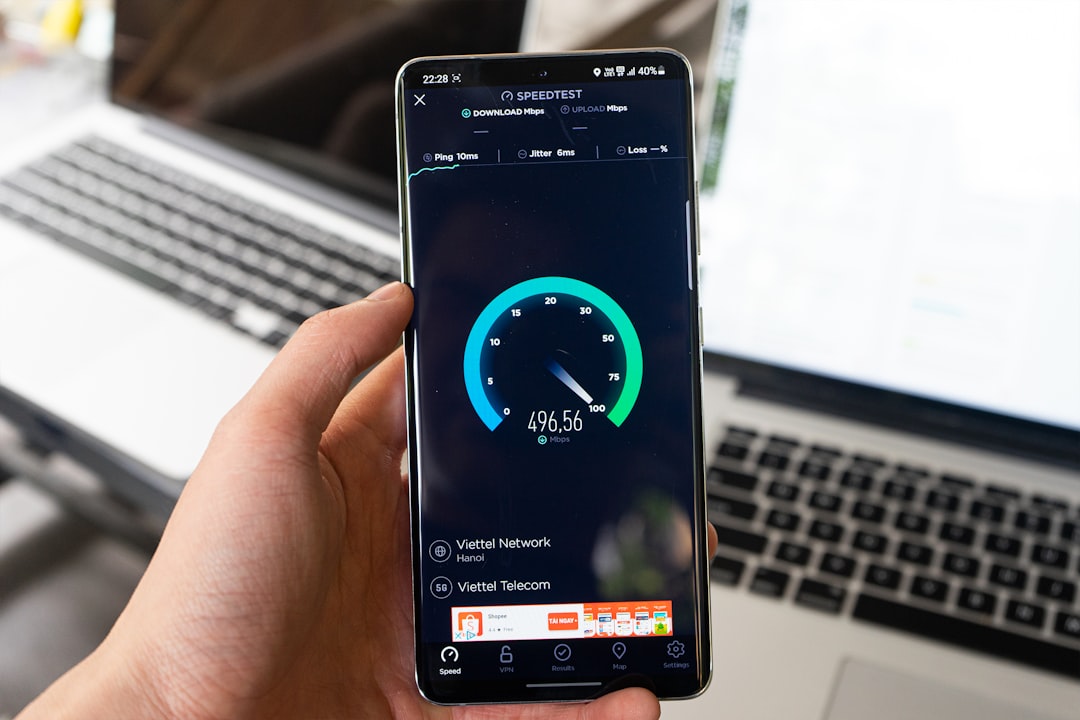
Why Your Number Might Be “Already Used”
This message pops up a lot: “This phone number is already associated with another account.”
Here’s what could be happening:
- You created an old account and forgot.
- Someone previously had your number.
- Your carrier reassigned the number.
Yes, carriers recycle phone numbers. It happens more often than people realize.
If that’s the case:
- Try account recovery with email.
- Reset the old account.
- Contact support to unlink the number.
This situation is annoying. But it’s usually solvable once you prove ownership.
When the Problem Is on Their Side
Sometimes it’s not you.
Servers go down. SMS gateways fail. Carriers experience delays.
Before you panic:
- Check social media for outage reports.
- Visit a service status page if available.
- Ask a friend if they’re having the same issue.
If lots of people are complaining, relax. It’s temporary.
How to Prevent This in the Future
Once you finally get verified, protect that status.
Here’s how:
- Don’t create multiple accounts with one number.
- Keep your number updated in account settings.
- Add an email backup for login recovery.
- Enable an authenticator app if available.
Authenticator apps are often more reliable than SMS codes. They don’t depend on mobile networks. And they work even in airplane mode.
Smart setup now means fewer headaches later.
Final Thoughts
Seeing “This phone number cannot be used for verification” feels like hitting a locked door. But locked doesn’t mean broken.
Most cases fall into four buckets:
- Formatting errors
- VoIP or unsupported numbers
- Temporary rate limits
- Flagged or recycled numbers
Go step by step. Don’t rush. Don’t spam the resend button.
Security systems are strict by design. They’re trying to protect accounts from bots and abuse.
With a little patience — and the right fix — you’ll be back in your account before you know it.
And next time you see that message?
You’ll smile.
Because now you know exactly what to do.
