 logo
logo


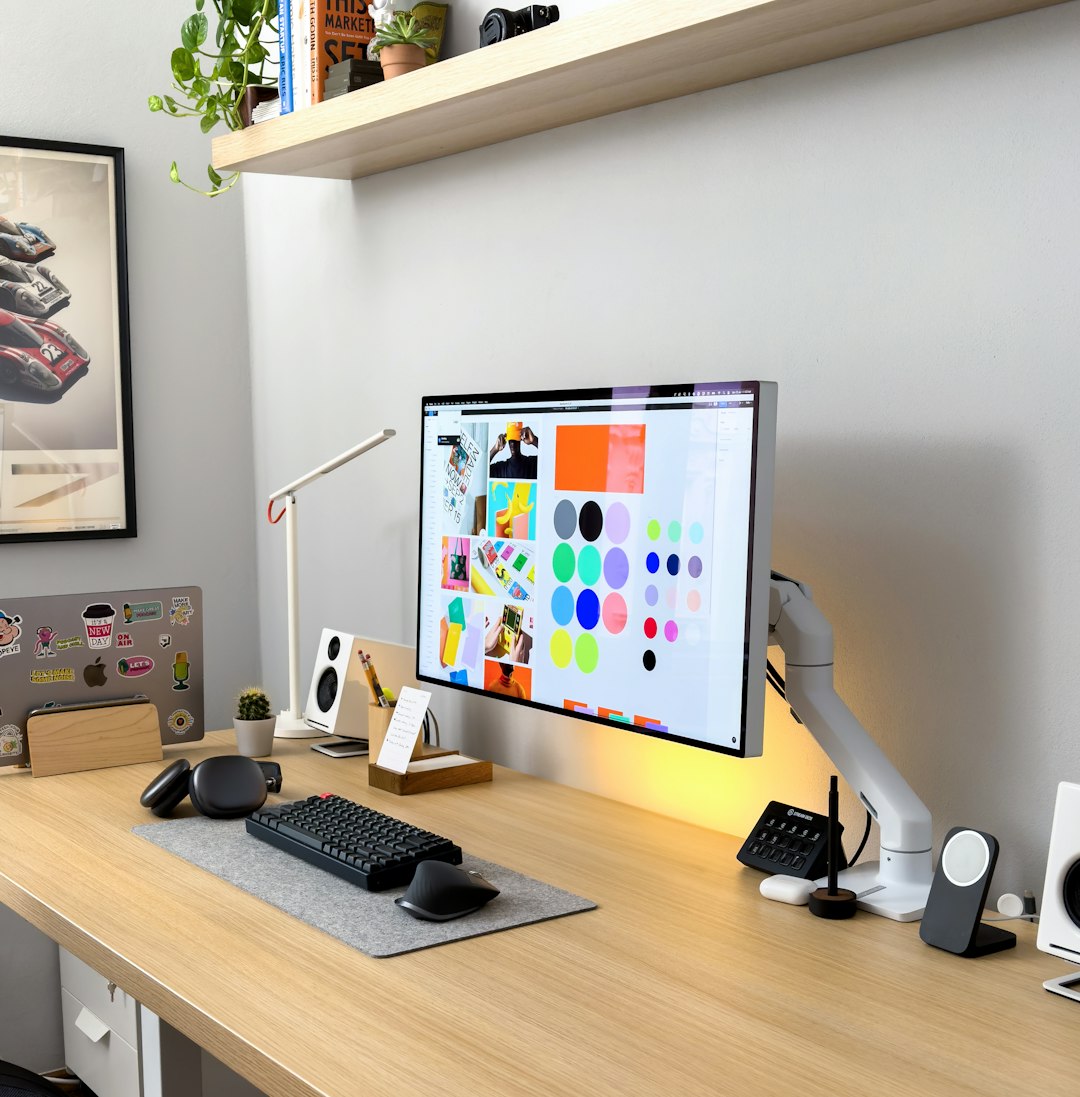
Graphic design no longer belongs exclusively to those who can afford expensive subscriptions and high-end software. Over the past decade, a wave of affordable and even free design tools has emerged, offering impressive capabilities that challenge long-established industry giants. From freelancers and small business owners to content creators and students, many people are discovering that powerful design work can be done without breaking the bank.
TLDR: Expensive design software is no longer the only path to professional-quality visuals. Several budget-friendly tools now rival major brands in features, usability, and output quality. This article explores four of the best cheap graphic design tools and explains why they compete so well with premium options. Readers will also learn which type of designer each tool suits best.
Why Affordable Graphic Design Tools Are Gaining Popularity
The rising popularity of low-cost design software is driven by both technological progress and changing work habits. Cloud computing, open-source development, and user-focused design have lowered the barrier to entry for creative tools. As a result, designers are no longer forced into costly monthly subscriptions just to access professional features.
Another key factor is accessibility. Affordable tools often focus on intuitive interfaces, extensive templates, and built-in learning resources. This makes them particularly attractive to beginners and non-designers who want quick results without a steep learning curve. At the same time, many of these tools are powerful enough to satisfy experienced designers who prioritize efficiency.
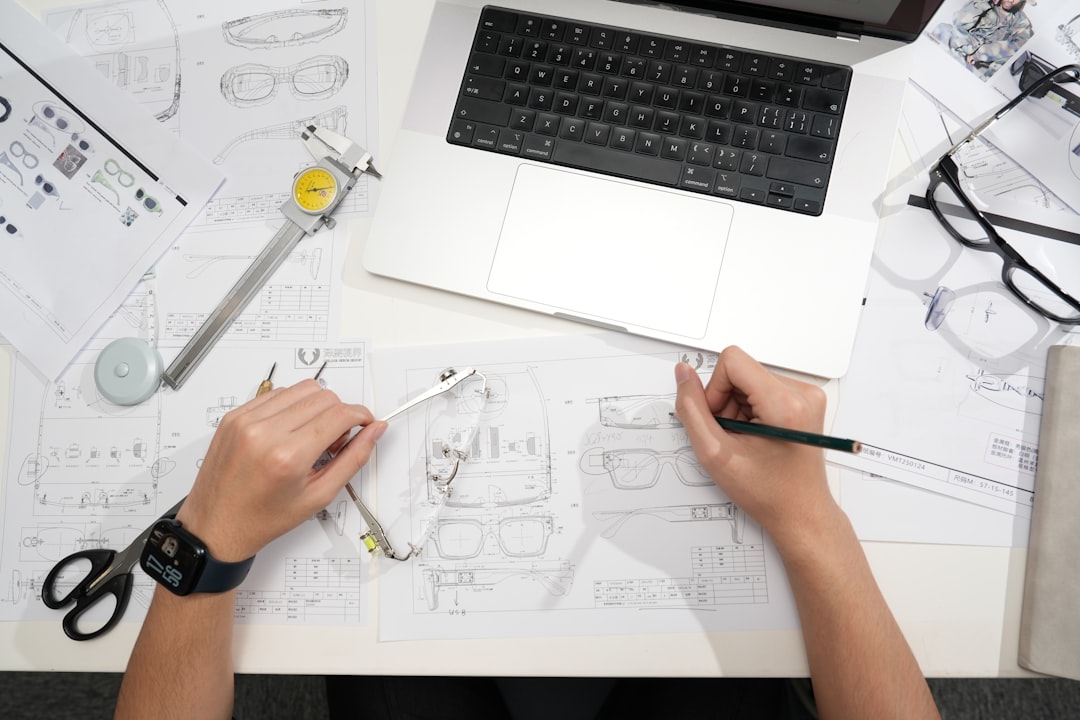
1. Canva: Simplicity That Delivers Professional Results
Canva has become one of the most recognizable names in budget-friendly graphic design, and for good reason. It offers a browser-based platform that allows users to create everything from social media graphics to presentations and marketing materials with ease.
What makes Canva stand out is its massive library of templates, icons, stock photos, and fonts. Users can drag and drop elements into place, customize colors and typography, and export designs in multiple formats. The free version is generous, while the paid plan remains far cheaper than most premium competitors.
- Ideal for social media managers, entrepreneurs, and beginners
- Cloud-based access from any device
- Collaboration features for teams
Although Canva may not replace advanced photo editing or vector illustration software entirely, its speed and convenience make it a strong rival for many everyday design tasks.
2. Affinity Designer: A Serious Alternative to Premium Vector Software
For designers who want professional-level control without ongoing subscription fees, Affinity Designer has earned a strong reputation. Available for a one-time purchase, this tool delivers robust vector and raster design capabilities that directly compete with top-tier software.
Affinity Designer is especially appreciated for its precision tools, smooth performance, and ability to handle complex illustrations. It supports advanced features such as non-destructive editing, artboards, and detailed typography controls.
- One-time payment instead of monthly fees
- Suitable for branding, UI design, and illustration
- Available on Windows, macOS, and iPad
While it may require a bit more learning than beginner-oriented tools, Affinity Designer proves that affordability does not have to mean compromise.
3. GIMP: Open Source Power for Photo Editing
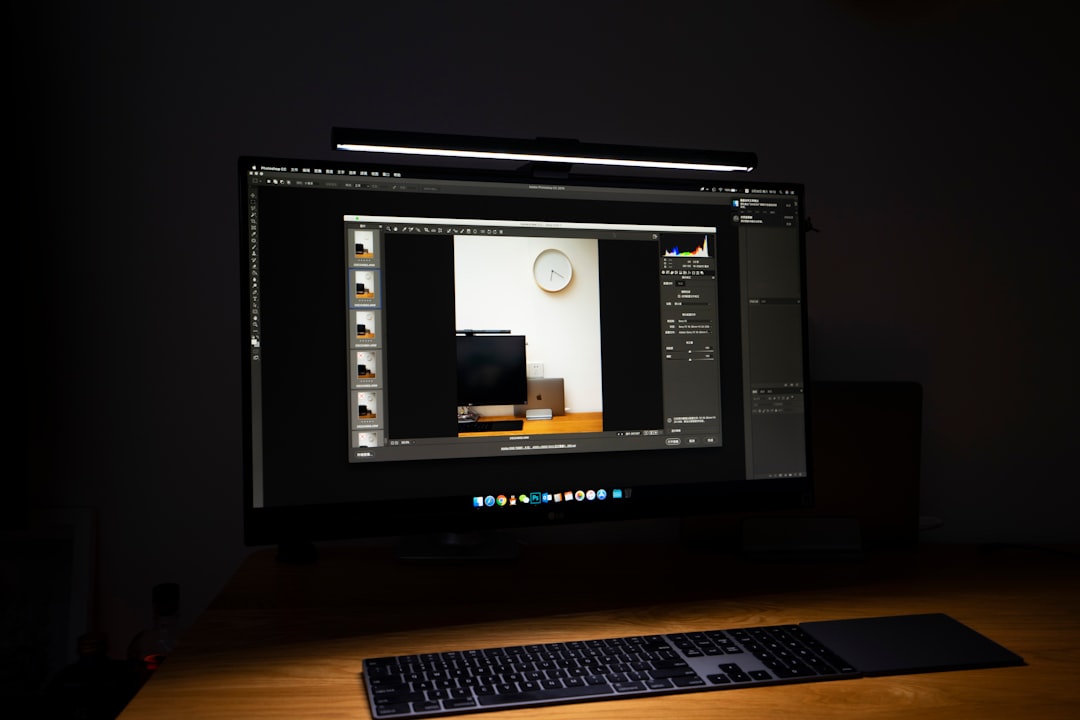
GIMP, short for GNU Image Manipulation Program, is a long-standing open-source alternative to premium photo editing software. Completely free and supported by a global community, it offers an impressive range of advanced features.
GIMP is especially strong in photo retouching, compositing, and image manipulation. It supports layers, masks, plugins, and customizable workspaces, making it a powerful option for users who are willing to invest time in learning its interface.
- Free and open source
- Highly customizable through plugins
- Compatible with multiple operating systems
Although its interface may feel less polished than some commercial tools, GIMP’s capabilities often surprise those who initially underestimate free software.
4. Inkscape: Professional Vector Graphics at No Cost
Inkscape is another open-source gem, focusing specifically on vector graphic design. It is often compared to expensive industry-standard vector tools and is widely used for logo design, icons, diagrams, and illustrations.
Supporting SVG as its native format, Inkscape offers precision drawing tools, path editing, gradients, and text manipulation. It continues to evolve thanks to an active development community that regularly introduces new features and improvements.
- Best for logo and icon design
- No cost and no licensing restrictions
- Strong community support and documentation
For designers who need a reliable vector editor without financial commitment, Inkscape stands as a formidable competitor to premium brands.
How These Tools Rival the Big Brands
The idea that expensive software automatically produces better designs is increasingly outdated. What truly matters is how well a tool supports the designer’s workflow and creative goals. Affordable tools rival big brands by focusing on usability, performance, and essential features rather than bloated add-ons.
In many cases, these tools benefit from faster development cycles and closer feedback loops with users. This allows them to adapt quickly to trends and demands, often matching or even outpacing their expensive counterparts in specific areas.
Choosing the Right Tool for Different Needs
No single tool is perfect for every designer. Canva excels in speed and ease of use, making it ideal for marketing-focused visuals. Affinity Designer suits professionals who demand precision without subscriptions. GIMP is a strong option for detailed photo editing, while Inkscape shines in vector-based projects.
Understanding the strengths of each option helps users build a toolkit that meets their needs without unnecessary costs.
Frequently Asked Questions
-
Are cheap graphic design tools suitable for professional work?
Yes. Many professionals use affordable tools to create client-ready designs, especially when the software matches their specific workflow. -
Can these tools fully replace premium software?
In many cases, yes. While some niche features may be missing, most everyday design tasks can be handled effectively. -
Do free tools like GIMP and Inkscape receive regular updates?
Yes. Both are actively maintained by developer communities and receive ongoing improvements. -
Which tool is best for beginners?
Canva is generally the most beginner-friendly due to its templates and intuitive interface. -
Is it legal to use these tools for commercial projects?
Yes. The tools discussed are safe for commercial use, though users should always review individual licensing terms for assets.
