 logo
logo



Choosing a new Kindle can feel tricky. They look similar. They both store thousands of books. And they both promise that magical, paper-like reading experience. But when it comes to Kindle Colorsoft vs Paperwhite, the differences start to matter.
TLDR: The Kindle Colorsoft is best if you want color for comics, magazines, and vivid book covers. The Paperwhite is perfect for pure reading with crisp black-and-white text and a lower price. Colorsoft is more fun and flexible. Paperwhite is simpler and more budget-friendly. Your choice depends on what you read most.
Meet the Two Kindles
Before we compare features, let’s get to know them.
- Kindle Paperwhite: The classic fan favorite. Black-and-white display. Sharp text. Waterproof. Long battery life.
- Kindle Colorsoft: The newer, more exciting option. Adds color to the Kindle experience. Great for comics and illustrated books.
Both are lightweight. Both have adjustable front lights. Both let you carry a library in your bag. But the screen is where things really change.
Display: Color vs Classic
This is the biggest difference. And it’s a big one.
Kindle Paperwhite Display
- Black-and-white E Ink screen
- Very sharp text
- Great contrast
- Easy on the eyes
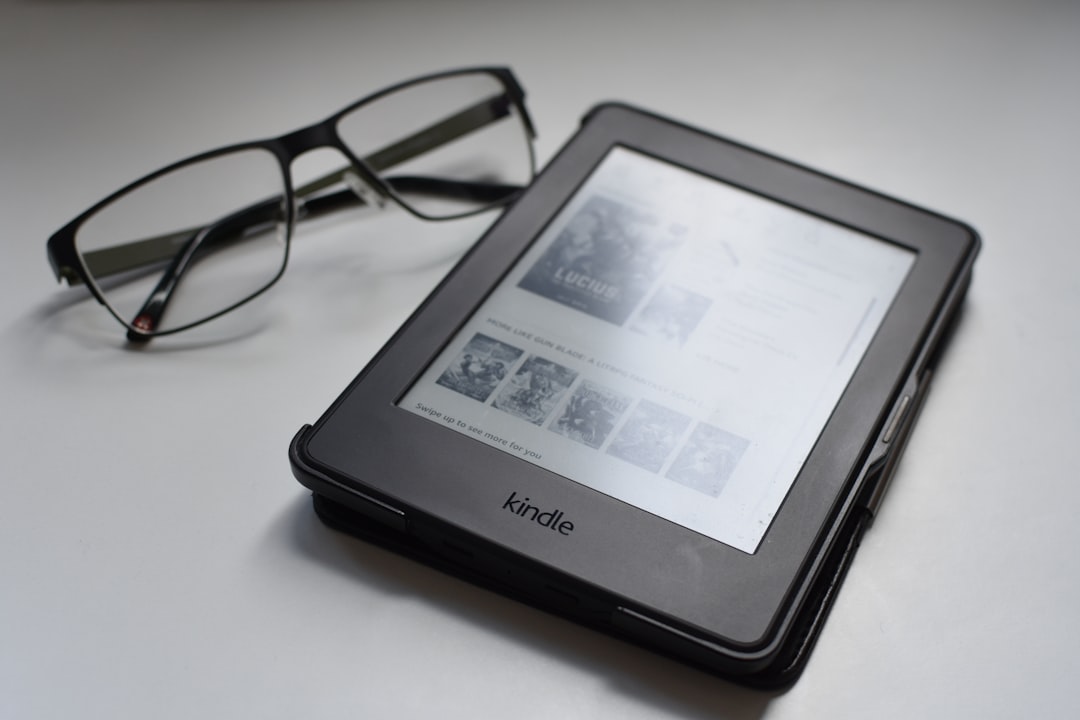
If you mostly read novels, biographies, or nonfiction books with plain text, the Paperwhite shines. Words look crisp. Letters feel printed on paper. There are no distractions.
Kindle Colorsoft Display
- Color E Ink screen
- Shows book covers in full color
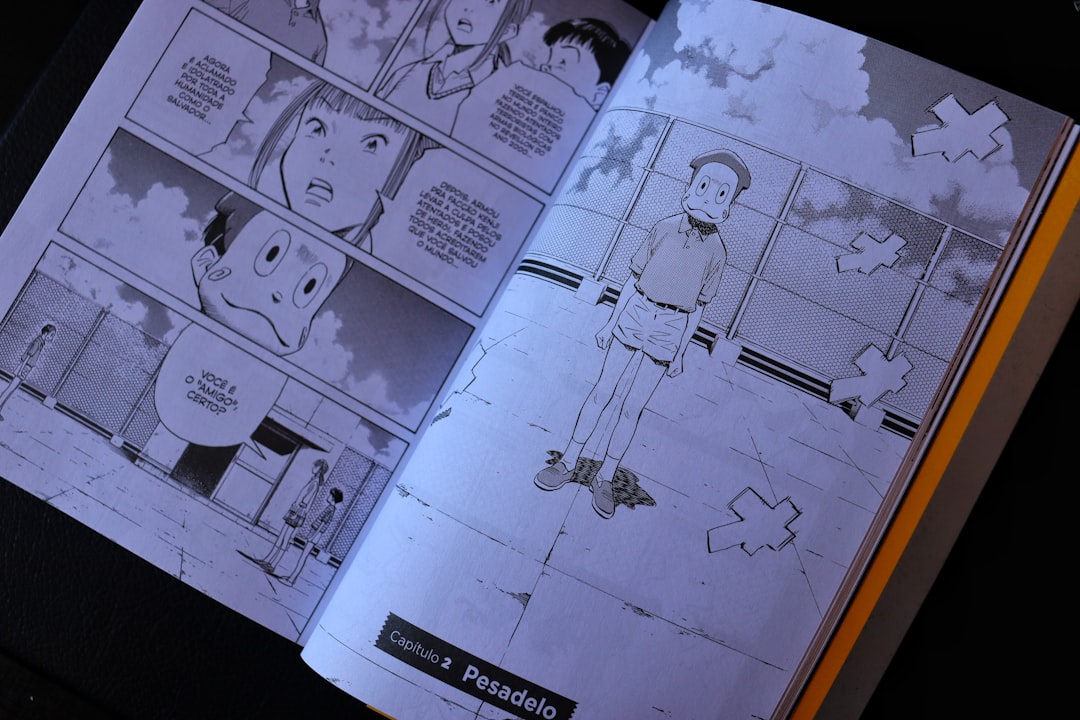
- Supports comics and illustrated content
- Slightly softer text than Paperwhite
The Colorsoft adds life to your library. Cookbooks show bright food photos. Travel guides pop with maps. Comics finally look the way they should.
Is the color as bold as a tablet? No. It’s softer. More muted. But it’s easier on your eyes than a bright LCD screen.
Simple rule: If you love pictures, go Colorsoft. If you love plain text, Paperwhite is perfect.
Reading Experience
Both devices are built for long reading sessions. No glare. No social media notifications. Just you and your book.
Paperwhite: Pure and Focused
The Paperwhite is distraction-free. The black-and-white screen helps you focus on the story. Many readers say the contrast is slightly better than color screens for pure text.
It also has:
- Adjustable warm light
- Dark mode
- Smooth page turns
Reading at night feels cozy. Like reading under a blanket with a flashlight. But better.
Colorsoft: Fun and Flexible
The Colorsoft feels modern. Swiping through colorful covers makes your digital bookshelf more exciting.
It’s ideal for:
- Graphic novels
- Children’s books
- Magazines
- Textbooks with charts
If you switch between novels and comics, Colorsoft gives you the best of both worlds.
Battery Life
Kindles are famous for long battery life. We’re talking weeks, not days.
Paperwhite Battery
Because it uses a black-and-white screen, it consumes less power. One charge can last up to several weeks, depending on usage.
You can take it on vacation and forget the charger.
Colorsoft Battery
Color uses a bit more energy. So battery life is slightly shorter compared to the Paperwhite.
Still impressive though. You’re not charging it every night like a tablet. It still lasts for weeks with normal use.
If maximum battery life matters most, Paperwhite has a small edge.
Price: Budget vs Premium
This is important for many buyers.
- Paperwhite: More affordable.
- Colorsoft: Usually costs more because of the color technology.
If you only read novels, paying extra for color may not make sense.
But if you regularly read comics or graphic-heavy books, the extra cost may be worth it.
Think about what you actually read. Not what sounds cool.
Storage and Performance
Both devices are fast and smooth for regular reading.
But there’s something to consider.
Color comics and magazines take up more storage space than plain text books.
- If you read mostly novels → storage won’t be a big issue.
- If you download lots of comics → extra storage is helpful.
In daily use, both devices feel responsive. Page turns are quick. Menus are simple. No steep learning curve.
Waterproof and Durability
Good news: both models are built for real life.
They are:
- Waterproof (great for beach or bath)
- Lightweight
- Easy to hold with one hand
The design is clean and minimal. No flashy extras. Just a simple reading tool.

Who Should Buy the Paperwhite?
The Paperwhite is best for:
- Avid novel readers
- People on a budget
- Readers who want maximum battery life
- Those who prefer ultra crisp black text
If you mostly read fiction, memoirs, or business books, you don’t need color. Paperwhite keeps things simple and affordable.
It’s a great “no regrets” choice.
Who Should Buy the Colorsoft?
The Colorsoft is best for:
- Comic book fans
- Students using textbooks with charts
- Readers of magazines
- People who love colorful covers
It feels more modern. More dynamic. Slightly more playful.
If your reading habits are visual, Colorsoft makes a big difference.
Pros and Cons At a Glance
Kindle Paperwhite Pros
- Sharp, high-contrast text
- Longer battery life
- Lower price
- Great for pure reading focus
Kindle Paperwhite Cons
- No color support
- Comics look flat in grayscale
Kindle Colorsoft Pros
- Color display
- Better for comics and magazines
- More visually engaging
Kindle Colorsoft Cons
- Higher price
- Slightly reduced battery life
- Text may not look quite as sharp as Paperwhite
So… Which One Is Better?
There’s no single winner.
If your world is made of words, the Kindle Paperwhite is hard to beat. It’s sharp. Reliable. Affordable. It does one thing extremely well: reading books.
If your world includes images, charts, comics, and colorful layouts, the Kindle Colorsoft opens new doors. It blends traditional e-ink comfort with a splash of color.
Ask yourself one simple question:
Do I need color?
If the answer is no, save money and grab the Paperwhite.
If the answer is yes, Colorsoft will make you smile every time you open your library.
Either way, you’re getting a device built for deep focus. No buzzing notifications. No glowing blue light. Just you and the story.
And honestly? That’s what really matters.
