 logo
logo




Smart speakers make everyday life easier: you can switch on lights, play music, check the weather, reorder household items, or control a security camera with a simple voice command. But because devices like Amazon Alexa are always connected, tied to personal accounts, and often placed in private spaces, many people ask a fair question: can Alexa be hacked?
TLDR: Yes, Alexa and other smart speakers can be targeted, but the most common risks usually come from weak passwords, unsafe Wi Fi networks, scammy third party skills, or poor privacy settings rather than a dramatic “remote takeover.” The good news is that most risks can be reduced with practical steps like enabling two factor authentication, reviewing voice recordings, disabling unused features, and securing your router. Treat Alexa like any internet connected device: convenient, useful, and worth protecting.
Can Alexa Really Be Hacked?
The short answer is yes, but context matters. Alexa is not typically “hacked” in the way movies portray, with a stranger instantly listening through your speaker from across the world. More often, attackers look for indirect weaknesses: a compromised Amazon account, a reused password, an insecure home network, a malicious third party skill, or someone physically close enough to issue voice commands.
Alexa devices include microphones, cloud connectivity, integrations with smart home products, and shopping features. That combination creates a useful assistant, but also a larger attack surface. Understanding the most common risks helps you keep the convenience while reducing the exposure.
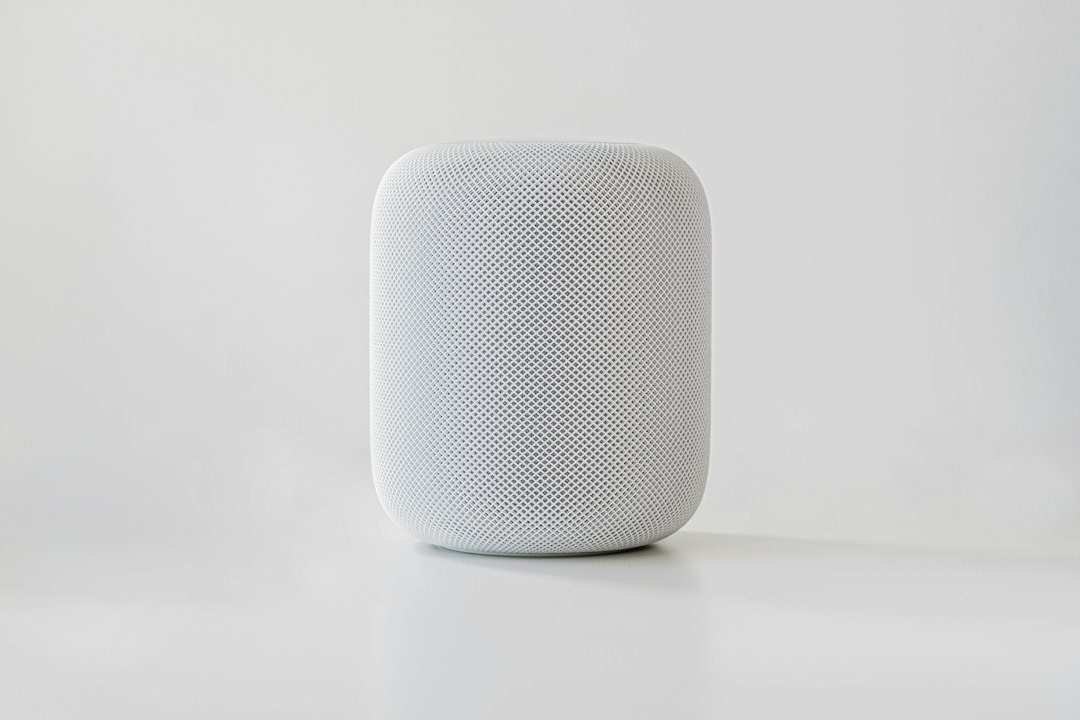
7 Common Alexa Security Risks
1. Weak or Reused Amazon Passwords
Your Alexa device is connected to your Amazon account. If someone gains access to that account, they may be able to view device settings, review some activity, manage smart home connections, or make changes that affect your Alexa experience. The biggest danger is not always the speaker itself, but the account behind it.
Reused passwords are especially risky. If you used the same password on another website that suffered a data breach, attackers may try that password on Amazon through a technique called credential stuffing.
2. Insecure Wi Fi Networks
Alexa depends on your home Wi Fi. If your router uses an old password, outdated encryption, or default admin credentials, your entire smart home becomes more vulnerable. A weak network can allow attackers to target connected devices, monitor traffic patterns, or attempt to interfere with smart home systems.
Even if Alexa itself remains protected, a poorly secured router can expose other devices such as cameras, smart locks, thermostats, laptops, and phones.
3. Suspicious Third Party Skills
Alexa Skills are like apps for your smart speaker. Many are useful, but not all are equally trustworthy. A poorly designed or deceptive skill could request unnecessary permissions, collect more information than expected, or imitate another service in a confusing way.
Amazon reviews skills, but users should still be cautious. If a skill’s name, description, or voice prompts feel strange, it is better to disable it.
4. Voice Purchasing and Accidental Orders
Alexa can make shopping convenient, but voice purchasing can create problems if it is left unrestricted. A child, guest, television advertisement, or prankster could trigger an unintended purchase if your settings are too permissive.
This is not always “hacking” in a technical sense, but it is still a security and privacy issue. Any feature that allows financial activity should be locked down.
5. Unauthorized Voice Commands
Anyone within speaking range may be able to interact with Alexa, depending on your settings. A visitor could ask about calendar events, control lights, unlock compatible devices if configured poorly, or trigger routines. In some cases, commands might even come from audio played through a TV, speaker, or open window.
Voice assistants are designed to be responsive. That responsiveness is useful, but it means you should think carefully about what Alexa is allowed to control.

6. Stored Voice Recordings and Privacy Settings
Alexa processes voice commands through Amazon’s cloud systems. Depending on your settings, recordings or transcripts may be stored and used to improve services. While this can improve accuracy, it also raises privacy questions. If your account is compromised or your privacy settings are too broad, more personal data may be available than you realize.
Many users never check their Alexa privacy dashboard. That means old recordings, enabled permissions, and connected services can accumulate over time.
7. Risky Smart Home Integrations
Alexa is often connected to lights, plugs, cameras, thermostats, garage doors, alarms, and sometimes locks. The risk increases when Alexa becomes the central control point for many devices. A weak link in one product or service can affect the overall security of your smart home.
For example, a smart plug connected to a heater, coffee maker, or appliance should be used carefully. A voice command or routine that seems harmless may have real world consequences.
How to Secure Your Alexa Smart Speaker
Securing Alexa does not require advanced technical knowledge. A few careful settings can make a major difference.
- Use a strong, unique Amazon password. Choose a password you do not use anywhere else. A password manager can help you create and store one safely.
- Enable two factor authentication. This adds an extra verification step when someone tries to sign in to your Amazon account.
- Secure your Wi Fi router. Use WPA2 or WPA3 encryption, change the default router admin password, and keep router firmware updated.
- Create a guest network. Put visitors and less trusted smart devices on a separate network when possible.
- Review Alexa Skills regularly. Disable skills you no longer use and avoid skills with unclear permissions or poor reviews.
- Set up a voice code for purchases. Better yet, disable voice purchasing if you do not use it.
- Check your privacy settings. Visit the Alexa Privacy settings in your Amazon account to review recordings, manage data retention, and adjust how your voice data is used.
- Mute the microphone when needed. If you are having a sensitive conversation, using the physical mute button is a simple and effective step.
- Limit high risk routines. Be cautious with routines that control locks, garage doors, security systems, or heat producing appliances.
Privacy Habits That Make a Difference
Security is not just about blocking hackers. It is also about limiting unnecessary data exposure. Make a habit of checking what Alexa knows and what it can do. Delete old recordings if you do not want them stored. Remove unused connected services. Check whether household members have voice profiles and whether Alexa recognizes them accurately.
You can also reduce accidental activation by moving the device away from televisions, open windows, and busy shared spaces. If you use Alexa in a bedroom or office, be more selective about microphone use and connected permissions.

Warning Signs Something May Be Wrong
Most Alexa issues are harmless glitches, but pay attention to unusual behavior. Warning signs may include:
- Alexa responding when no one spoke the wake word
- New skills appearing that you did not enable
- Unexpected purchases or notifications
- Smart home devices turning on or off unexpectedly
- Account alerts about unfamiliar sign ins
If you notice these signs, change your Amazon password immediately, sign out of other sessions if available, review enabled skills, check your order history, and inspect your smart home device list. It is also wise to restart your router and confirm that its firmware is current.
The Bottom Line
Alexa can be hacked or misused, but the most realistic threats are manageable. The device itself is only one part of a larger ecosystem that includes your Amazon account, Wi Fi router, third party skills, smart home gadgets, and privacy choices.
The best approach is not fear, but smart configuration. Use strong authentication, keep your network secure, review permissions, and avoid giving Alexa more control than necessary. With the right precautions, your smart speaker can remain a helpful assistant without becoming an unnecessary security risk.
