 logo
logo



Choose AI trading software by testing how it handles risk, bad data, market stress, and your actual trading style before you care about flashy predictions. A platform can have clean charts and bold claims, yet still fail when spreads widen, news hits, or orders execute slower than expected. The best tool is not the one that promises the highest return. It is the one you can verify, control, and understand.
TL;DR: Pick AI trading software with transparent backtesting, real-time risk controls, broker compatibility, clean data sources, and a paper trading mode. For example, if a strategy shows a 62% win rate in testing but loses money after fees and slippage, it is not a strong strategy. A retail trader running 50 simulated trades over 30 days may learn more from execution quality than from the headline accuracy score. Treat every claim as unproven until you test it with your own rules.
Start With Risk Controls, Not Profit Claims
Most trading platforms sell the dream first. Higher returns. Smarter signals. Automated entries. It sounds great until one bad day wipes out three good weeks.
Your first question should be simple: How does this software limit damage? Look for features such as:
- Stop loss settings at trade and account level
- Daily loss limits that pause trading automatically
- Position size controls based on account balance
- Exposure limits by asset, sector, or currency pair
- Manual override when the model behaves oddly
Good AI trading software should make it harder to overtrade. It should also warn you when volatility spikes or liquidity thins out. Honestly, it feels like some tools are built to encourage constant clicking rather than careful trading. That is good for platform engagement. It is not good for your balance.
Check the Quality of the Data
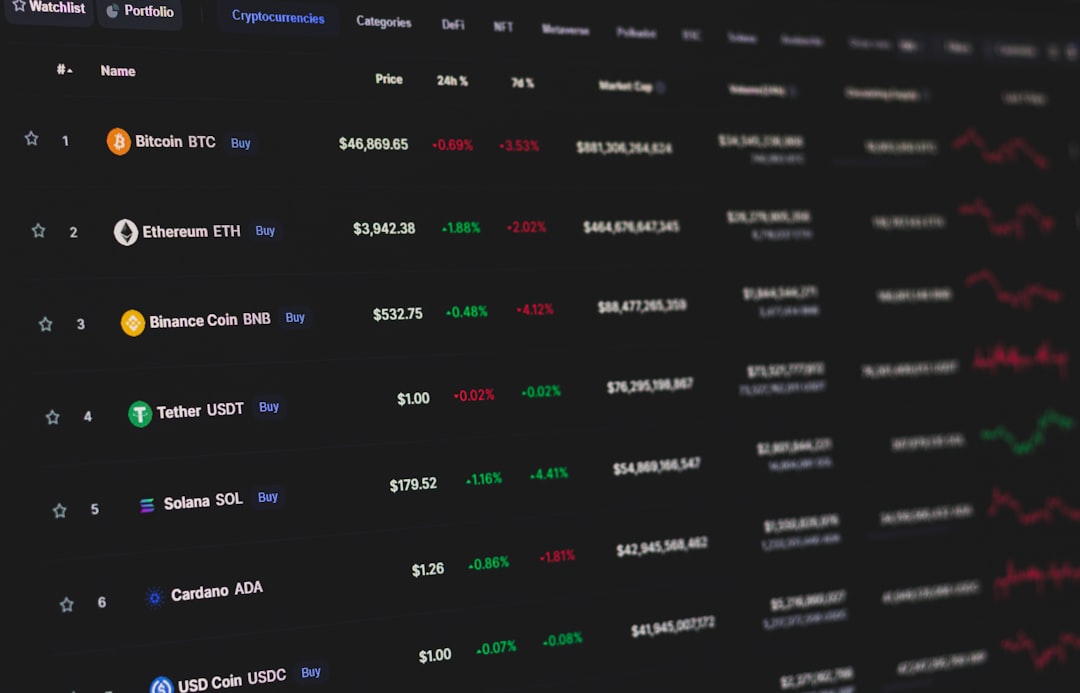
AI models are only as good as the data they process. Bad data creates bad signals. Delayed prices, missing candles, incorrect volume, and poorly handled stock splits can distort results.
Ask where the platform gets its market data. Is it real time or delayed? Does it include bid and ask prices, or only last traded price? Does it cover pre-market and after-hours activity? For crypto, does it combine data across exchanges or rely on one venue?
This matters more than many traders think. A strategy that looks profitable on clean historical candles may fail in live markets because real execution includes spreads, fees, and partial fills. A five-second delay can also change the trade completely in active markets.
Demand Clear Backtesting
Backtesting shows how a strategy would have performed in the past. It is useful, but it can also mislead you if done poorly.
Strong AI trading software should let you test a strategy across different market periods. That includes bull markets, bear markets, sideways markets, and high-volatility sessions. If the platform only shows results from one cherry-picked period, be careful.
Look for these backtesting details:
- Fees included: Commissions, spreads, and exchange costs should be part of the test.
- Slippage included: Orders rarely fill at the perfect displayed price.
- Drawdown shown: You need to see the worst peak-to-trough loss.
- Trade count listed: Ten winning trades prove very little.
- Out-of-sample testing: The model should be tested on data it was not trained on.
The catch is that many platforms show a smooth equity curve but hide the ugly parts. Expect to waste time digging through menus for drawdown, losing streaks, and trade logs. If those details are missing, move on.
Paper Trading Is Not Optional
Paper trading lets you test the software with simulated money. It is one of the safest ways to see how the system behaves in real market conditions.
Do not rush this stage. Run the AI strategy for at least a few weeks. Track every trade. Compare expected entry prices with simulated fills. Watch how the tool reacts to news, earnings, rate decisions, and sudden price gaps.
A good paper trading module should include:
- Realistic spreads
- Simulated slippage
- Trade history export
- Performance charts
- Rule testing without code
If the paper trading environment feels too perfect, that is a problem. Real markets are messy. Your test environment should reflect that.
Look for Explainable Signals
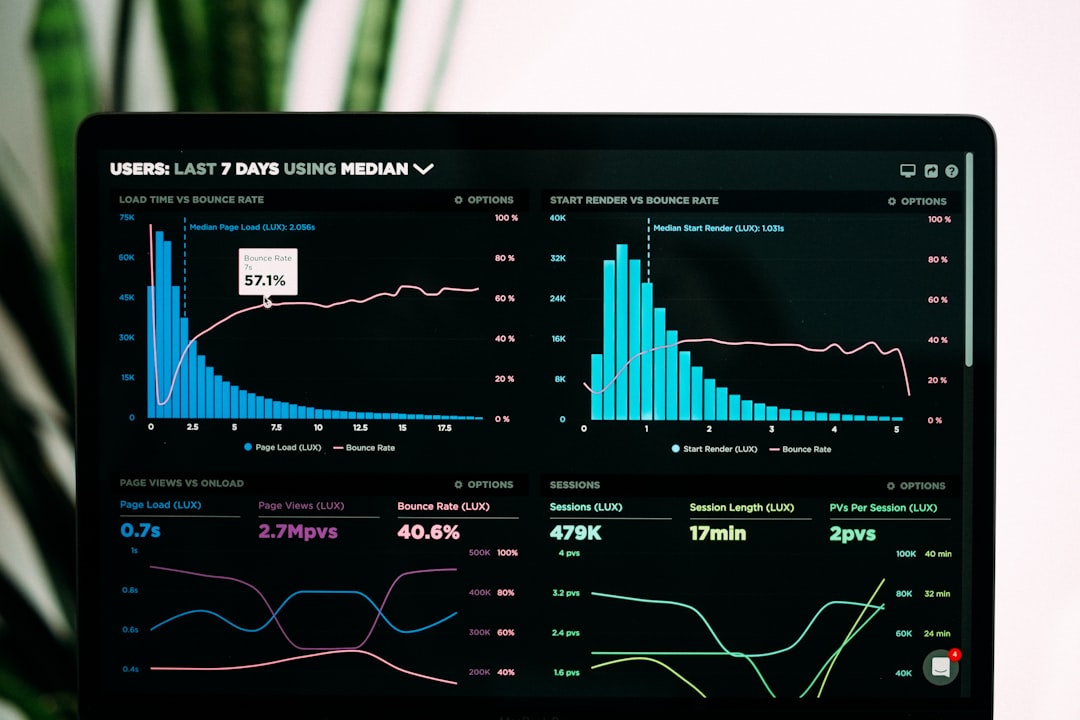
AI should not feel like magic. If the software gives a buy or sell signal, it should explain why. You do not need a PhD-level breakdown, but you do need enough context to trust or reject the trade.
Useful explanations may include:
- Momentum change
- Volume surge
- Price pattern match
- Sentiment shift
- Volatility expansion
- Correlation with related assets
A black-box system can be tempting. It removes decision fatigue. But it also creates a new problem: you may not know when the model has stopped working. If the software cannot explain its signals in plain language, trade smaller or avoid automation.
Match the Tool to Your Trading Style
Not every AI platform fits every trader. Some are built for day trading. Others suit swing trading, long-term investing, or portfolio rebalancing.
Before choosing one, define your style:
- Day traders need fast execution, low latency, hotkeys, and intraday alerts.
- Swing traders need multi-day pattern recognition, news filters, and risk-reward planning.
- Investors need fundamentals, earnings trends, valuation metrics, and portfolio analysis.
- Crypto traders need 24-hour monitoring, exchange support, and strong security features.
If you trade once or twice a week, you probably do not need ultra-short-term signal scanning. If you scalp, a tool that refreshes every 60 seconds may feel painfully slow.
Review Broker and Exchange Connections
AI trading software is only useful if it works well with your broker or exchange. Check integrations before you subscribe.
Ask these questions:
- Can the software place trades directly?
- Does it support your broker?
- Are order types limited?
- Can you trade stocks, forex, crypto, options, or futures?
- Is two-factor authentication supported?
- Can you set permission limits for API keys?
For crypto, never give withdrawal permission to a trading bot unless there is a rare and specific reason. Most users only need trading permission. Keeping withdrawals disabled reduces the damage if an API key is exposed.
Study Security and Privacy
Trading software touches sensitive data. That may include account balances, trade history, portfolio holdings, and API keys. Security cannot be an afterthought.
Look for encryption, two-factor authentication, session controls, and clear API permission settings. The company should also explain how it stores data and whether it shares information with third parties.
Be cautious with platforms that ask for full account access too early. A trial should not require more information than needed. If support asks you to send API keys through chat or email, walk away.

Compare Pricing the Right Way
Cheap software is not always cheap. Expensive software is not always better. Focus on total cost.
Include subscription fees, market data fees, broker fees, exchange fees, spreads, and possible add-ons. Some platforms lock key features behind higher plans, such as live automation, advanced backtesting, or multi-asset access.
Try to estimate breakeven. If a tool costs $150 per month, your trading edge must cover that before you earn anything. For a small account, that fee can be a heavy drag.
Check Support, Updates, and Community Feedback
AI trading tools change often. Models get updated. Broker connections break. Rules change. You want a team that fixes issues quickly.
Check response times before paying for a full plan. Send a technical question during the trial. See if the answer is useful or recycled. Read recent reviews, not just old praise from launch week.
A public changelog is also a good sign. It shows whether the software is improving or just collecting subscription fees.
Final Checklist Before You Commit
- Test with paper trading first.
- Confirm fees and slippage are included in backtests.
- Check broker or exchange support.
- Review risk controls before automation.
- Make sure signals are understandable.
- Start with small position sizes.
- Keep manual control available at all times.
The right AI trading software should help you make cleaner decisions, not push you into blind automation. Treat it as a research assistant, risk monitor, and execution tool. Not as a money machine. If it gives you control, transparency, and realistic testing, it may be worth your time. If it hides risk behind glossy charts, skip it.
