 logo
logo




In an increasingly digital world, passwords serve as the first line of defense against unauthorized access to personal and organizational data. Yet as online accounts multiply, managing credentials securely has become a complex and high-risk task. Weak passwords, reuse across services, and poor storage habits continue to expose individuals and businesses to breaches, identity theft, and financial loss. Password management software offers a structured, secure approach to credential storage, helping users maintain control without sacrificing convenience.
TL;DR: Password management software securely stores and encrypts credentials, reducing the risks of weak or reused passwords. It simplifies login processes while strengthening digital security through features like encryption, multi-factor authentication, and secure sharing. Businesses benefit from centralized access control and audit capabilities. Choosing a reputable password manager significantly improves overall cybersecurity resilience.
A modern password manager does far more than store login details. It provides encrypted vaults, generates strong and unique passwords, synchronizes across devices, and often integrates advanced security tools. With cyberattacks growing in scale and sophistication, reliable password management is no longer optional—it is an essential component of digital hygiene.
Why Password Management Matters More Than Ever
Most data breaches occur not because encryption systems fail, but because human practices fall short. Users frequently reuse passwords across multiple platforms. When one service is compromised, attackers can use stolen credentials to infiltrate other accounts—a practice known as credential stuffing.
Some of the most common password-related risks include:
- Password reuse across multiple sites
- Weak or predictable passwords
- Storing credentials in unsecured notes or spreadsheets
- Sharing passwords via email or messaging platforms
- Failure to update credentials after a breach
Password management software addresses these weaknesses by replacing unsafe habits with automated, encrypted systems that prioritize strong authentication practices.
How Password Management Software Works
At its core, a password manager stores user credentials inside an encrypted database often called a vault. This vault is protected by a master password and, ideally, additional authentication factors.

Key technical features typically include:
- End-to-End Encryption: Data is encrypted before leaving the user’s device and decrypted only upon authorized access.
- Zero-Knowledge Architecture: The service provider cannot view or access stored passwords.
- Password Generation: Built-in tools create complex, random passwords resistant to brute-force attacks.
- Cross-Device Synchronization: Secure syncing ensures access across desktops, smartphones, and tablets.
- Autofill Capabilities: Credentials are inserted automatically into login fields, reducing phishing risks from manual entry errors.
By centralizing and encrypting credentials, password managers remove the burden of memorization while enhancing security posture.
Key Benefits for Individuals
For personal use, password management software offers a blend of convenience and security. Users maintain only one strong master password while the system handles all other credentials.
Primary benefits include:
- Improved Password Strength: Each account receives a unique, complex password.
- Reduced Risk of Identity Theft: Stronger authentication minimizes entry points for attackers.
- Secure Storage for Sensitive Data: Many managers also store credit card details, secure notes, and identification documents.
- Breach Monitoring: Some services alert users if their credentials appear in known data breaches.
The simplicity of autofill and automatic login significantly increases adoption of good password practices, making cybersecurity more accessible to non-technical users.
Advantages for Businesses and Enterprises
Organizations face greater complexity due to multiple employees, shared systems, and regulatory requirements. Password mismanagement can lead to significant financial and reputational damage.

Enterprise-grade password management solutions provide:
- Centralized Administrative Control: IT teams can provision and revoke access quickly.
- Role-Based Permissions: Employees access only the systems necessary for their roles.
- Secure Credential Sharing: Credentials can be shared without revealing the underlying password.
- Activity Logging and Auditing: Comprehensive logs help meet compliance standards.
- Integration with Single Sign-On (SSO) and MFA: Enhanced authentication layers strengthen security frameworks.
By implementing password management policies, organizations reduce the risk of insider threats and accidental data exposure. This is particularly critical for industries subject to strict regulations, such as finance, healthcare, and legal services.
Security Features That Define a Reliable Solution
Not all password management software is created equal. When evaluating options, it is essential to assess the depth and transparency of their security practices.
Critical factors to consider include:
- Encryption Standard: Look for AES-256 encryption or equivalent industry-grade standards.
- Multi-Factor Authentication (MFA): Additional verification layers beyond the master password.
- Independent Security Audits: Regular third-party audits confirm system integrity.
- Secure Recovery Mechanisms: Account recovery processes should not compromise encryption models.
- Open Communication About Vulnerabilities: Trustworthy vendors disclose and patch issues transparently.
Strong encryption combined with responsible corporate governance establishes the foundation for long-term reliability.
Password Managers and Multi-Factor Authentication
Password management should not operate in isolation. Multi-factor authentication significantly enhances account security by requiring additional verification methods such as biometric data, authentication apps, or hardware tokens.
While passwords can be stolen, intercepted, or guessed, layered authentication makes unauthorized access exponentially more difficult. Leading password managers support:
- Time-based one-time passwords (TOTP)
- Biometric authentication (fingerprint or facial recognition)
- Hardware security keys
The combination of encrypted storage and multi-factor authentication forms a robust defensive barrier against both opportunistic and targeted attacks.
Cloud-Based vs. Local Password Managers
Users typically choose between cloud-synced solutions and locally stored password vaults. Each approach offers distinct advantages.
Cloud-Based Managers:
- Seamless synchronization across devices
- Convenient remote access
- Automated updates and patches
Local (Offline) Managers:
- Full control over storage location
- No reliance on external servers
- Reduced exposure to centralized breaches
The selection should reflect organizational policy, threat model, and user convenience requirements. In many cases, reputable cloud solutions with strong encryption offer both security and flexibility.
Common Misconceptions
Despite their advantages, some users remain hesitant to entrust all credentials to a single system. This skepticism often stems from misunderstandings.
Myth: “If the password manager is hacked, everything is lost.”
Reality: Properly implemented encryption ensures that even in the event of server compromise, stored data remains unreadable without the master key.
Myth: “Writing passwords down is safer.”
Reality: Physical notes are easily lost, stolen, or viewed without authorization.
Myth: “I don’t have enough accounts to justify one.”
Reality: Even a small number of reused passwords can create a broad attack surface.
Understanding the security architecture behind password management software helps dispel these concerns.
Best Practices for Using a Password Manager
To maximize protection, users should adopt disciplined operational practices:
- Create a long, unique master password (preferably a passphrase).
- Enable multi-factor authentication immediately.
- Regularly audit stored passwords and replace weak or reused credentials.
- Keep software updated to ensure security patches are applied.
- Avoid accessing sensitive accounts on unsecured public networks.
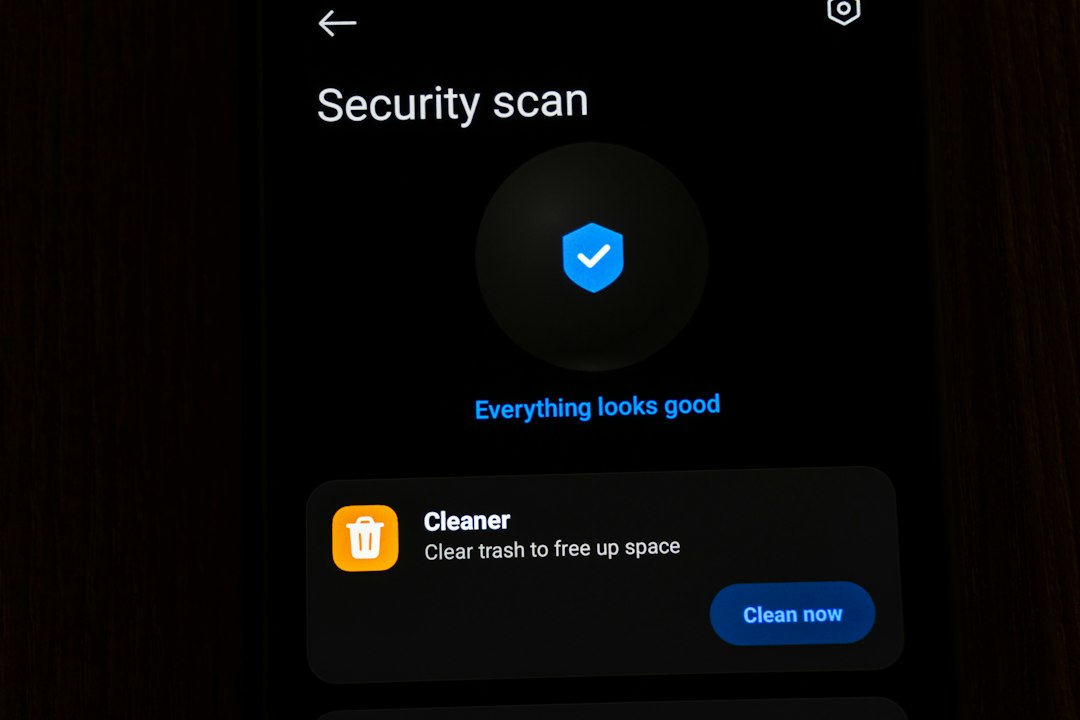
Security tools are only as effective as the habits surrounding their use. Responsible management significantly strengthens overall resilience.
The Future of Credential Security
The cybersecurity landscape continues to evolve. Passwordless authentication methods, including passkeys and biometric verification, are gaining traction. Nevertheless, passwords remain deeply embedded in digital infrastructures worldwide.
Password management software is adapting accordingly, integrating passkey support, hardware-based authentication, and advanced monitoring tools. Rather than becoming obsolete, modern managers are transforming into comprehensive identity management platforms.
As cyber threats expand in complexity, proactive credential governance will remain central to digital protection strategies. Whether safeguarding personal finances or enterprise systems, secure credential storage is fundamental to trust in the digital ecosystem.
Conclusion
Password management software provides a structured and highly secure framework for storing and protecting credentials. By combining strong encryption, automated password generation, and multi-factor authentication, it addresses the most common vulnerabilities in digital account management. For individuals, it simplifies secure behavior. For businesses, it enforces policy and reduces organizational risk.
In an era where data breaches are frequent and costly, investing in reliable password management technology is not merely a convenience—it is a strategic necessity. Strong credentials, properly stored and managed, remain one of the most effective defenses against unauthorized access and cybercrime.
