 logo
logo



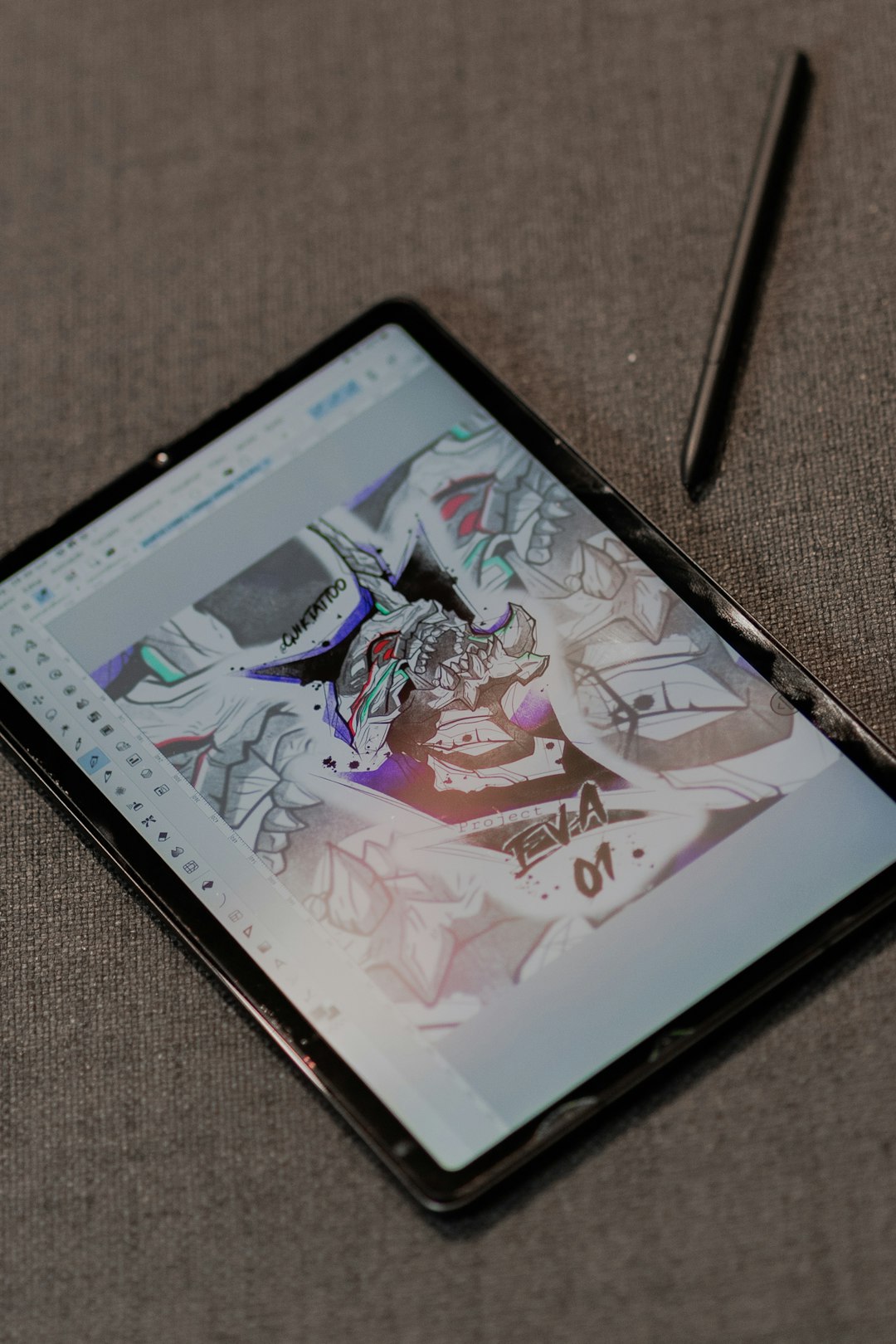
Designing a logo is far more than arranging shapes and fonts—it’s about capturing the essence of a brand in a single, memorable visual. Whether you’re launching a startup, refreshing your company identity, or freelancing for clients, the right tools can dramatically improve your creative workflow and final results. Today’s logo design software ranges from professional-grade vector platforms to intuitive browser-based creators powered by artificial intelligence.
TLDR: The right logo design tool can transform your creative process and help produce a truly unique brand identity. From professional software like Adobe Illustrator and CorelDRAW to AI-driven platforms such as Looka and Tailor Brands, designers have more options than ever. This guide highlights 19 powerful logo design tools, compares them, and explains what makes each one valuable. Whether you’re a beginner or an experienced designer, there’s a solution here for you.
Below, we explore 19 powerful logo design tools that can help you create distinctive brand identities.
1. Adobe Illustrator
Often considered the gold standard in vector design, Adobe Illustrator offers unparalleled precision and flexibility. Its robust pen tools, advanced typography controls, and scalability make it ideal for professional logo creation.
- Industry-standard vector editing
- Precise anchor point manipulation
- Seamless integration with Adobe Creative Cloud
2. CorelDRAW
Known for its user-friendly interface and powerful vector capabilities, CorelDRAW is a favorite among logo professionals who prefer a streamlined workflow.
3. Affinity Designer
Affinity Designer provides high-end vector tools without a subscription fee. It’s fast, intuitive, and ideal for freelancers looking for professional features at a one-time cost.
4. Canva
For beginners and entrepreneurs, Canva makes logo design accessible. While not as advanced as Illustrator, its drag-and-drop functionality and vast template library make quick designs simple.
5. Looka
Looka uses artificial intelligence to generate logo concepts based on your inputs. It’s ideal for startups wanting inspiration quickly.
Image not found in postmeta6. Tailor Brands
This AI-driven platform creates logos after asking questions about your brand personality and style. It’s efficient for those with limited design experience.
7. Hatchful by Shopify
Hatchful offers a simple way to generate logos tailored to specific industries. It’s free and easy to use.
8. LogoMakr
A browser-based tool with a vast icon library, LogoMakr gives users flexibility without complex learning curves.
9. Inkscape
Inkscape is a powerful open-source vector graphics editor. It’s free and ideal for designers comfortable navigating slightly more technical interfaces.
10. Gravit Designer
This cross-platform vector tool works directly in your browser. Gravit Designer offers cloud-based convenience and solid vector features.
11. Vectr
Vectr is another free vector tool great for simple logo projects and collaborative work.
12. Sketch
Popular among UI/UX designers, Sketch also functions effectively for logo design thanks to its vector editing capabilities.

13. Figma
Figma excels in collaborative design. Teams can ideate and refine logos together in real time from anywhere in the world.
14. LogoCreator
This downloadable software provides templates and ready-made shapes tailored specifically for logo production.
15. DesignEvo
DesignEvo offers thousands of templates and icons, making it suitable for quick branding projects.
16. Wix Logo Maker
Using AI technology, Wix Logo Maker generates brand-aligned logos after answering a few questions about your business.
17. Turbologo
This platform emphasizes speed and automation, ideal for entrepreneurs needing fast solutions.
18. Logomaster
Logomaster provides clean templates and customization features suitable for small business branding.
19. Krita
While primarily known for digital illustration, Krita can be used for custom-drawn logos with an artistic flair.
Comparison Chart of Logo Design Tools
| Tool | Best For | Skill Level | Platform | Pricing Model |
|---|---|---|---|---|
| Adobe Illustrator | Professional designers | Advanced | Desktop | Subscription |
| CorelDRAW | Vector professionals | Advanced | Desktop | Subscription |
| Affinity Designer | Freelancers | Intermediate | Desktop/iPad | One-time fee |
| Canva | Beginners | Beginner | Web/App | Freemium |
| Looka | AI logo generation | Beginner | Web | Pay per download |
| Inkscape | Budget designers | Intermediate | Desktop | Free |
| Figma | Team collaboration | Beginner to Advanced | Web/Desktop | Freemium |
What Makes a Great Logo Design Tool?
While features vary, the best logo design tools share several critical qualities:
- Scalability: Vector-based editing ensures logos remain sharp at any size.
- Customization: Fonts, colors, and shapes must be fully editable.
- Export Options: High-resolution and vector file formats (SVG, EPS, PDF) are essential.
- User Experience: An intuitive interface speeds up creativity.
- Collaboration Features: Increasingly important for remote teams.
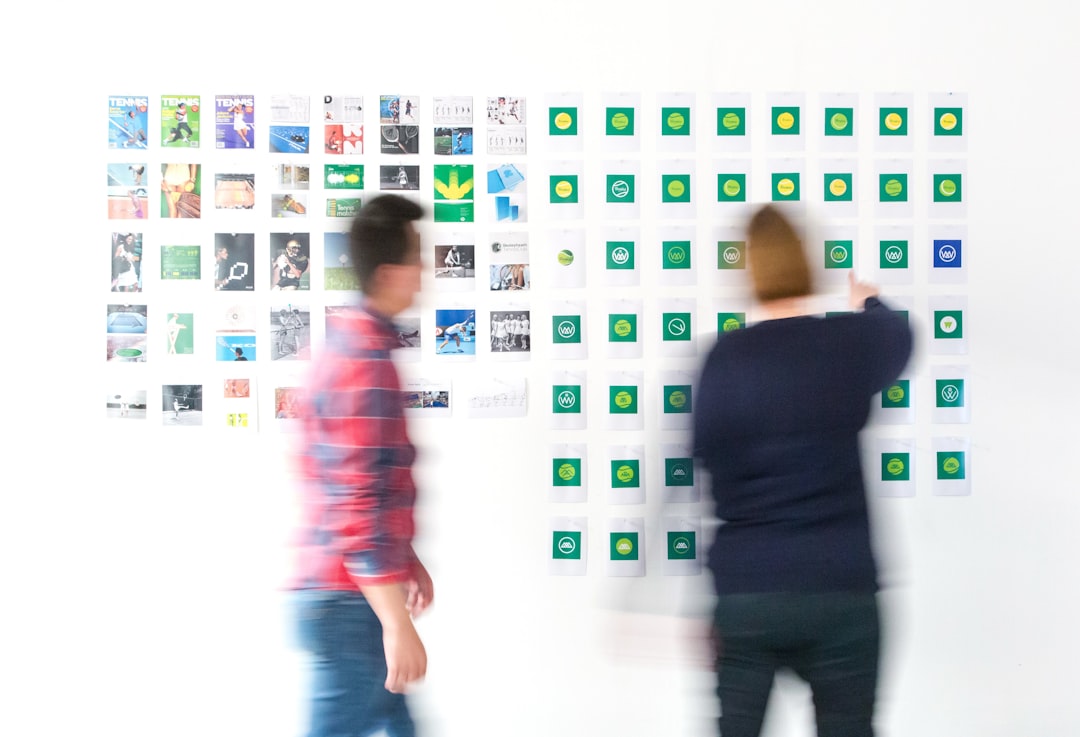
Choosing the Right Tool for Your Needs
If you’re a professional graphic designer, high-end vector tools like Illustrator or CorelDRAW provide unmatched control. If you’re a startup founder needing something quick and affordable, AI-driven platforms can generate impressive options in minutes. Meanwhile, collaborative teams may find Figma the most efficient environment for shared branding projects.
It’s also worth considering your long-term branding strategy. A logo isn’t just for a website header—it appears on packaging, merchandise, social media profiles, business cards, and billboards. Choosing software that supports scalable and editable formats ensures your logo evolves with your brand.
Final Thoughts
A powerful logo is the cornerstone of a memorable brand identity. The tools listed here cater to a wide range of needs, from hands-on illustration to AI-assisted design. By understanding each platform’s strengths, you can select the one that aligns with your skills, budget, and branding goals.
In the end, even the most advanced software is just a tool. What truly makes a logo stand out is creative thinking, strategic insight, and attention to detail. Pair the right technology with a strong design vision, and you’ll be well on your way to crafting a unique and lasting brand identity.
